

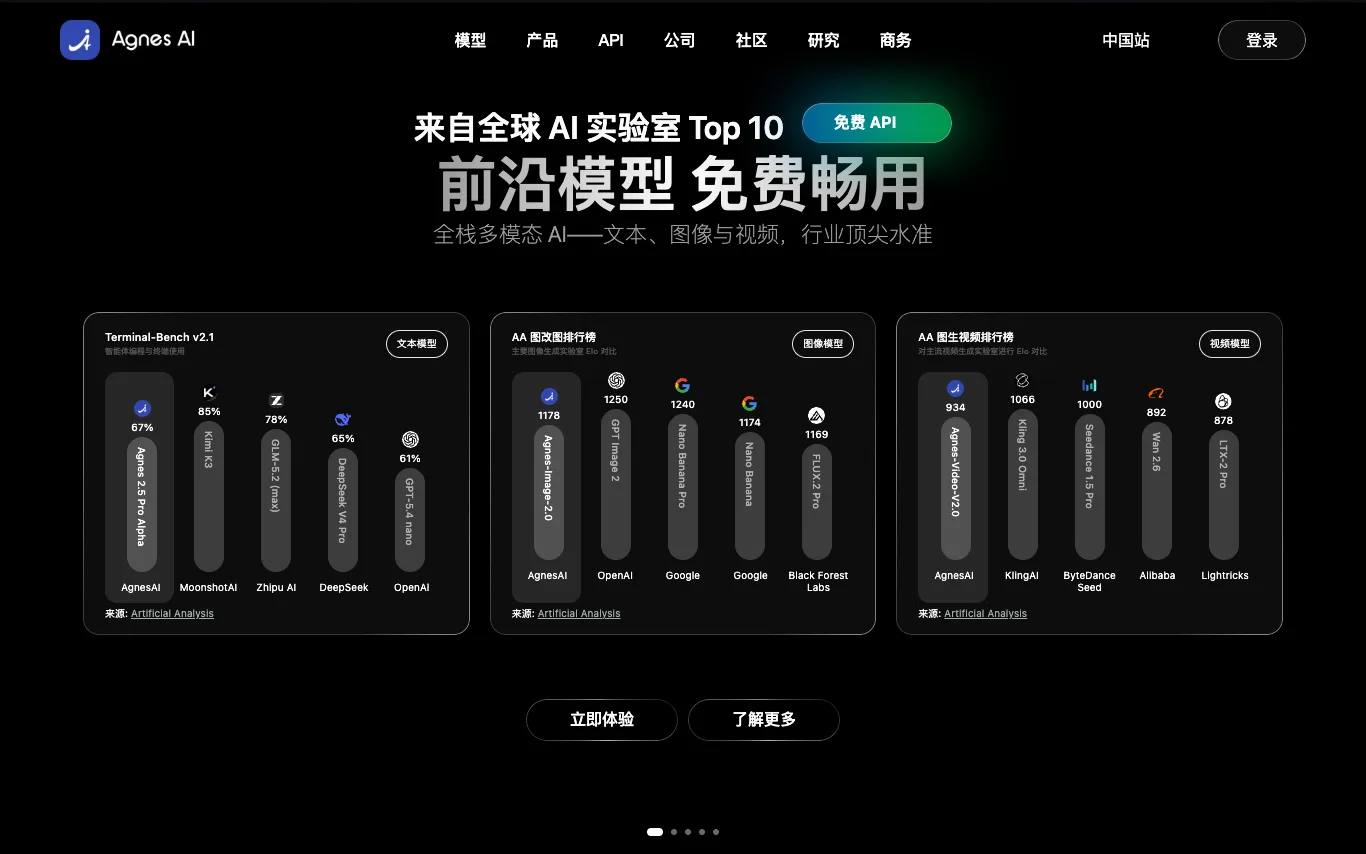

Agnes AI is an AI gateway, free AI API platform, and AI application ecosystem featuring Agnes, Echo, and Pavo. Get free AI API credits, create a free AI API key, use free AI API tokens, and access free AI API models for chatbots, AI agents, content tools, image generation, roleplay, productivity, and intelligent workflows. Build and use scalable generative AI across apps through one unified platform.
AI Image Generator · 99 tools
Best AI Image Generator Tools (2026)
Compare AI image generators for text-to-image, image-to-image, product shots, style control, free credits, and API access.
All AI Image Generator tools
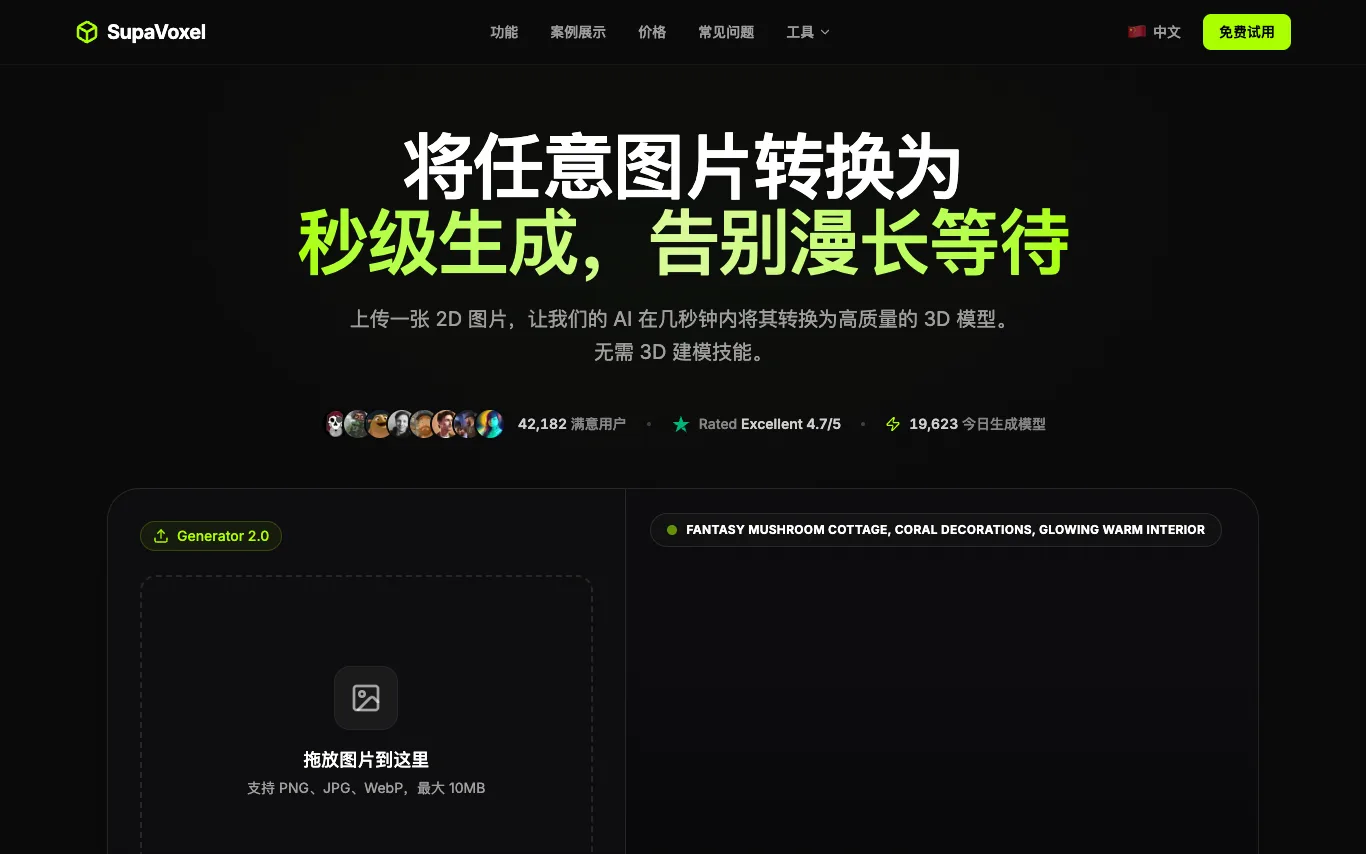

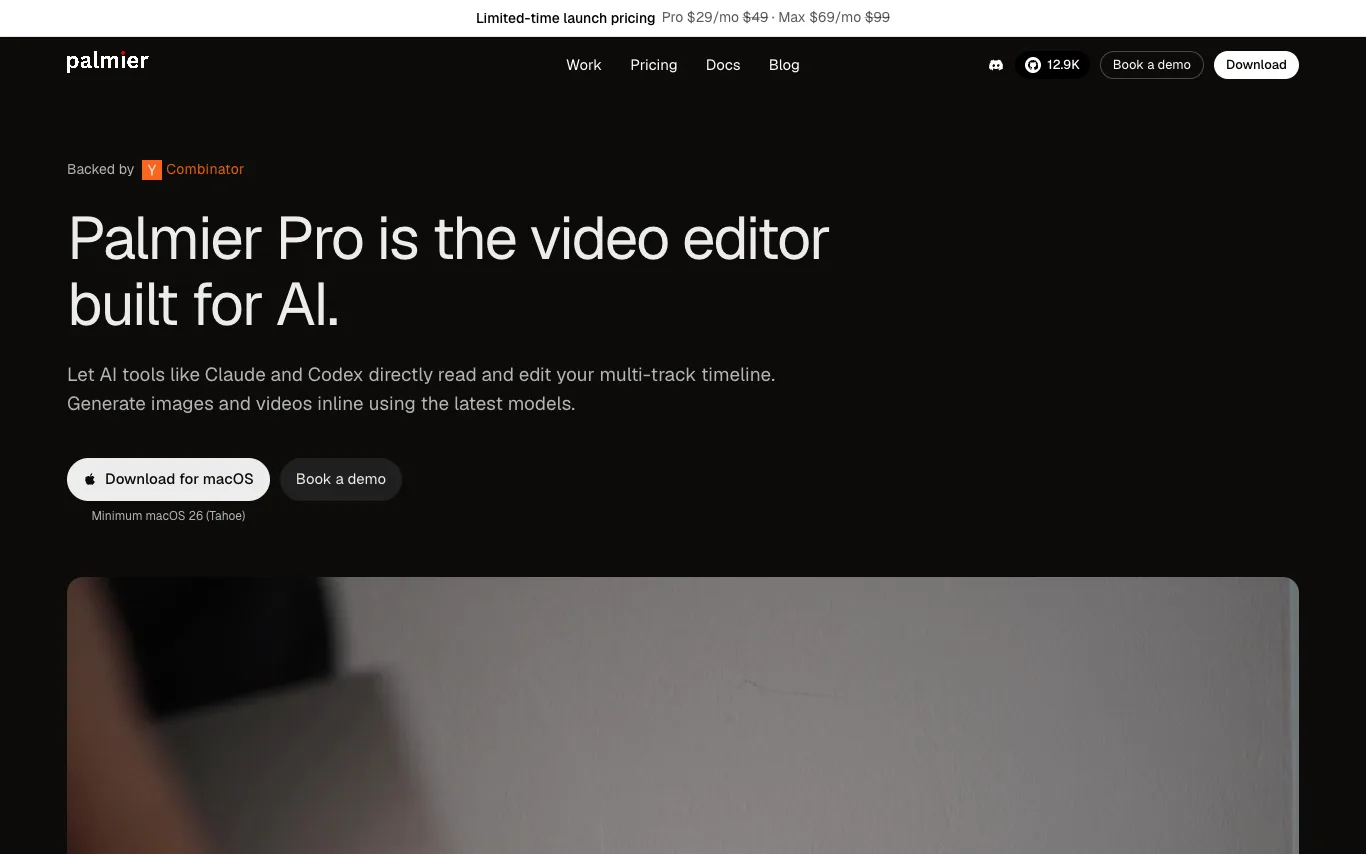

Palmier Pro is a professional video editor that integrates AI generation directly into the timeline. Users can generate AI images, videos, and audio inline, and mix them with imported footage. It supports multi-track editing, export to Premiere and DaVinci, and connects with AI agents via MCP. The editor is free without AI, with paid plans for credits.
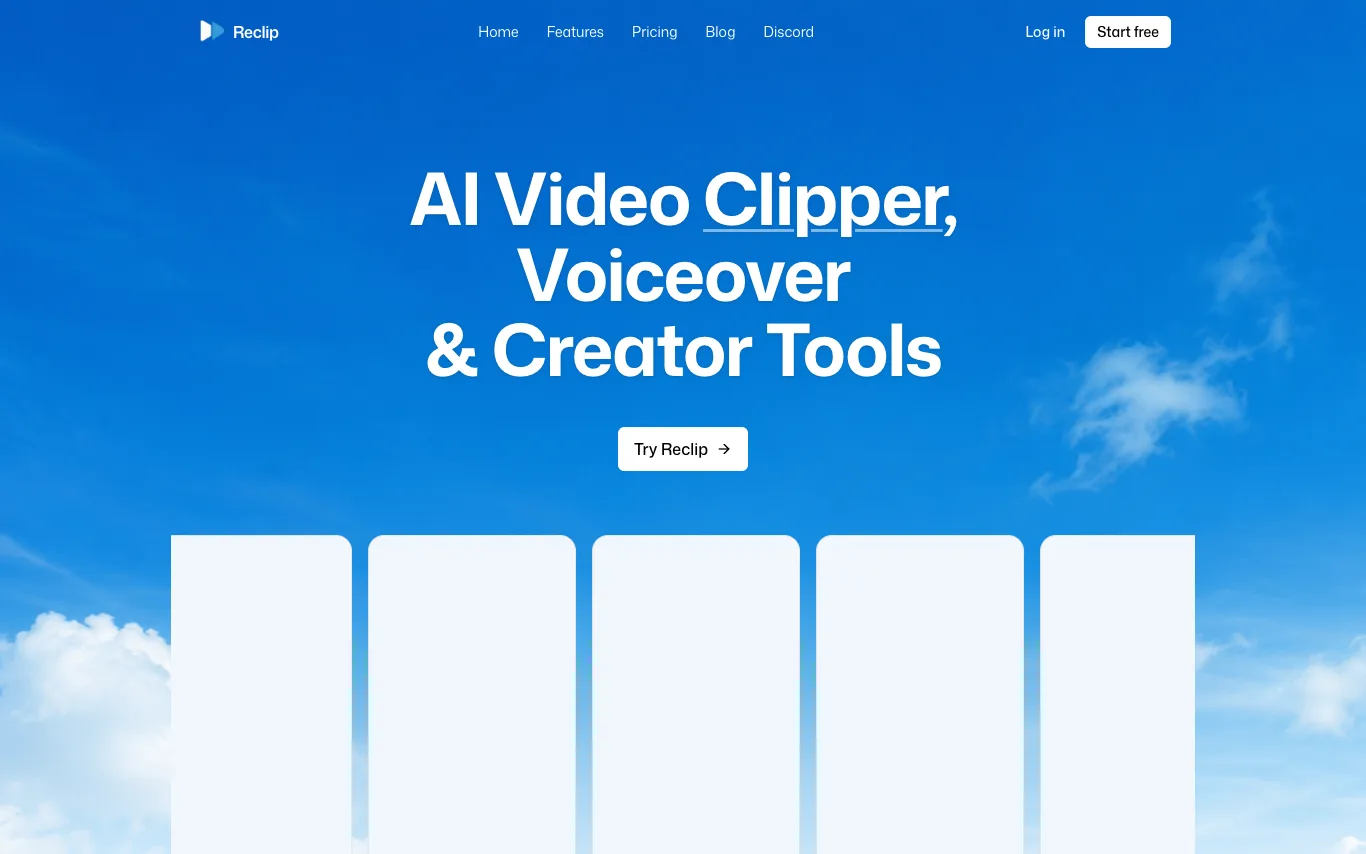

Reclip is an AI-powered creator toolkit that automatically clips the best moments from long-form videos, adds voiceovers, removes captions, and downloads videos. It also offers AI video generation, AI ad generation, AI image generation, video compression, background removal, and more. Trusted by creators publishing to Instagram, YouTube Shorts, TikTok, YouTube, and Twitch.
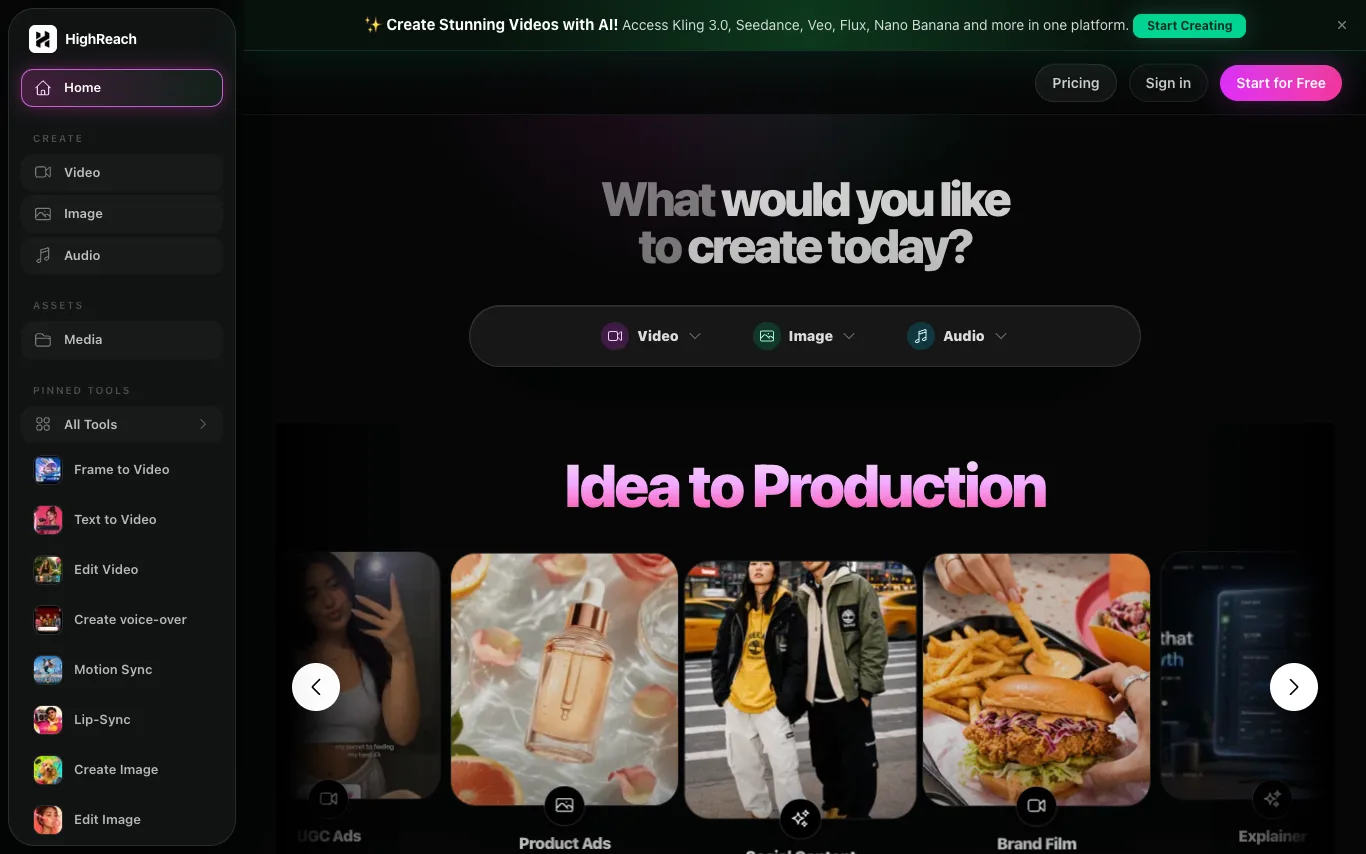

HighReach is an AI generation suite for videos, images, avatars, scripts, and product creative. Build campaign-ready assets from one workspace. It offers tools for video creation, image editing, audio generation, and more, with access to models like Kling 3.0, Seedance, Veo, Flux, and Nano Banana.
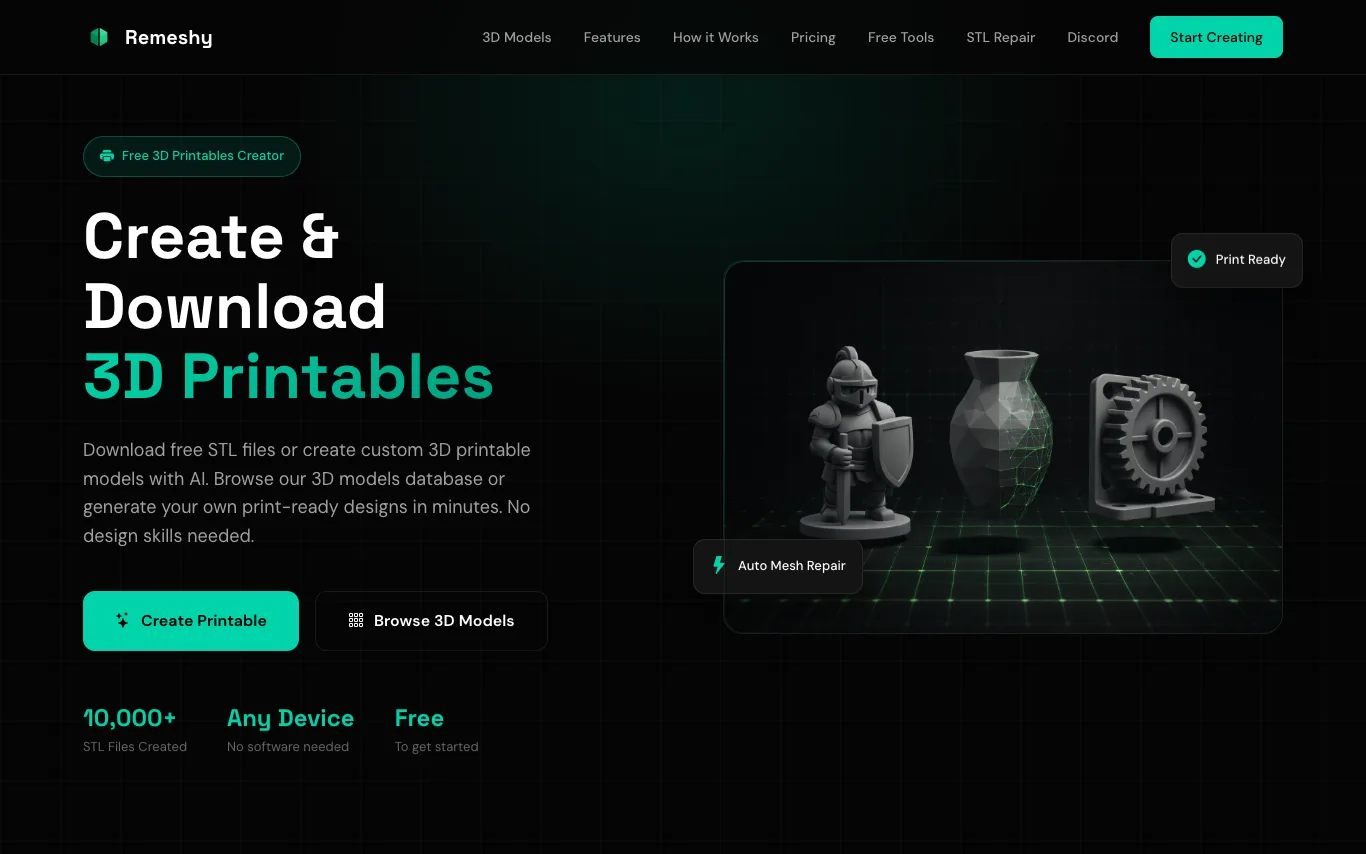

Remeshy is a free 3D printing platform that lets you create custom STL files using AI. Describe a design or upload an image to generate print-ready models. It also offers a library of community-created 3D models, automatic mesh repair, and optimization for successful printing. No CAD skills or software installation required.
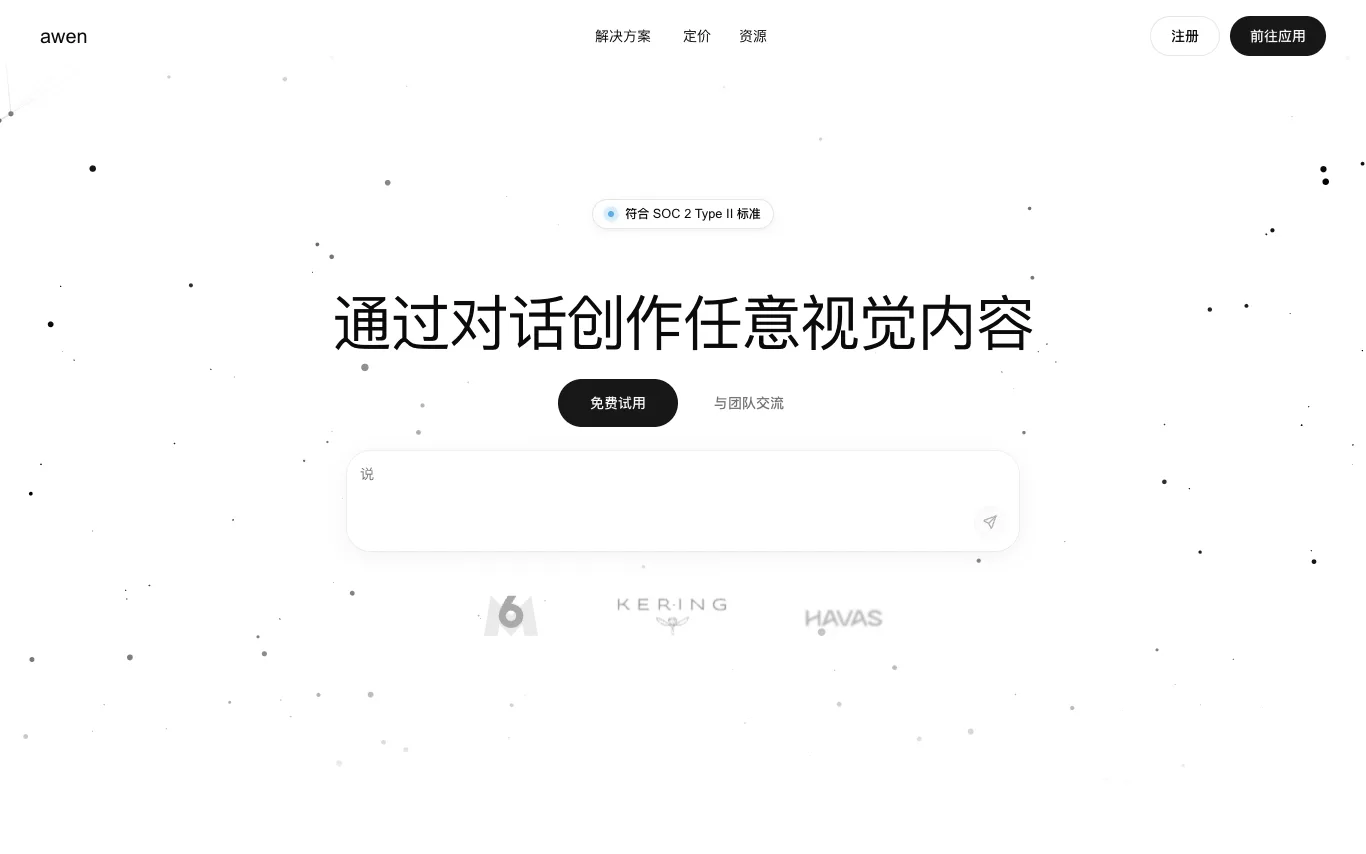

Awen is a platform that lets creatives and teams generate images, videos, and visual assets from natural conversation. It understands creative intent, automatically selects and orchestrates the right AI models, and produces usable outputs without requiring technical prompting or AI expertise. Awen is designed for design, creative direction, advertising, e-commerce, and video production workflows.
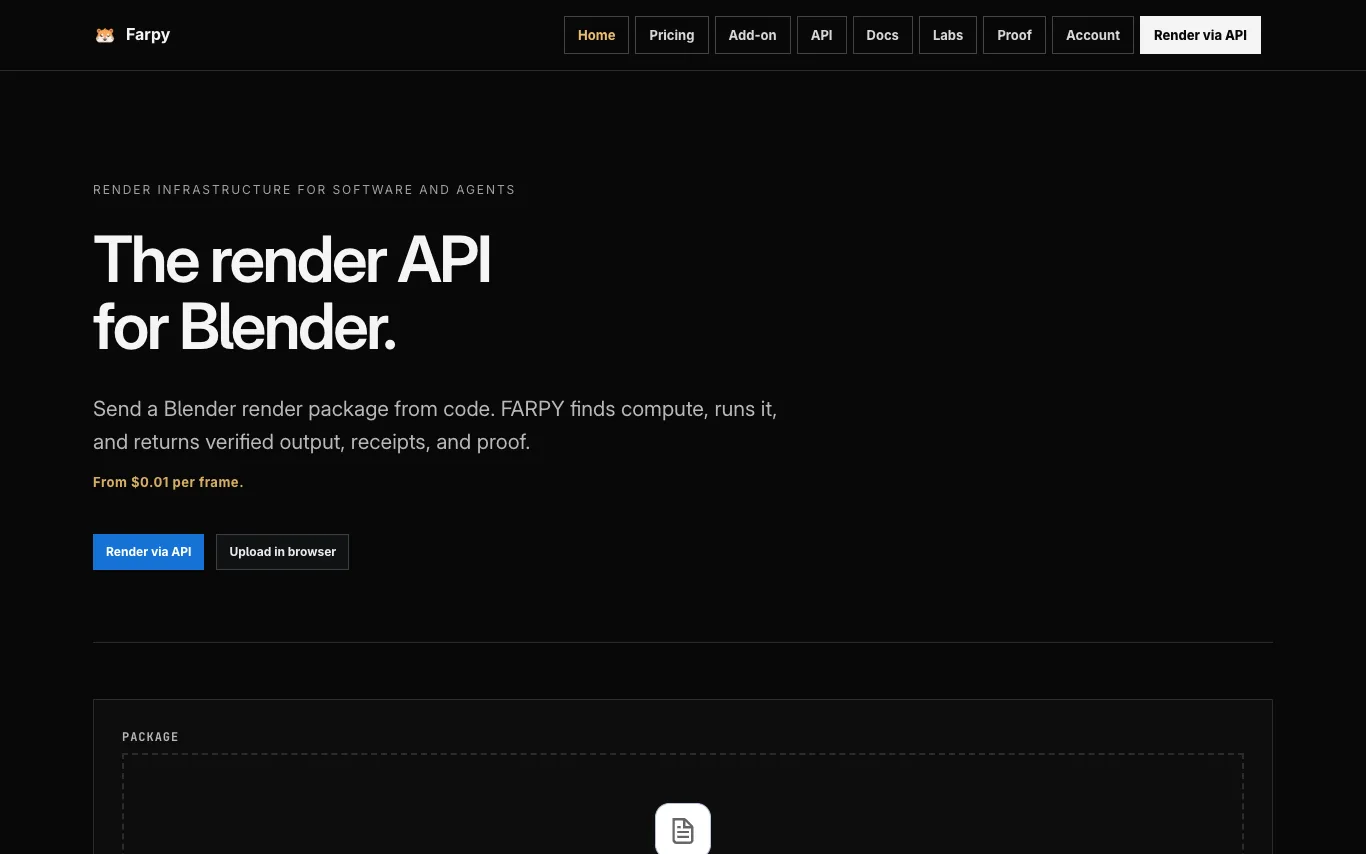

FARPY runs compute workloads and returns verified artifacts, benchmark records, execution receipts, and inspectable results. It is a render infrastructure for software and agents, offering a public API to upload, submit, track, download, and verify Blender renders. Pricing starts from $0.01 per frame, and users pay only for what renders. Uploaded .blend files are not sold, not used for AI training, and are deleted after download.
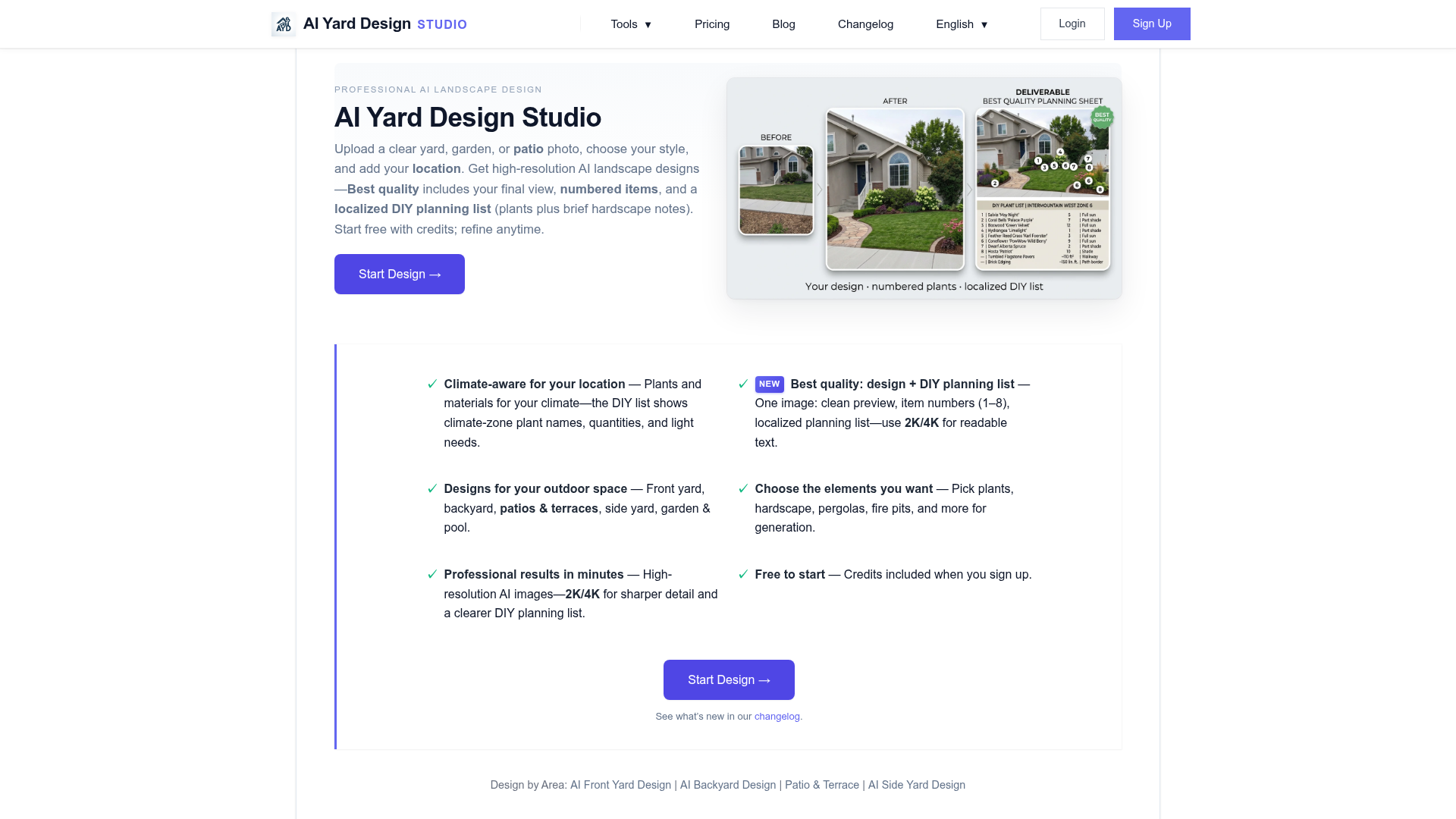

Professional Landscape Design, Made Simple
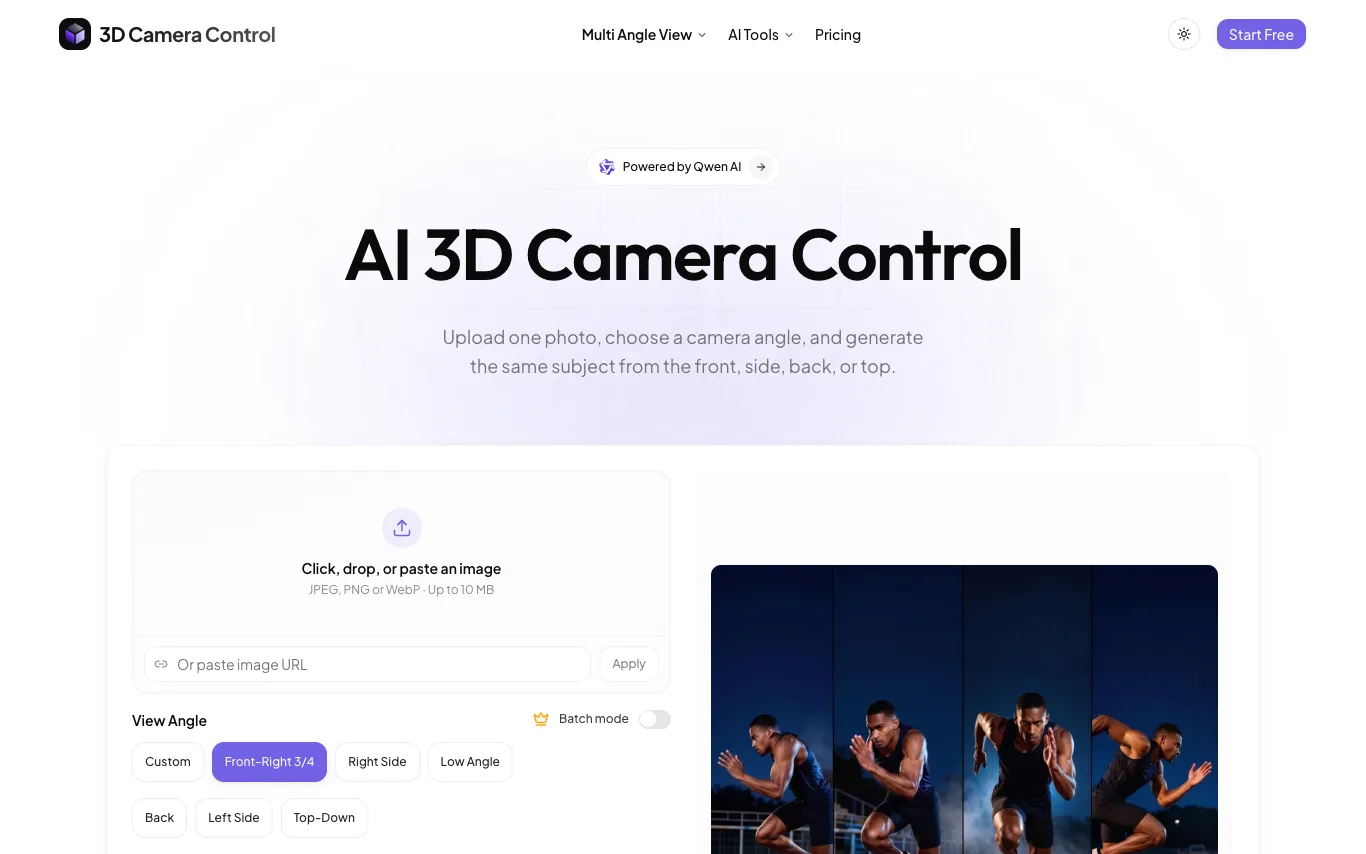

3D Camera Control is a free AI tool that generates multiple camera angles from a single photo. Users can obtain front, side, back, and top-down views instantly. The service is designed for quick and easy multi-angle image generation without cost.
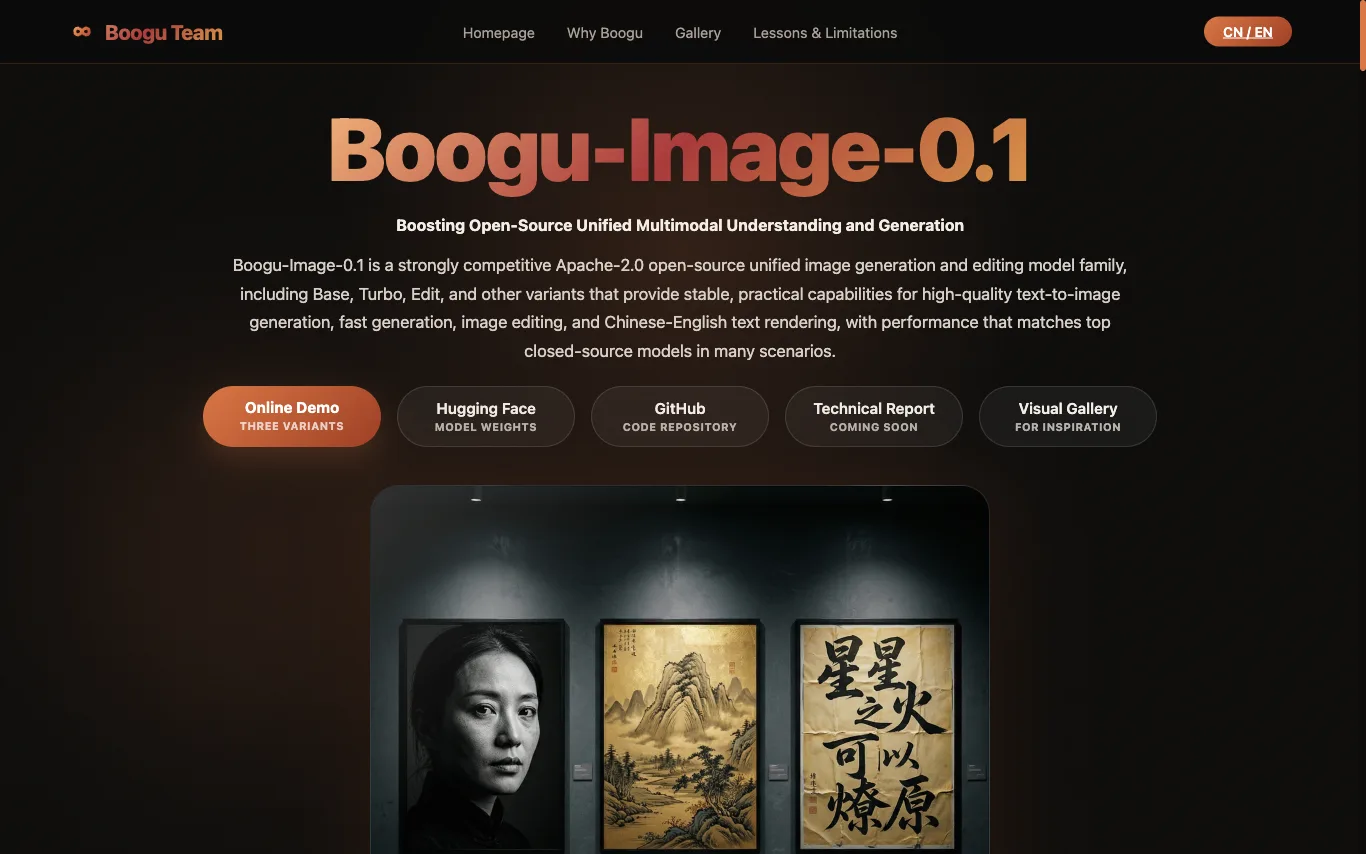

Boogu-Image-0.1 is an Apache-2.0 open-source unified image generation and editing model family, including Base, Turbo, Edit, and other variants that provide high-quality text-to-image generation, fast generation, image editing, and Chinese-English text rendering.
What is an AI image generator?
An AI image generator creates original images from a text prompt or a reference image, using diffusion or similar models. It can produce art, photos, logos, product shots, and edits in many styles. Tools range from general text-to-image generators to focused ones for product photos, avatars, or upscaling.
Core features to look for
- Text-to-image from a written prompt
- Image-to-image and inpainting edits
- Style, aspect ratio, and resolution control
- Negative prompts and seeds for consistency
- Commercial-use rights and licensing options
- Free credits, or model choice and API
Who uses AI image generators, and how
01
Text-to-image art
Create illustrations, concept art, and social visuals from a prompt.
02
Image-to-image & edits
Restyle a photo, extend it, or edit parts with inpainting.
03
Product & marketing
Generate product shots, ads, and thumbnails with brand control.
04
Free & API
Compare free credits, watermarks, and API access for apps.
How does an AI image generator work?
Most AI image generators use diffusion models trained on huge image-text datasets. They start from noise and denoise it step by step, guided by your prompt, until an image emerges. Extra controls — negative prompts, seeds, reference images — steer style, composition, and consistency.