



Create cinematic AI videos with Seedance 2.0—from text prompts and reference images to multi-shot sequences with consist
Best AI Image Generator Tools (2026)
Compare AI image generators for text-to-image, image-to-image, product shots, style control, free credits, and API access.
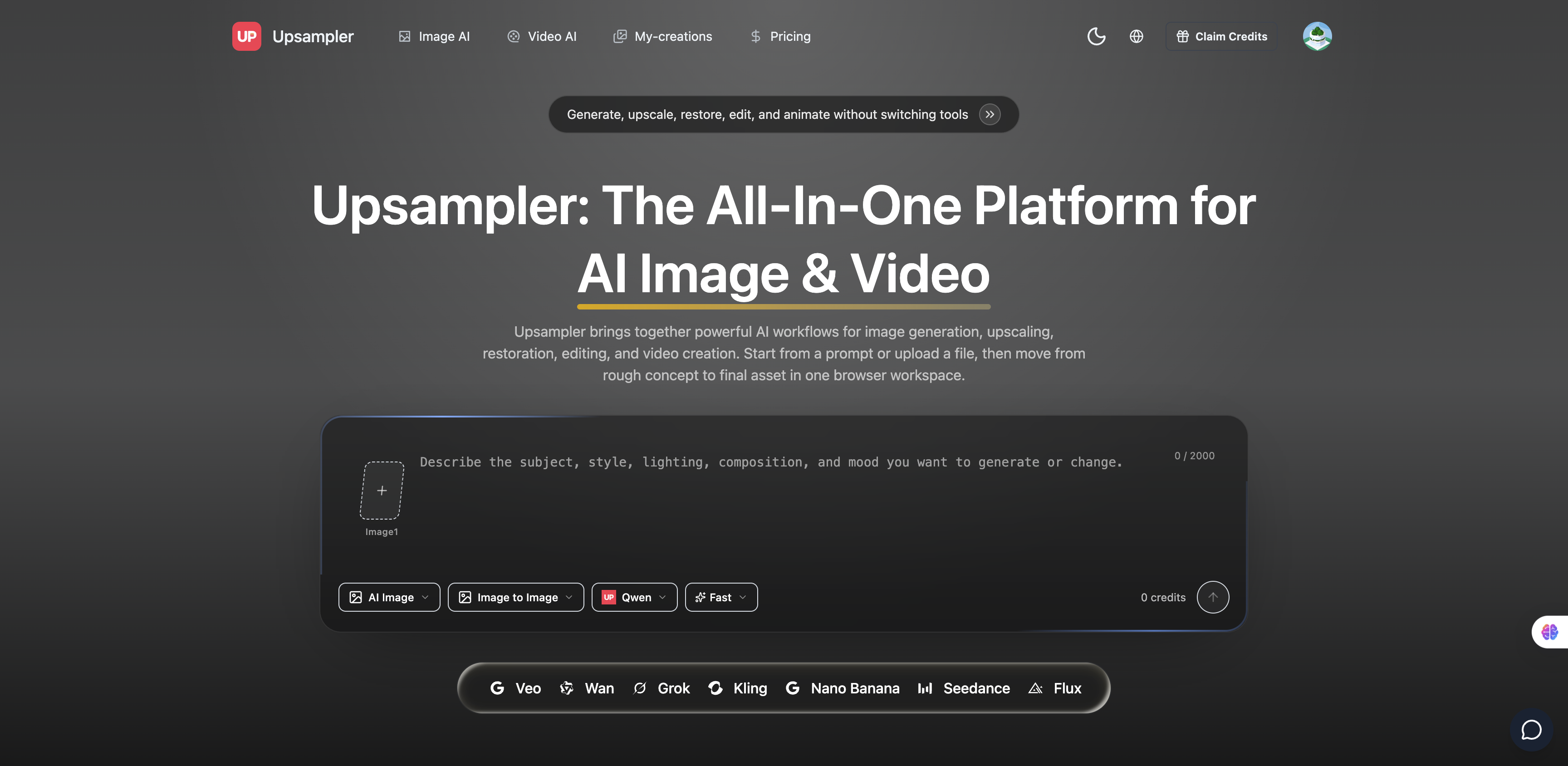
Free AI video generator and free AI image generator

AI video and image generator for text to video, image to video, and AI image creation.
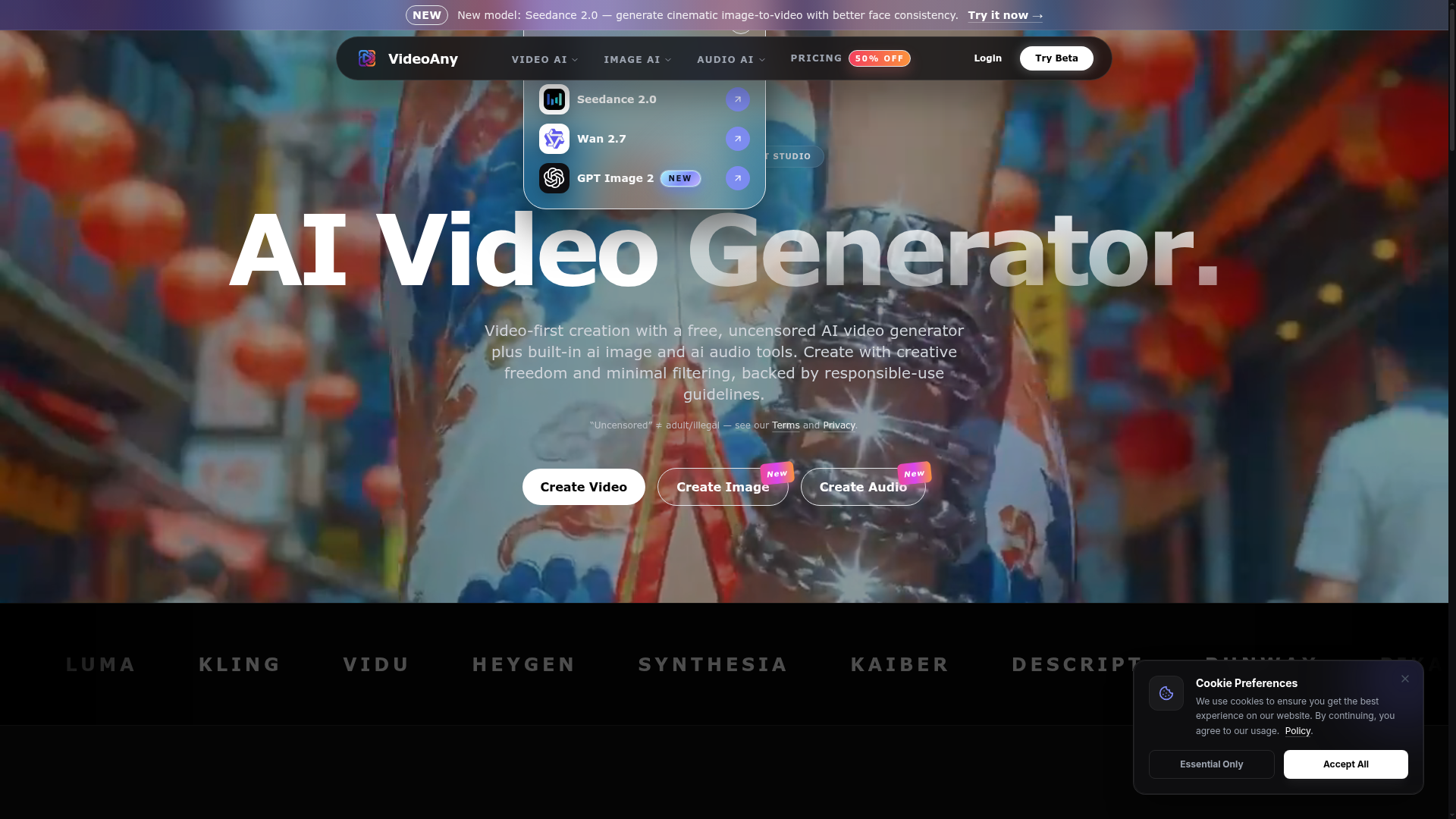

Video-first creation with a free, uncensored AI video generator plus built-in AI image and audio tools.
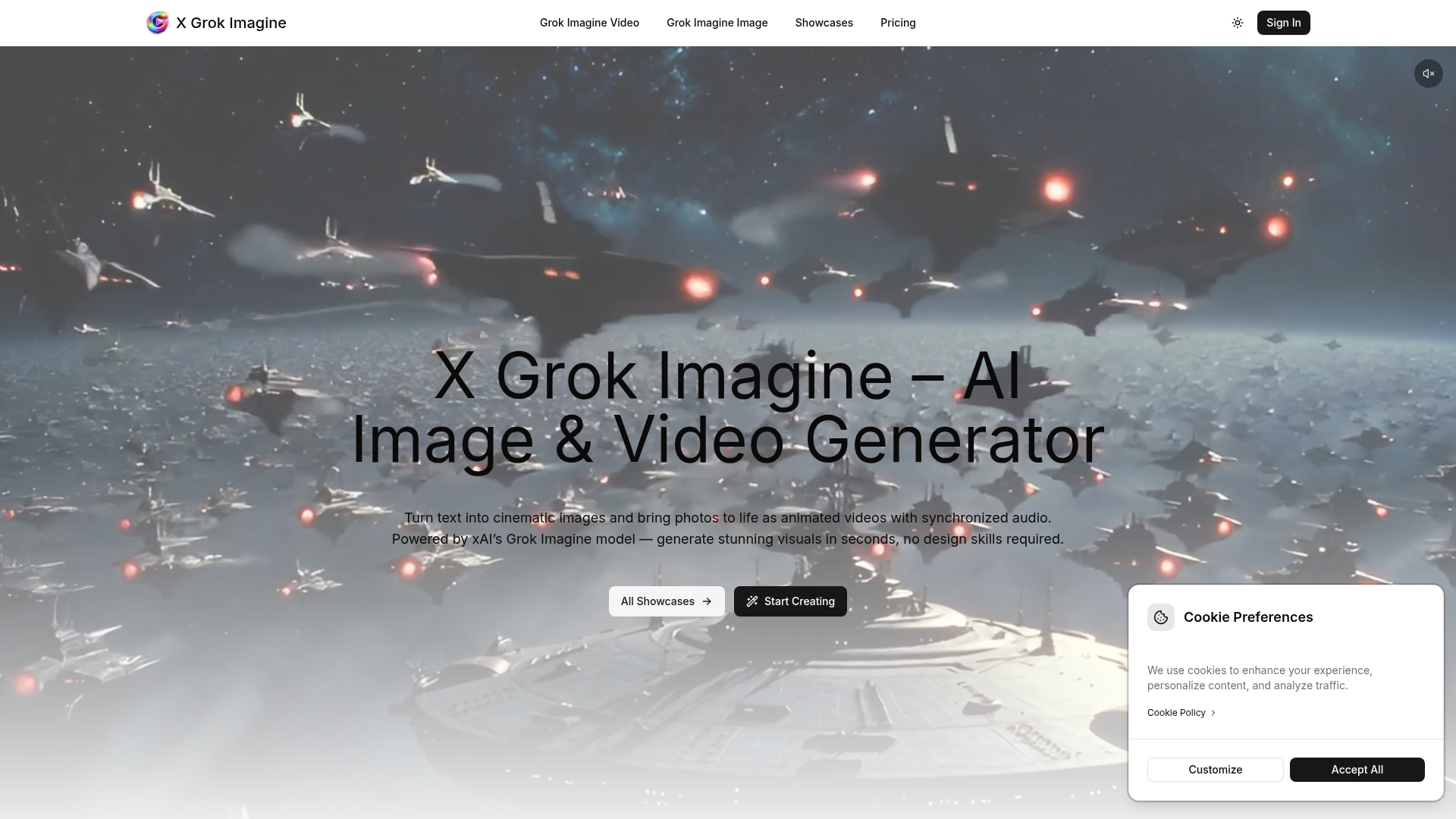
Turn text into cinematic images and bring photos to life as animated videos with synchronized audio.
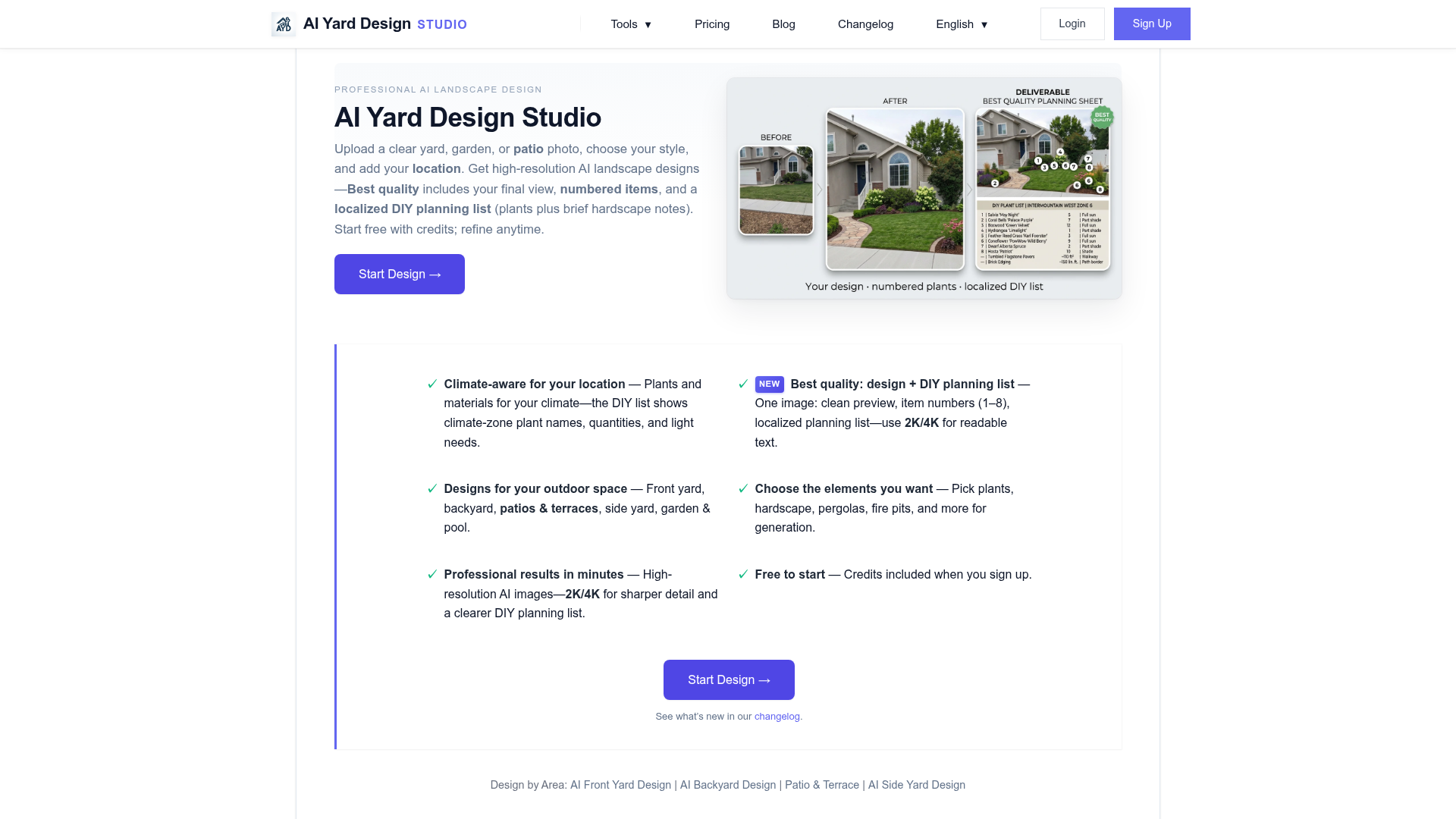

Professional Landscape Design, Made Simple
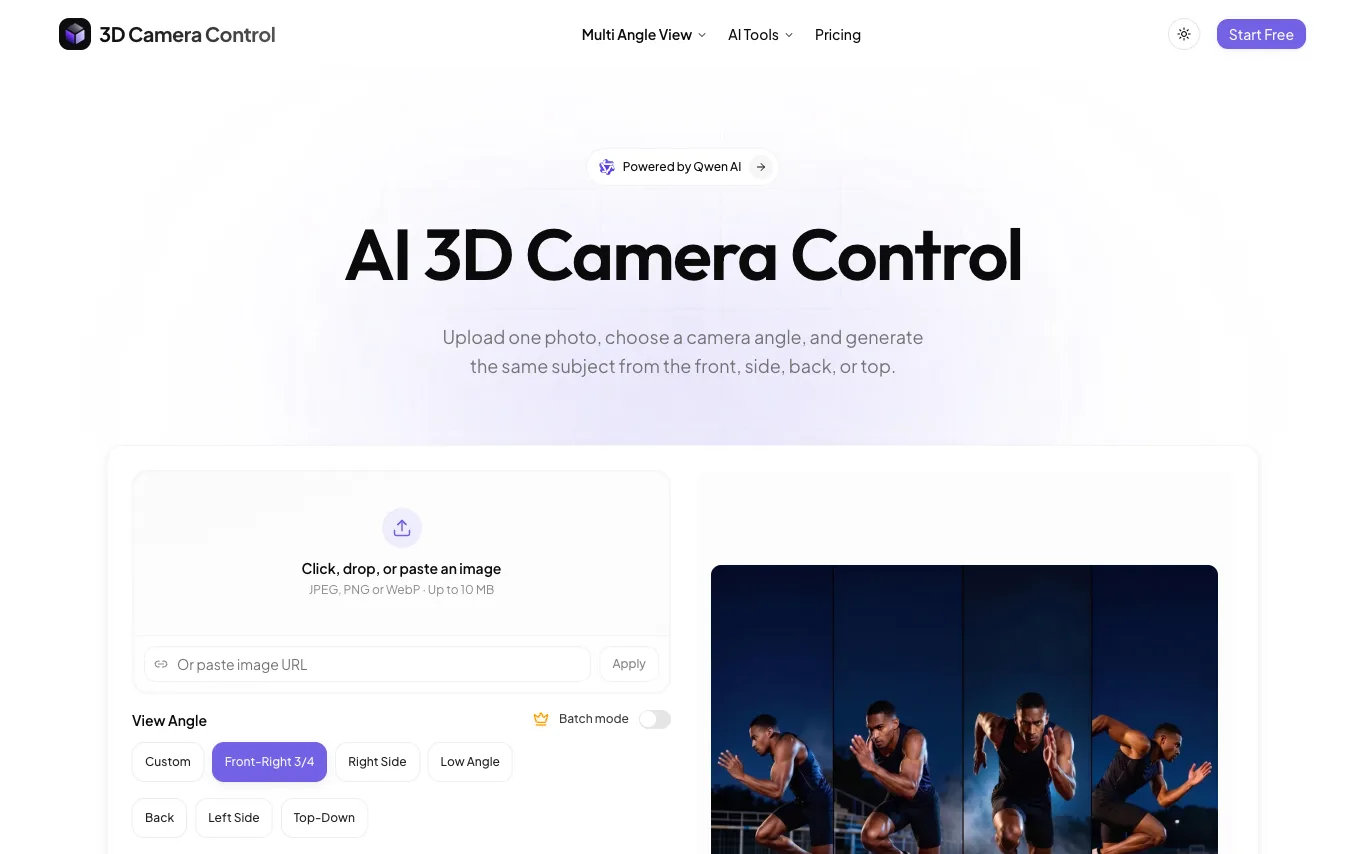

3D Camera Control is a free AI tool that generates multiple camera angles from a single photo. Users can obtain front, side, back, and top-down views instantly. The service is designed for quick and easy multi-angle image generation without cost.
WeShop AI is an image and video creation platform for e-commerce teams. Upload a product photo and generate AI models, virtual try-ons, and marketing visuals.
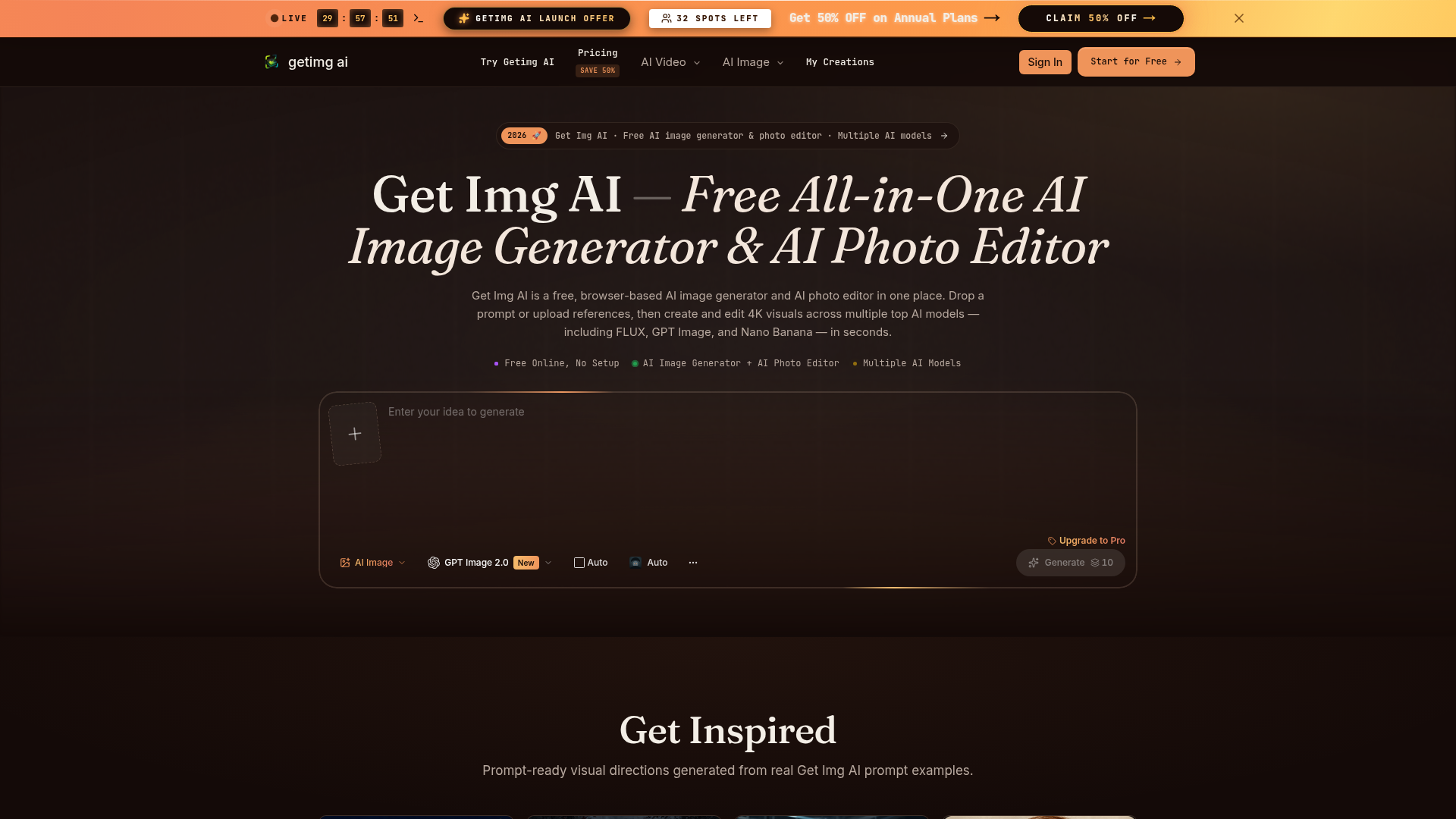

Get Img AI is a free, all-in-one AI image generator and AI photo editor accessible directly in your browser. It provides a unified workspace for creating and editing high-resolution 4K visuals, leveraging multiple advanced AI models such as FLUX, GPT Image, and Nano Banana. Users can simply drop a prompt or upload reference images to begin generating and refining their visuals in seconds. The platform is designed for designers, marketers, and product teams who need to produce campaign-quality visuals efficiently. It supports text-to-image generation, natural-language image-to-image editing, and multi-reference fusion with up to nine inputs. Key capabilities include accurate in-image text rendering and granular control over elements like faces, color, and composition. By offering precise controls over complex AI imagery aspects, Get Img AI enables creators to ship print-ready posters, social ads, product shots, and character storyboards on deadline. It streamlines creative workflows by replacing manual editing tasks with AI-powered solutions, ensuring consistent visual identity and high-quality output.
Image to Image is a professional AI photo editor and image-to-image transformation tool operating within a single browser-based workspace. It empowers users to upload an existing photo and then restyle it, swap backgrounds, fuse multiple references, or apply natural-language edits, delivering new visual results in seconds. Built for designers, marketers, and product teams, this tool streamlines the creation of campaign-quality visuals. It offers specific workflows such as comprehensive style transfer, e-commerce background replacement for product shots, and maintaining character consistency across multi-frame storyboards. The inline AI photo editor allows for precise modifications like object removal, canvas extension, and perspective changes, all guided by plain English instructions without complex manual masking. By providing granular control over critical elements like faces, color, and typography, Image to Image ensures consistent and on-brand output. Users can transform existing images or generate new ones up to 4K resolution, significantly reducing the time and effort typically required for visual asset production.


Related categories
What is an AI image generator?
An AI image generator creates original images from a text prompt or a reference image, using diffusion or similar models. It can produce art, photos, logos, product shots, and edits in many styles. Tools range from general text-to-image generators to focused ones for product photos, avatars, or upscaling.
Core features to look for
- Text-to-image from a written prompt
- Image-to-image and inpainting edits
- Style, aspect ratio, and resolution control
- Negative prompts and seeds for consistency
- Commercial-use rights and licensing options
- Free credits, or model choice and API
Who uses AI image generators, and how
01
Text-to-image art
Create illustrations, concept art, and social visuals from a prompt.
02
Image-to-image & edits
Restyle a photo, extend it, or edit parts with inpainting.
03
Product & marketing
Generate product shots, ads, and thumbnails with brand control.
04
Free & API
Compare free credits, watermarks, and API access for apps.
How does an AI image generator work?
Most AI image generators use diffusion models trained on huge image-text datasets. They start from noise and denoise it step by step, guided by your prompt, until an image emerges. Extra controls — negative prompts, seeds, reference images — steer style, composition, and consistency.