


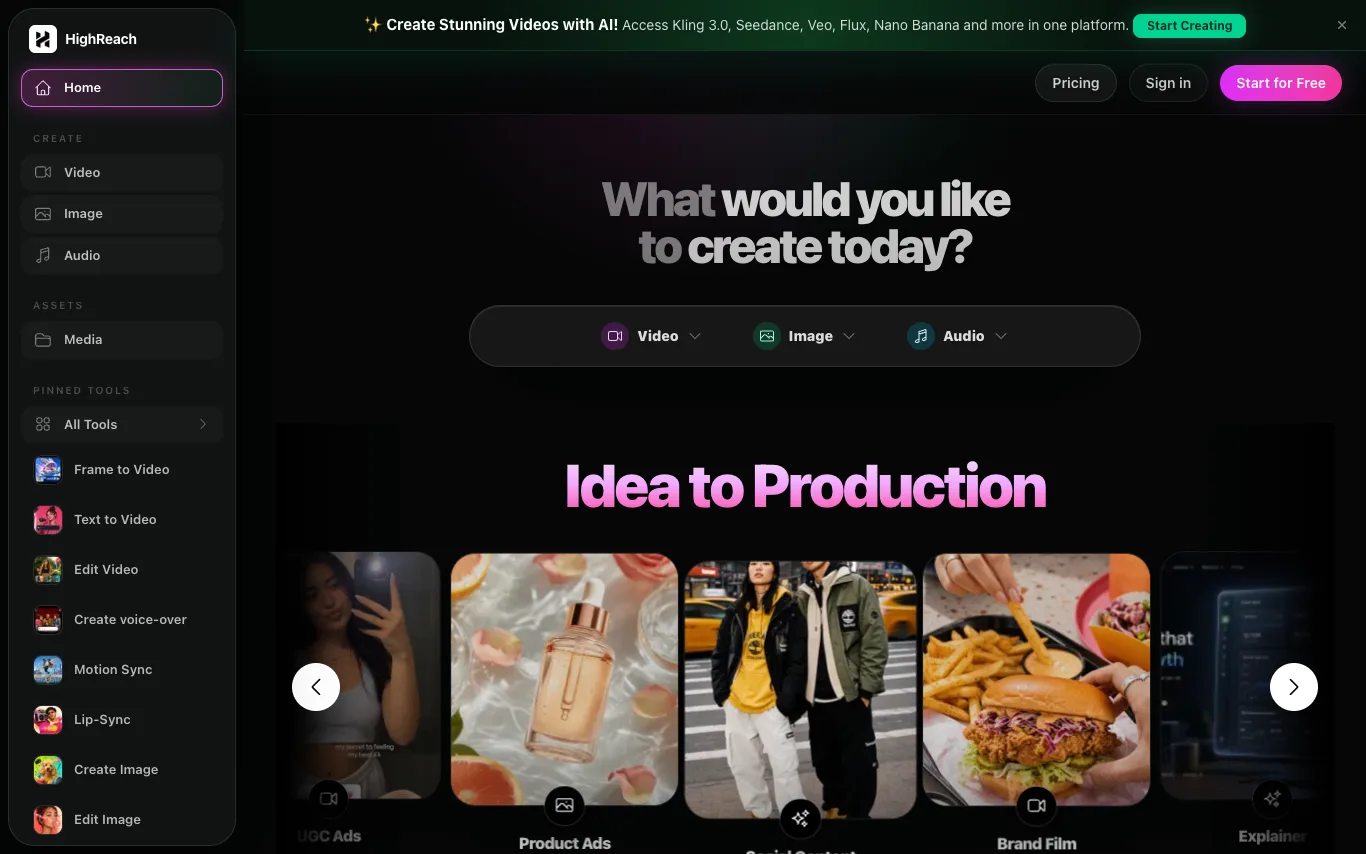

HighReach is an AI generation suite for videos, images, avatars, scripts, and product creative. Build campaign-ready assets from one workspace. It offers tools for video creation, image editing, audio generation, and more, with access to models like Kling 3.0, Seedance, Veo, Flux, and Nano Banana.
Best AI Image Generator Tools (2026)
Compare AI image generators for text-to-image, image-to-image, product shots, style control, free credits, and API access.
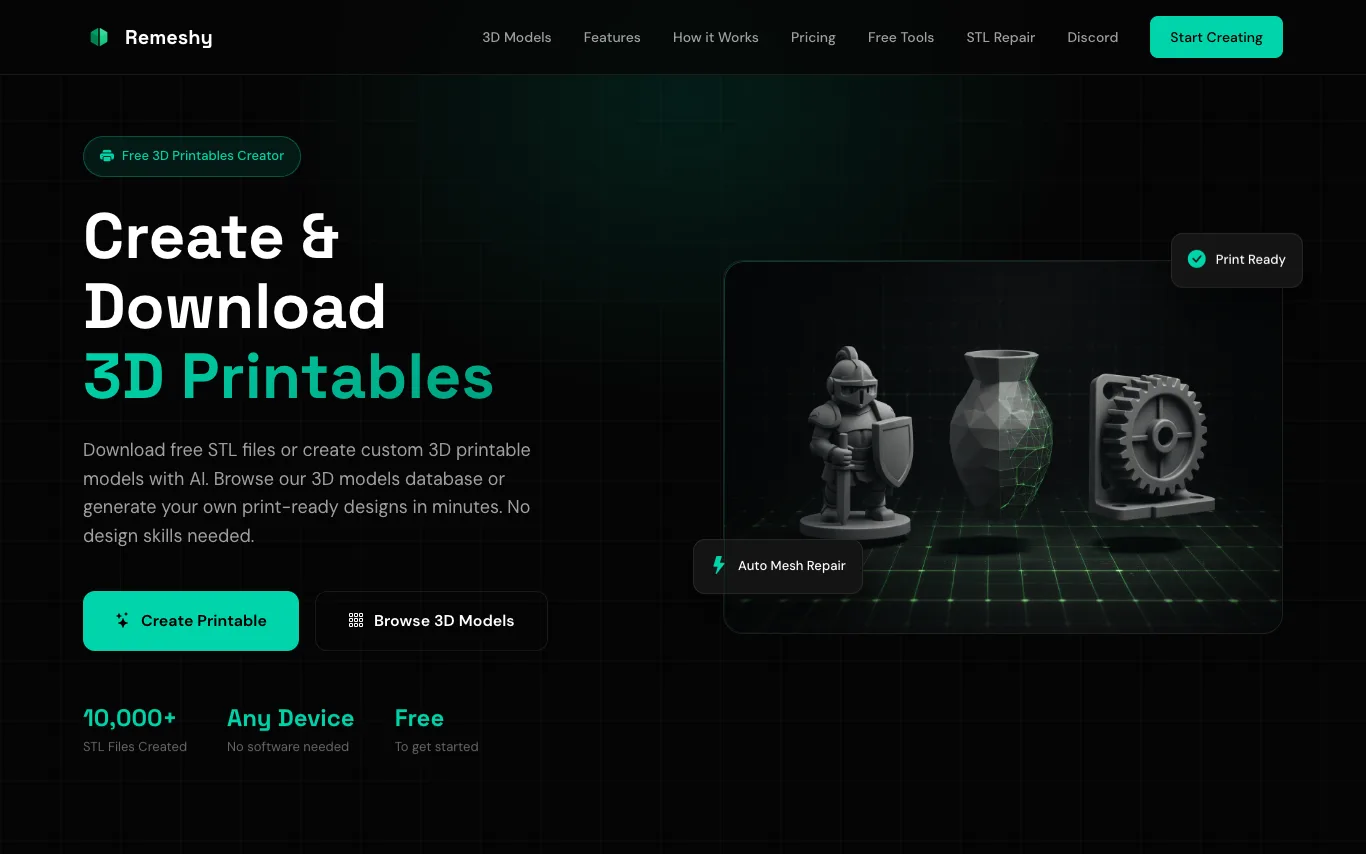

Remeshy is a free 3D printing platform that lets you create custom STL files using AI. Describe a design or upload an image to generate print-ready models. It also offers a library of community-created 3D models, automatic mesh repair, and optimization for successful printing. No CAD skills or software installation required.

Awen is a platform that lets creatives and teams generate images, videos, and visual assets from natural conversation. It understands creative intent, automatically selects and orchestrates the right AI models, and produces usable outputs without requiring technical prompting or AI expertise. Awen is designed for design, creative direction, advertising, e-commerce, and video production workflows.


AI anime generator for images, characters, and clips.
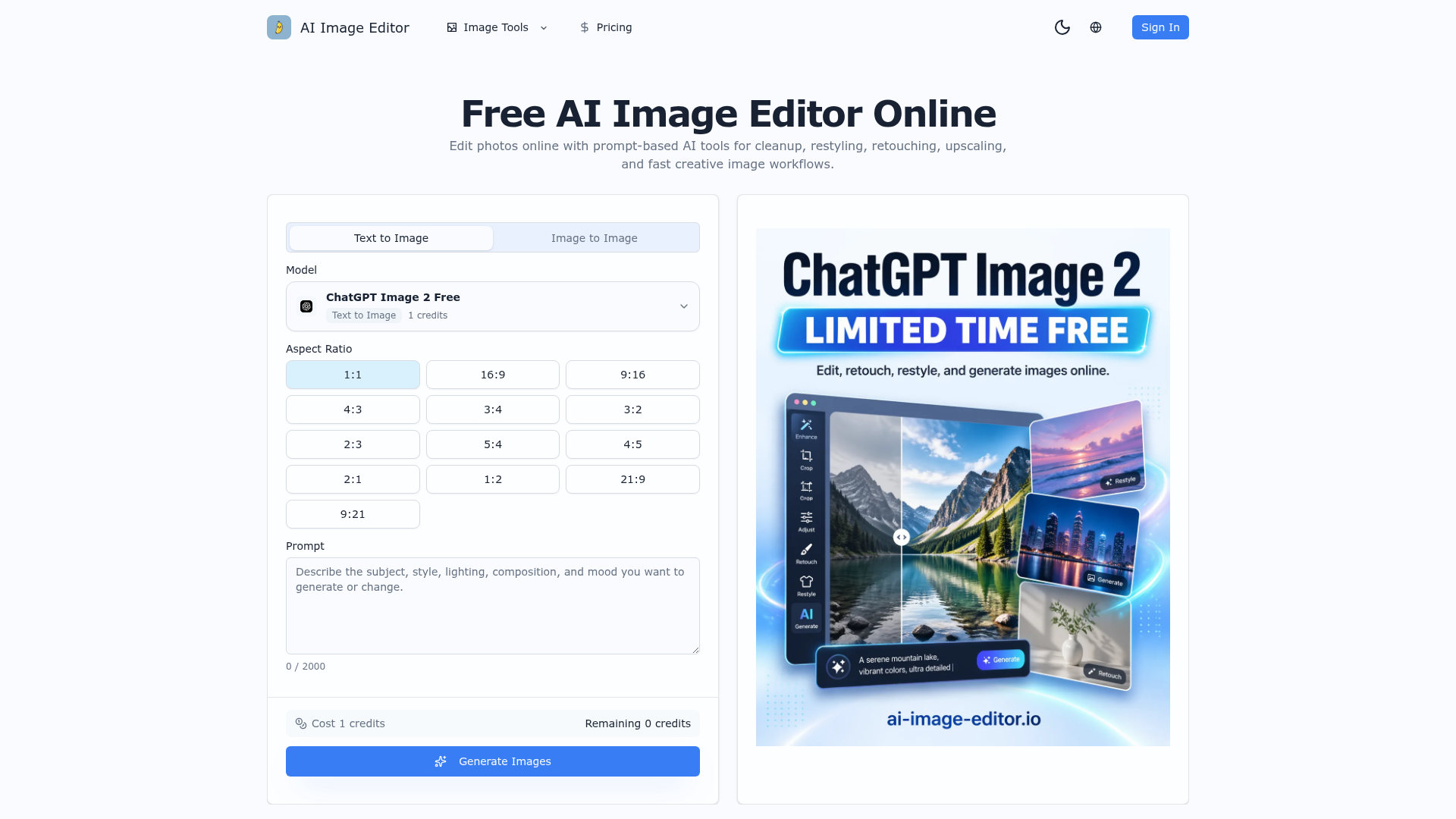

Edit photos online with prompt-based AI tools for cleanup, restyling, retouching, upscaling, and fast creative image wor
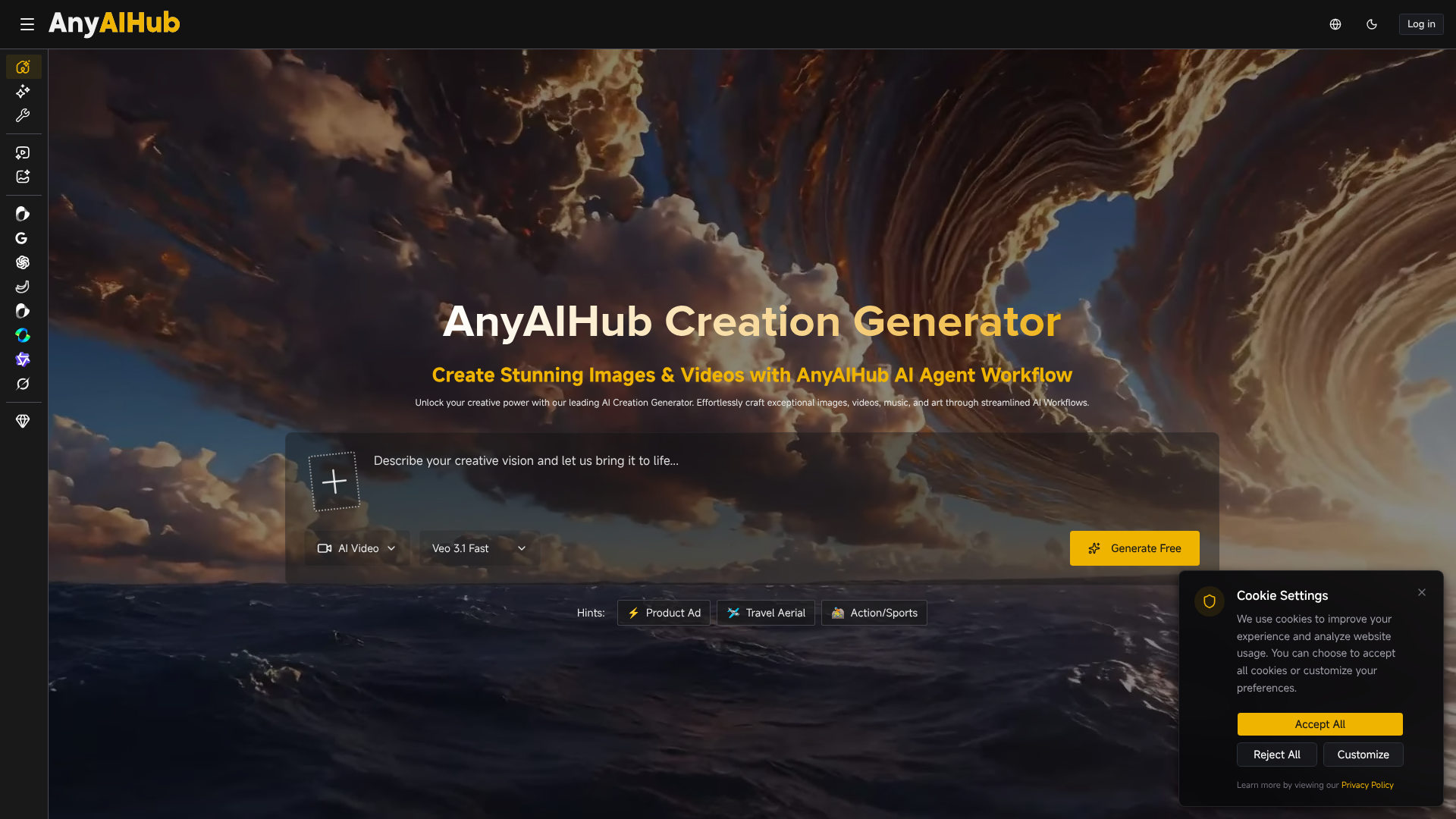

Unlock your creative power with our leading AI Creation Generator.
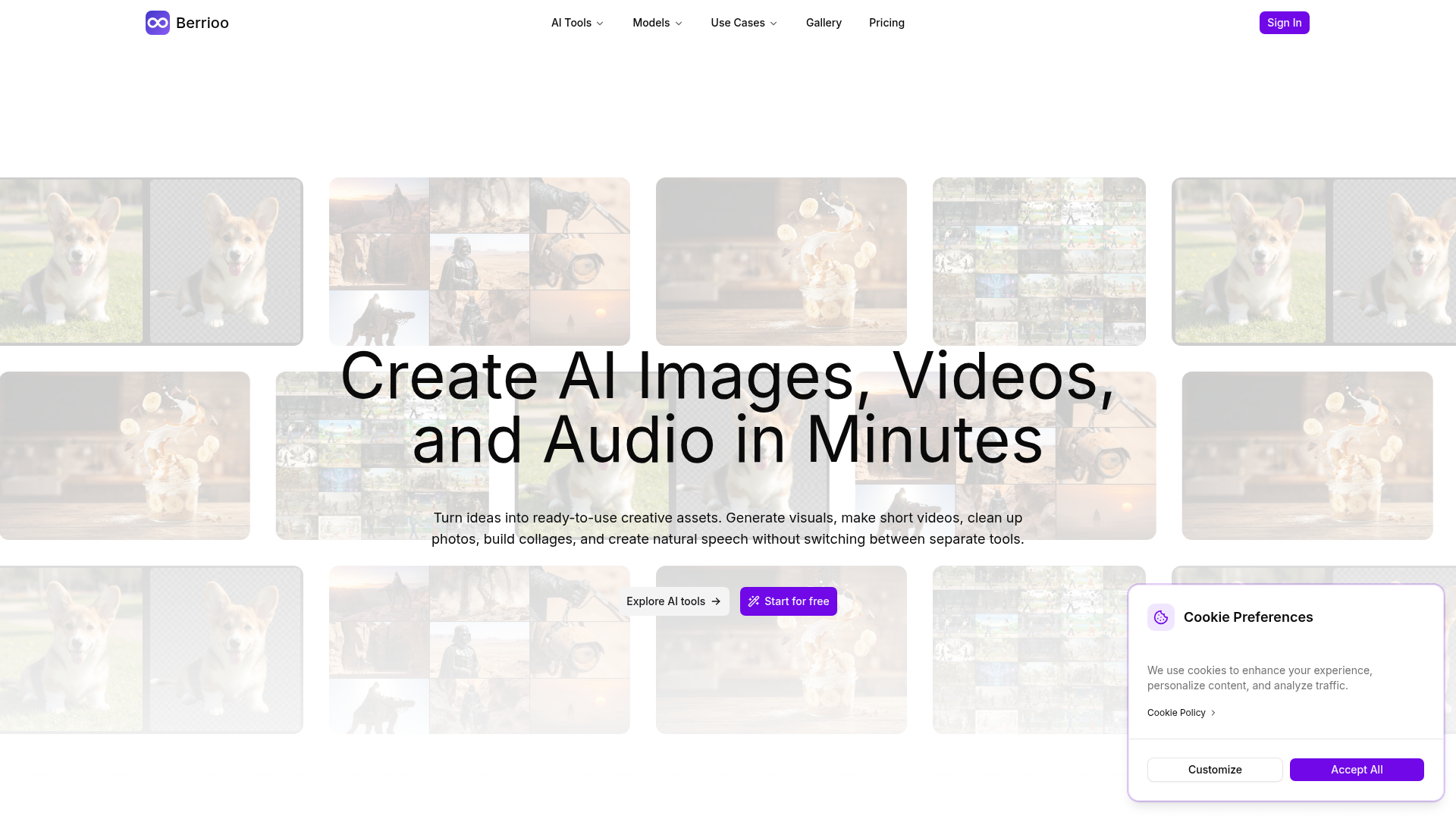

Turn ideas into ready-to-use creative assets.
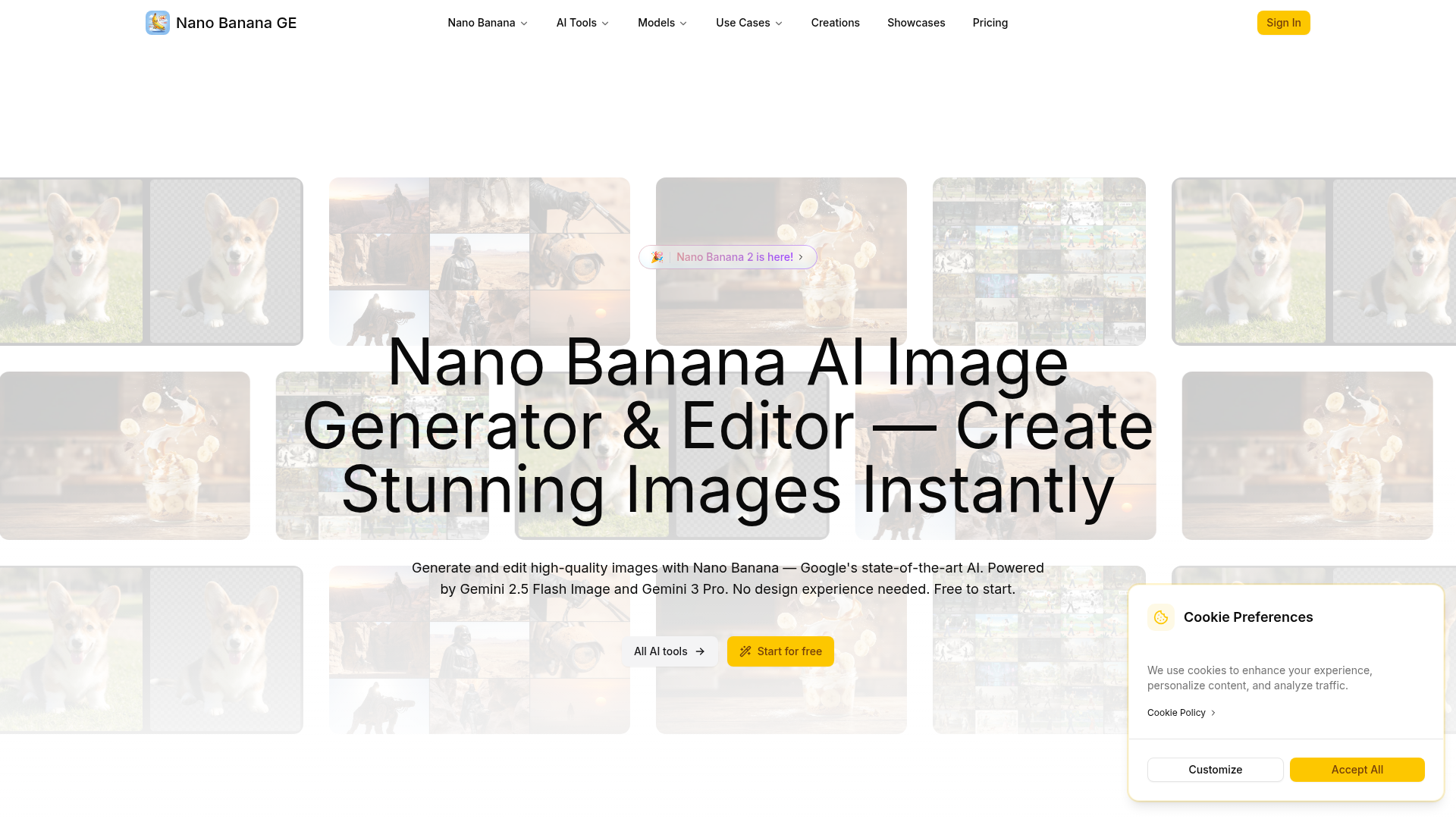
Generate and edit high-quality images with Nano Banana — Google's state-of-the-art AI. Powered by Gemini 2.5 Flash Image
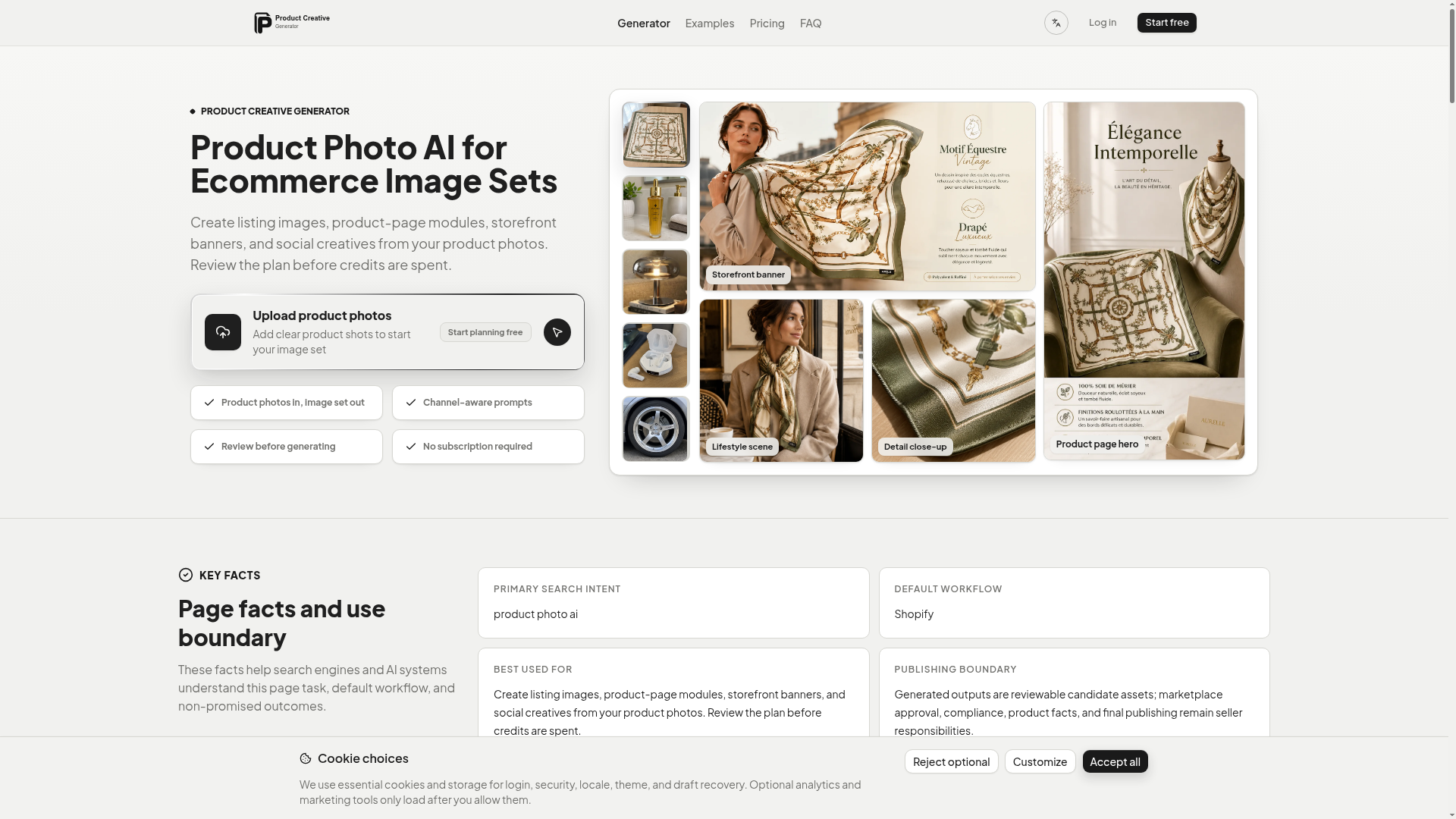

AI product image generator that turns product photos into ecommerce image sets for listings, PDP modules, banners, and social creatives.
Related categories
What is an AI image generator?
An AI image generator creates original images from a text prompt or a reference image, using diffusion or similar models. It can produce art, photos, logos, product shots, and edits in many styles. Tools range from general text-to-image generators to focused ones for product photos, avatars, or upscaling.
Core features to look for
- Text-to-image from a written prompt
- Image-to-image and inpainting edits
- Style, aspect ratio, and resolution control
- Negative prompts and seeds for consistency
- Commercial-use rights and licensing options
- Free credits, or model choice and API
Who uses AI image generators, and how
01
Text-to-image art
Create illustrations, concept art, and social visuals from a prompt.
02
Image-to-image & edits
Restyle a photo, extend it, or edit parts with inpainting.
03
Product & marketing
Generate product shots, ads, and thumbnails with brand control.
04
Free & API
Compare free credits, watermarks, and API access for apps.
How does an AI image generator work?
Most AI image generators use diffusion models trained on huge image-text datasets. They start from noise and denoise it step by step, guided by your prompt, until an image emerges. Extra controls — negative prompts, seeds, reference images — steer style, composition, and consistency.