

AI Video Generator · 85 tools
Best AI Video Generator Tools (2026)
Compare AI video generators for text-to-video, image-to-video, avatars, short clips, free plans, and marketing workflows.
All AI Video Generator tools
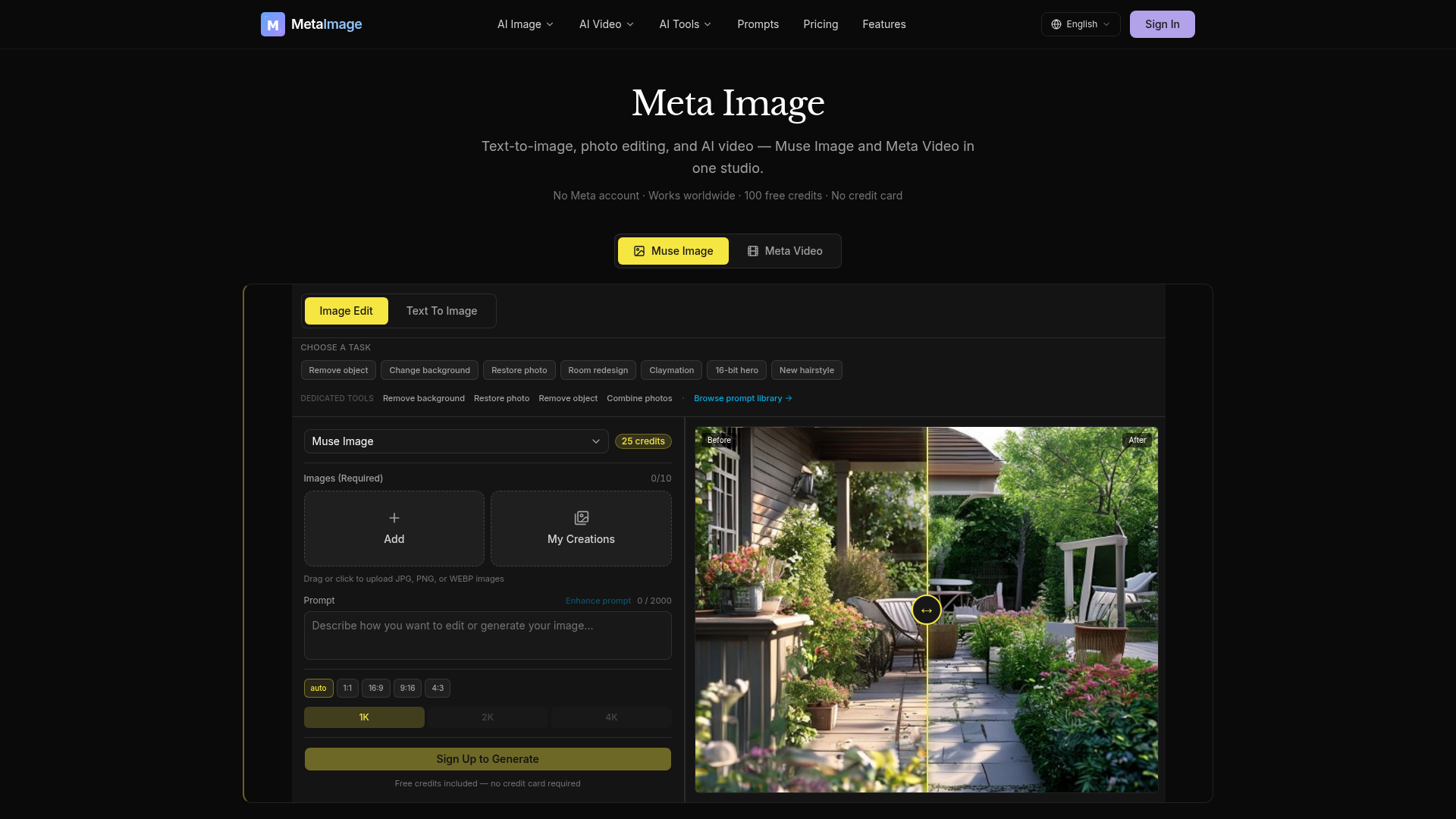

Meta Image is an independent AI generator studio offering comprehensive tools for text-to-image generation, photo editing, and AI video creation. It integrates Muse Image for advanced image generation and natural-language editing, alongside Meta Video for transforming text prompts or still images into short MP4s. The platform provides dedicated editing capabilities such as object removal, background changes, and photo restoration. For video, users can choose from multiple AI engines like Kling, Seedance, and Gemini Omni, each suited for different styles and durations. Users receive 100 free credits to start, with no credit card required, making it accessible for immediate use. Meta Image is designed to assist with various creative tasks, from generating e-commerce product listings and social media graphics to professional headshots and business imagery. It simplifies the creation of visual content, allowing users to produce high-quality images and videos without needing complex editing software.


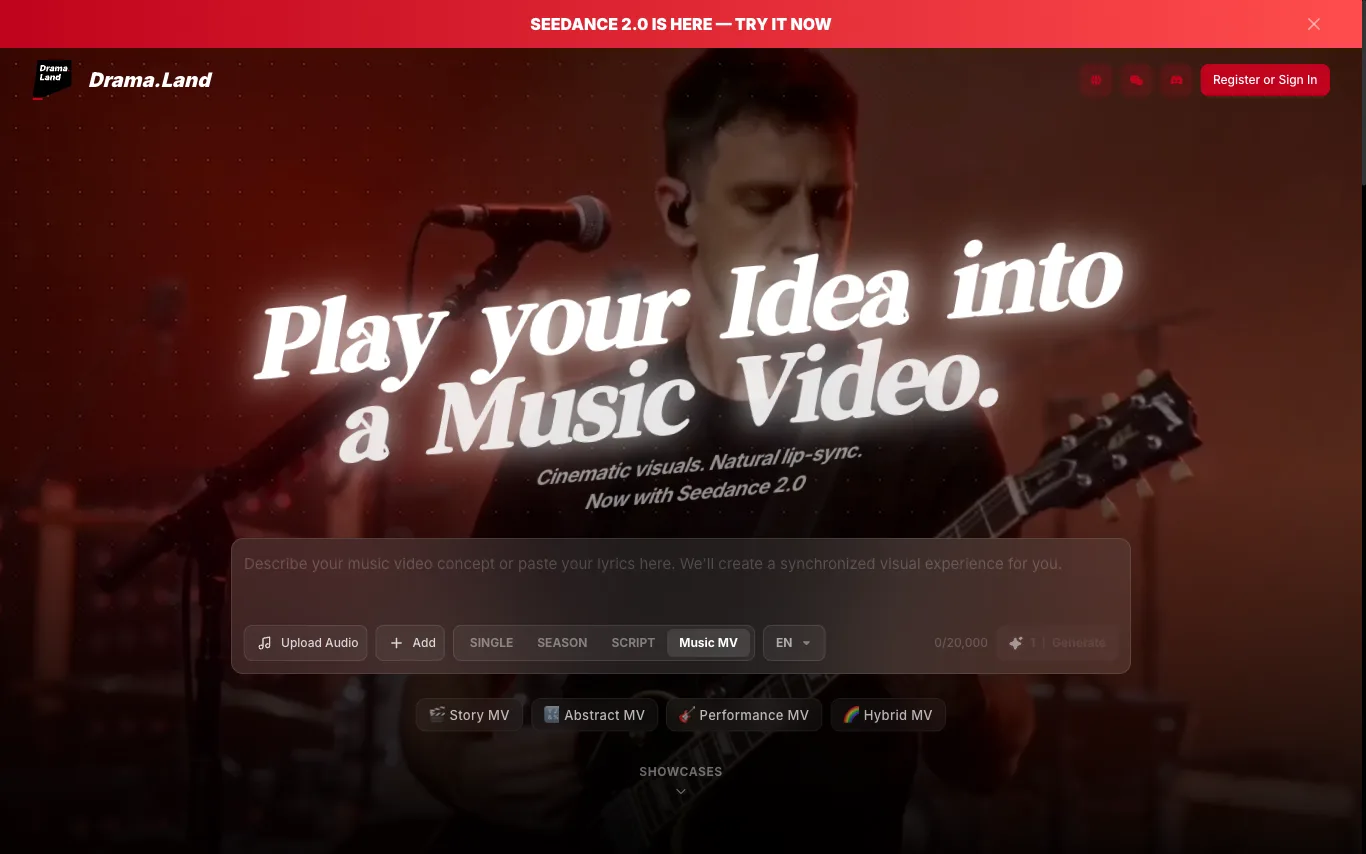

Drama.Land is an AI platform for creating music videos and story content. Upload audio, choose a video style, and the AI generates cinematic clips with Seedance 2.0 lip-sync and motion technology.
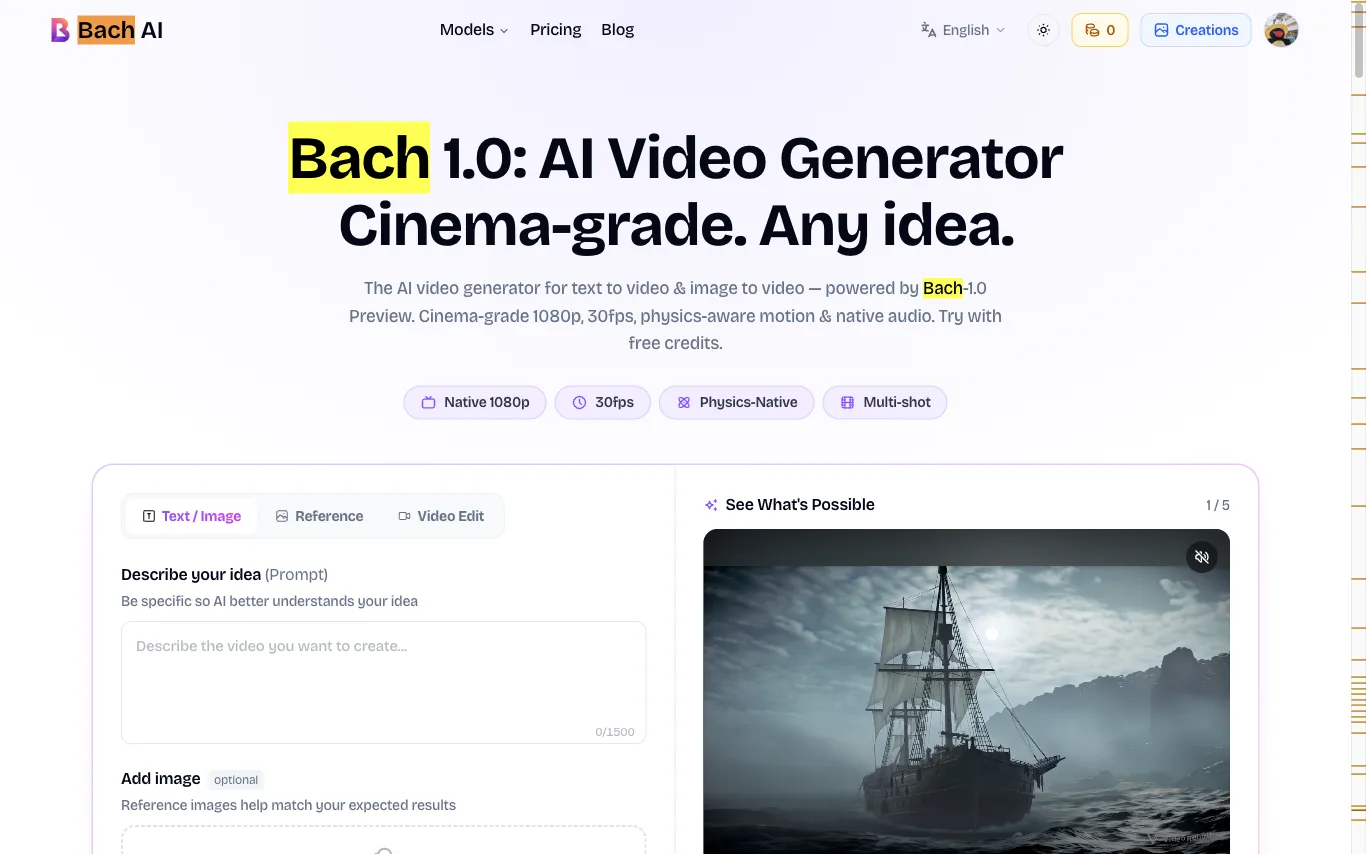





Create videos from a written prompt or animate a reference image.


What is an AI video generator?
An AI video generator creates video clips from a text prompt, image, script, or avatar, instead of filming. It can produce short social clips, product and marketing videos, or animate a still image. Tools range from full text-to-video models to editors with avatars, templates, and captions.
Core features to look for
- Text-to-video from a prompt or script
- Image-to-video animation of stills
- Avatars, voiceover, and auto captions
- Templates, brand kits, and resizing
- Scene editing and regeneration
- Free plans, watermark rules, and exports
Who uses AI video generators, and how
Text-to-video creation
Start from a prompt, script, or product idea and generate a short video draft without filming.
Image-to-video animation
Turn product shots, characters, or design assets into moving clips for social and ads.
Free plan testing
Compare free generators by watermark rules, export limits, credits, and quality.
Marketing video workflows
Use templates, captions, brand controls, and resizing for repeat campaigns.
How does an AI video generator work?
AI video generators use models trained on video and image data. From a prompt or a starting image, they generate frames that stay consistent over time, then assemble them into a clip; avatar tools instead drive a presenter with your script and a synthetic voice. Editing features let you regenerate scenes and add captions.