

AI Video Generator · 85 tools
Best AI Video Generator Tools (2026)
Compare AI video generators for text-to-video, image-to-video, avatars, short clips, free plans, and marketing workflows.
All AI Video Generator tools
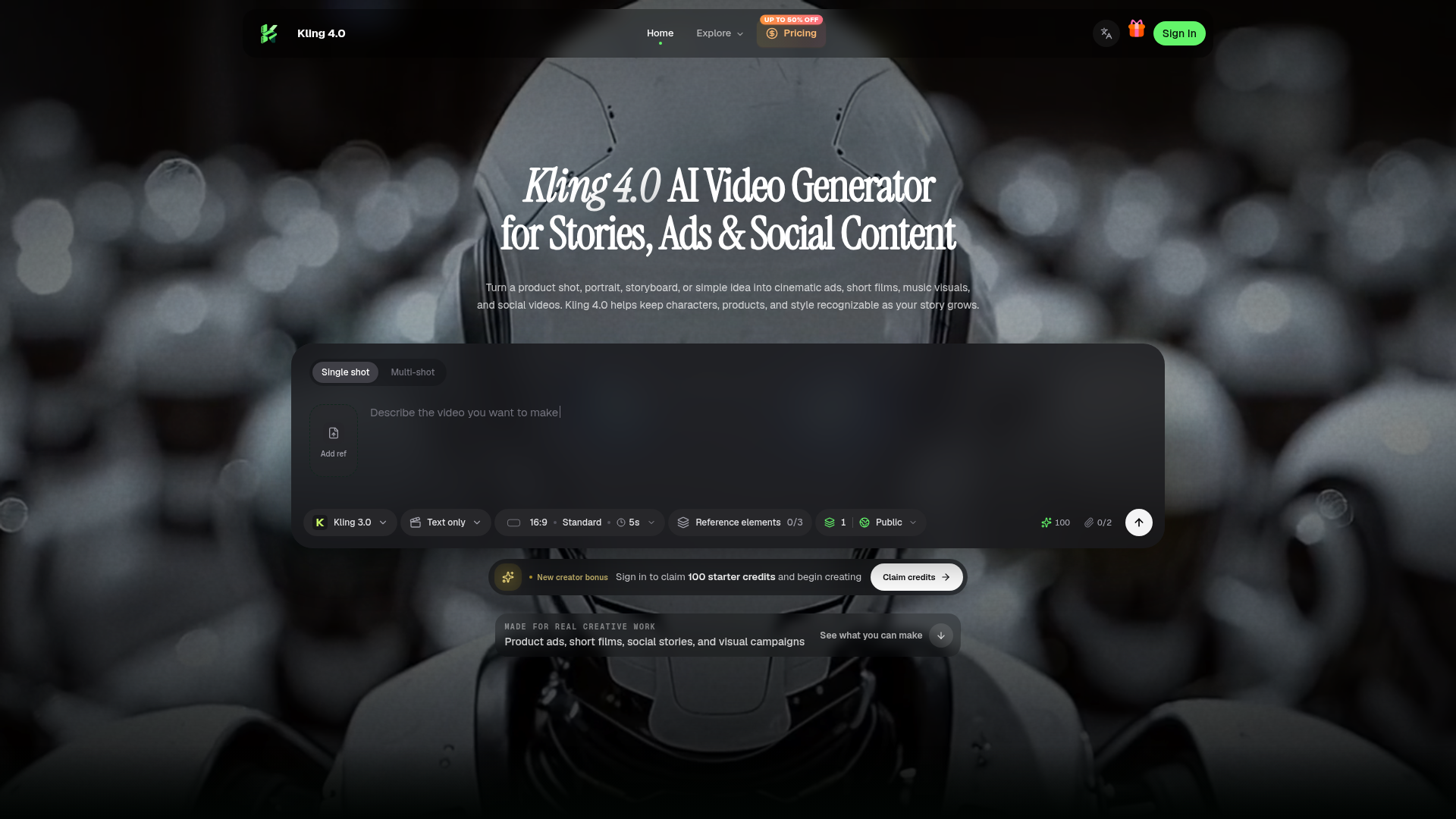

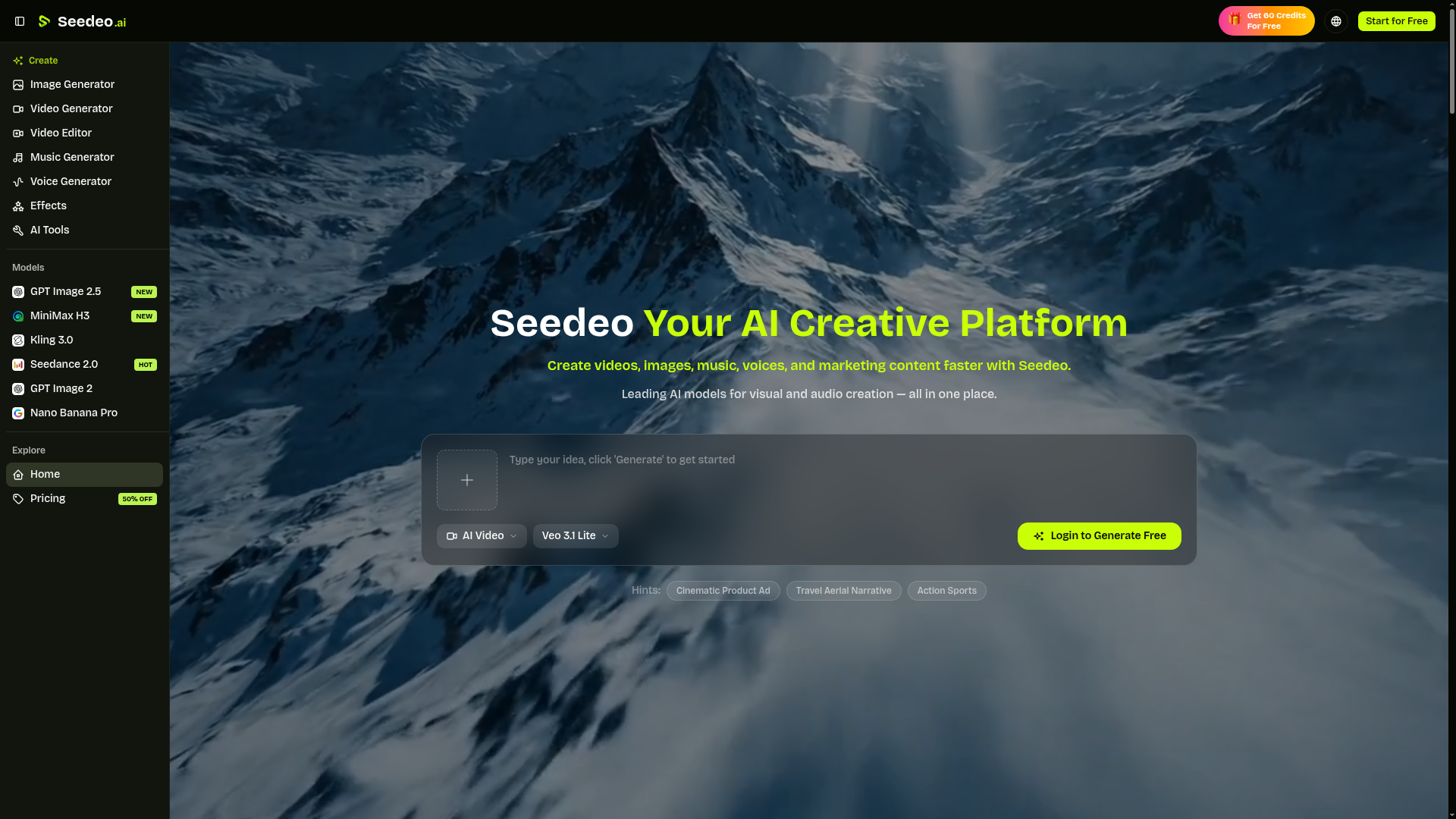


Turn any photo into video with AI. Free credits, no subscription.
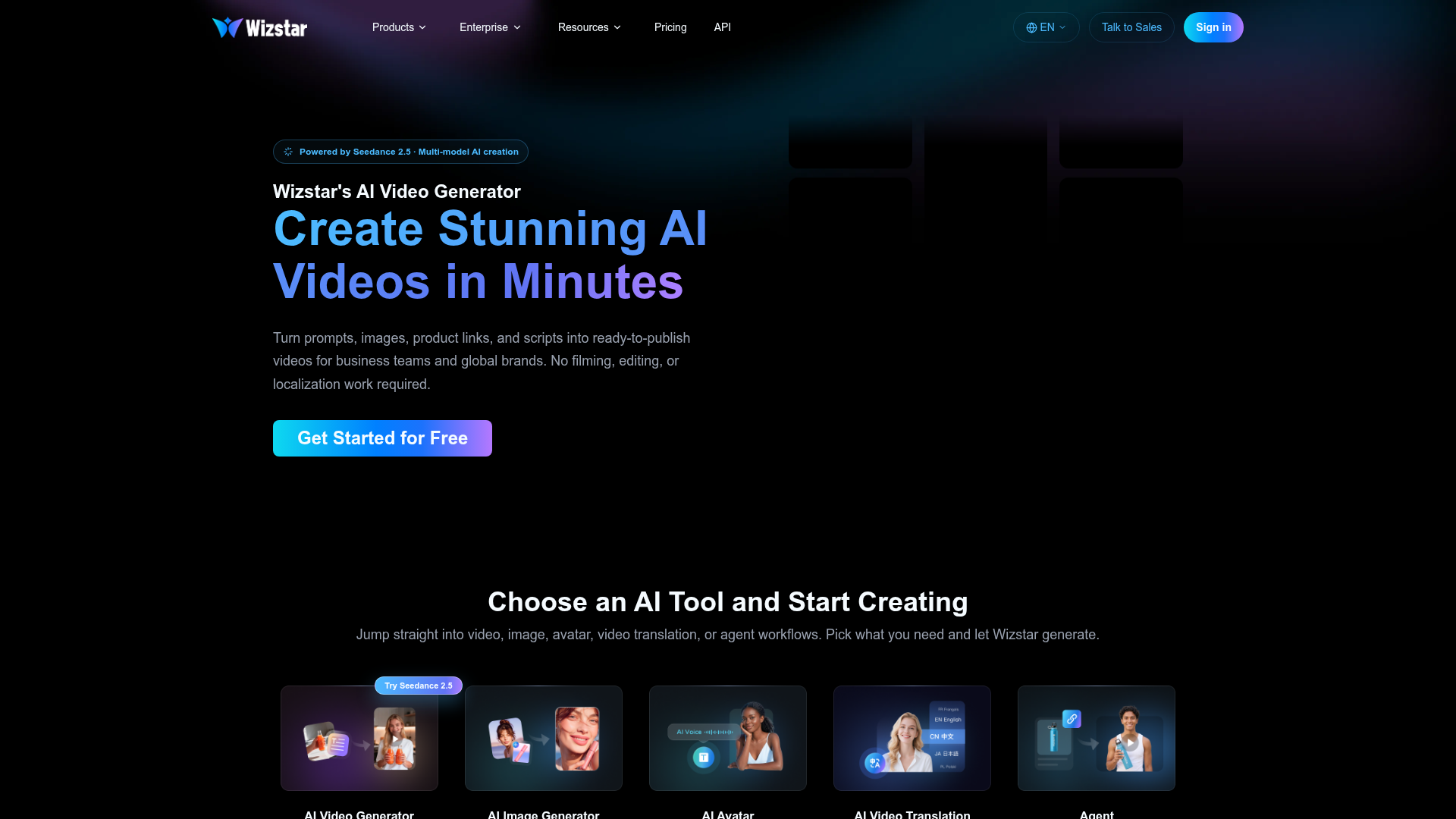

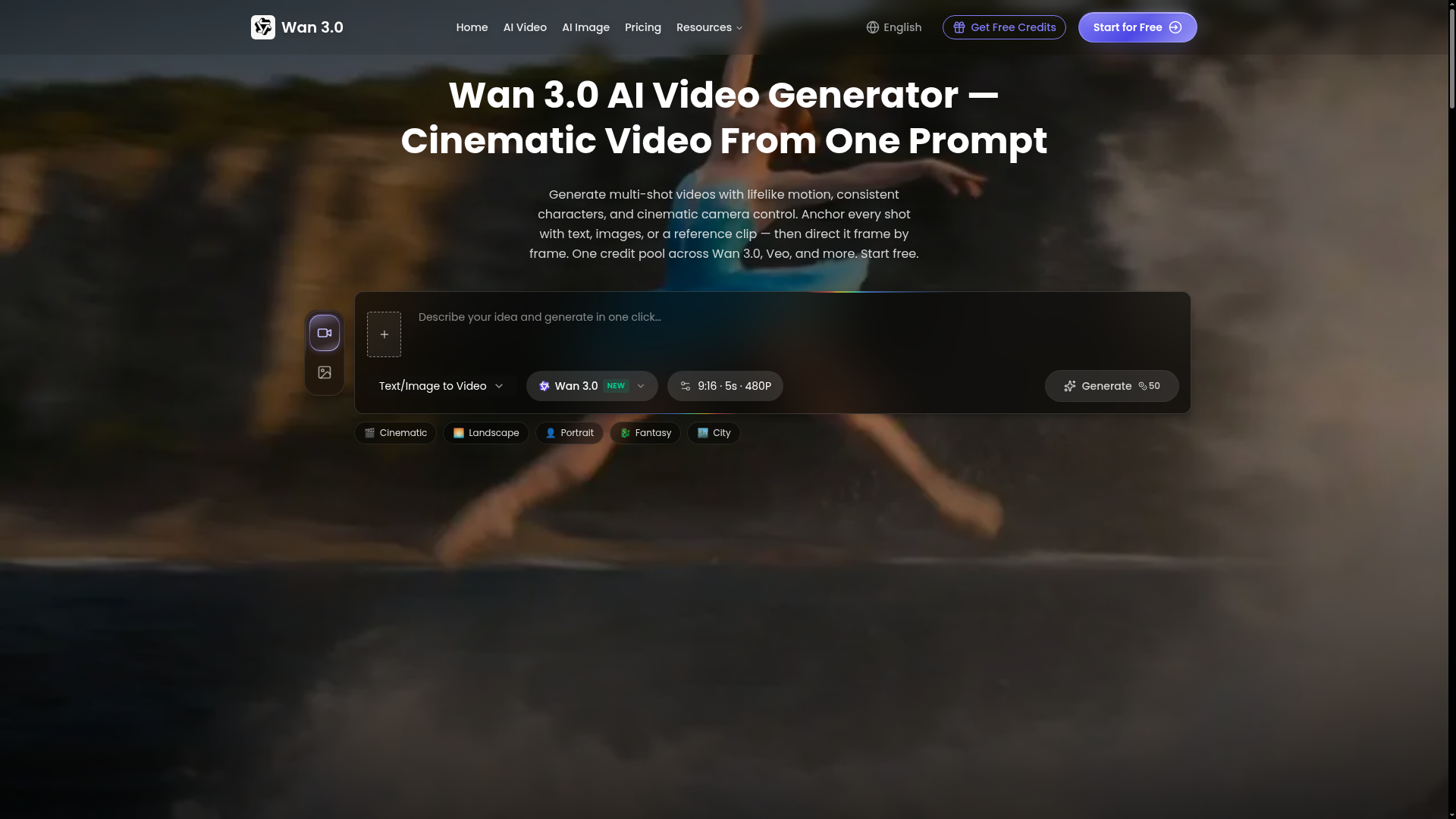

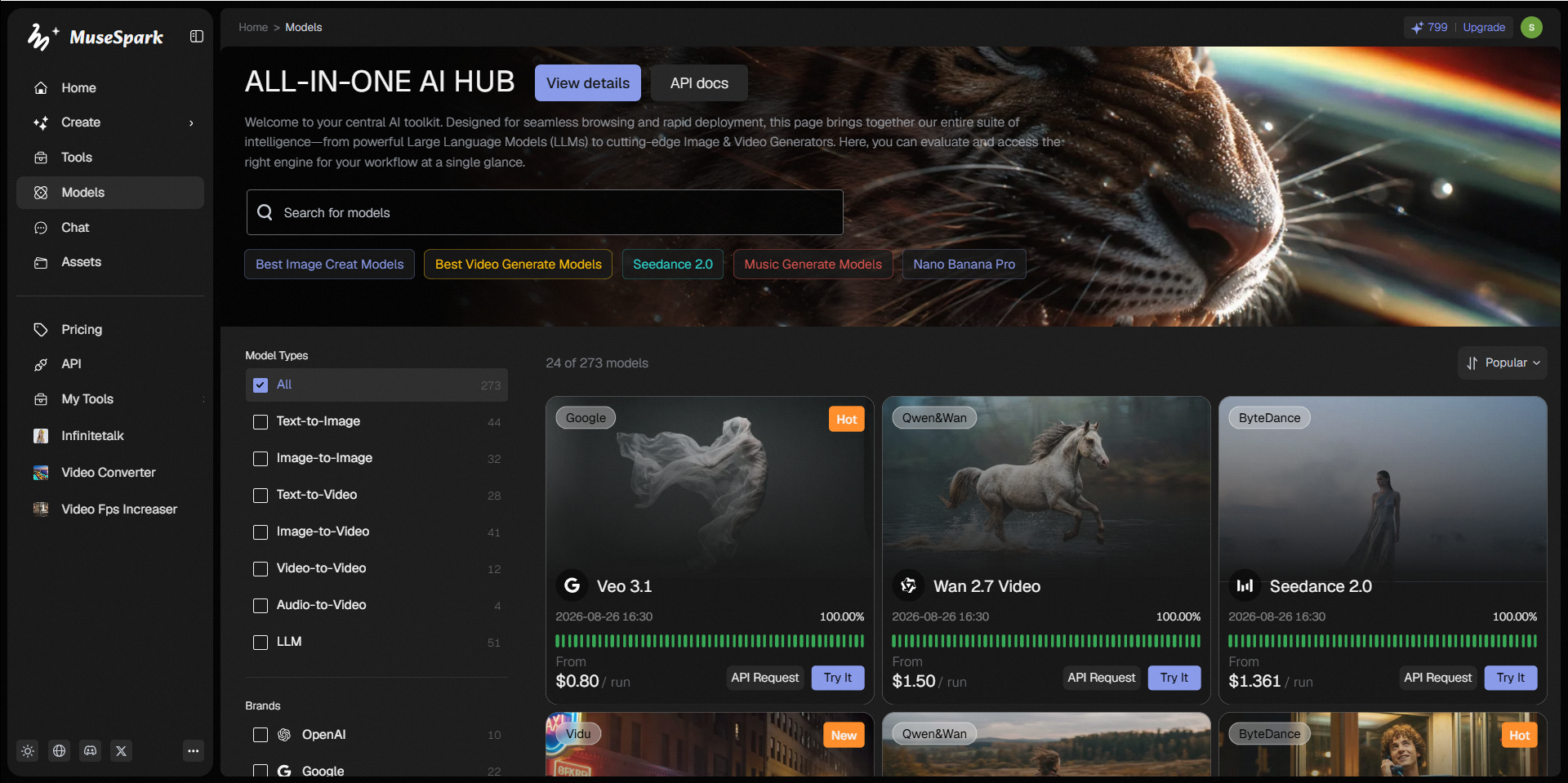

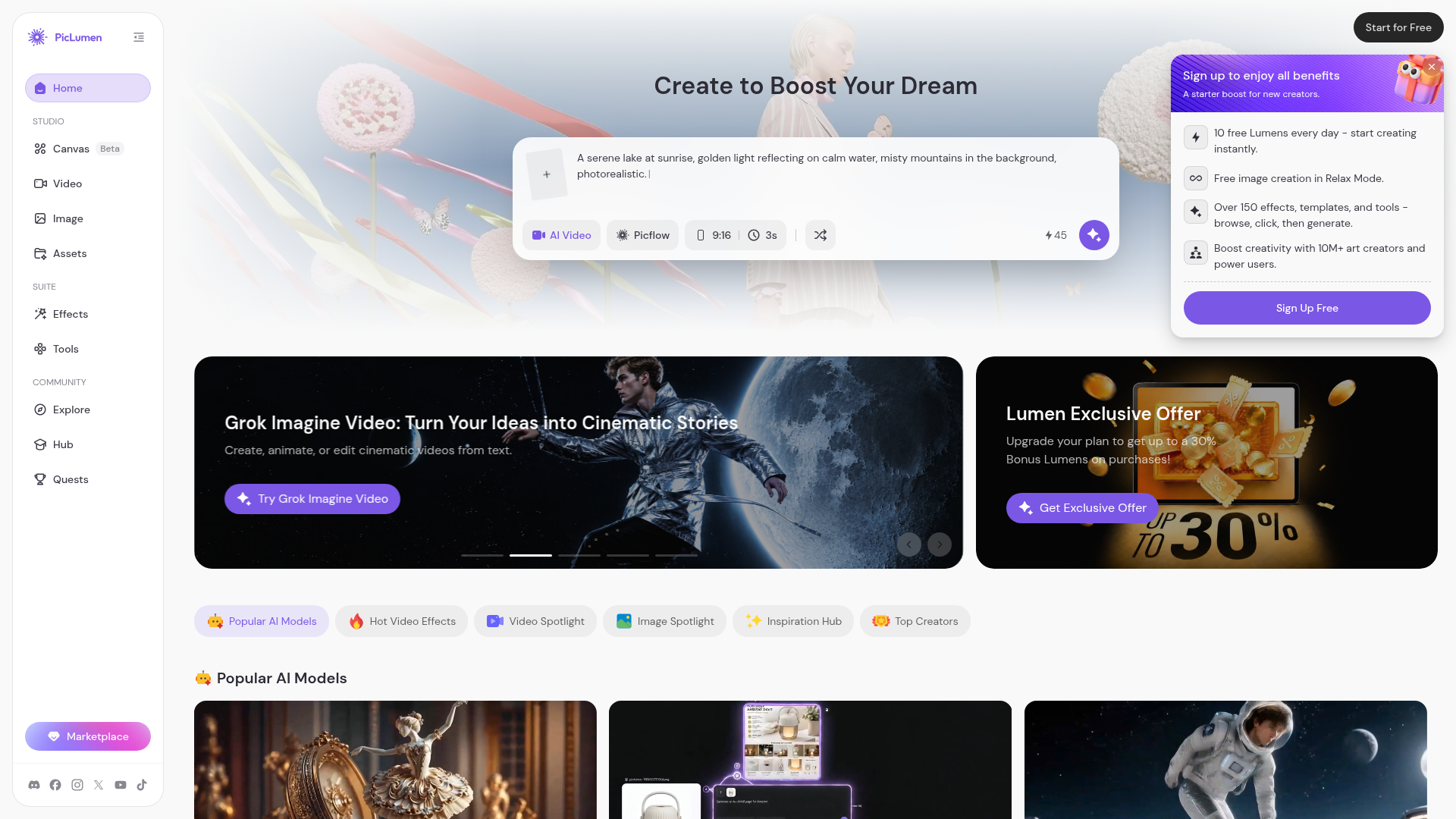
MuseSpark is an upcoming platform designed to provide online access and an API to a diverse range of artificial intelligence models. Its primary value proposition is enabling users to transform creative ideas into tangible outputs across various media types. The platform is structured to support the generation of content including images, videos, 3D models, audio, avatars, and text. It aims to serve creators, developers, and anyone looking to leverage advanced AI for content creation, offering access to models like Kling O3, Sora, and Flux.2. By offering a centralized hub for numerous AI models, MuseSpark allows users to experiment with different generative capabilities. This enables them to bring their inspirations to life, whether for artistic projects, digital media production, or exploring new creative possibilities.

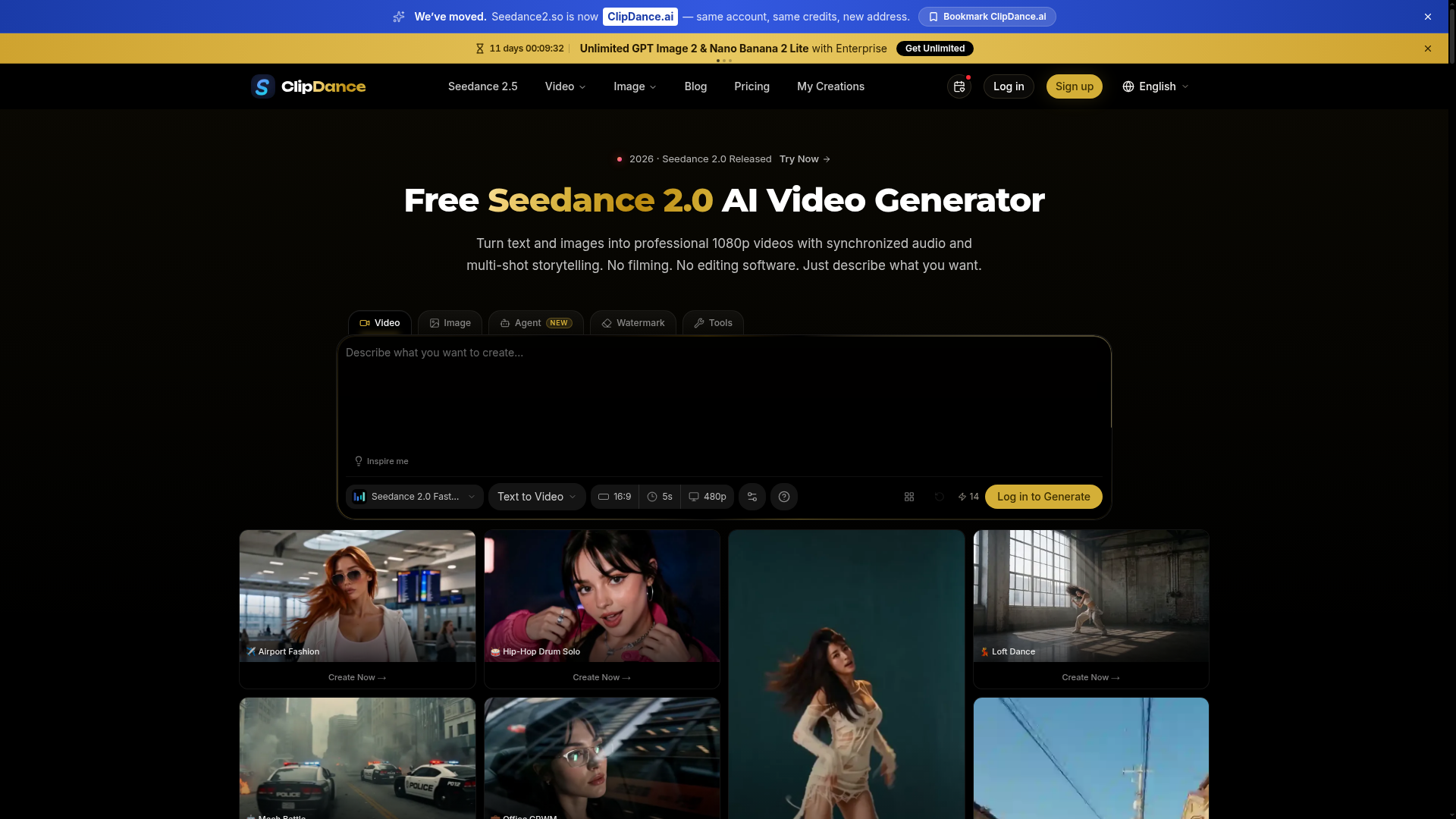



Combine text, images, video, and audio in one creative context to generate coherent native 2K videos.
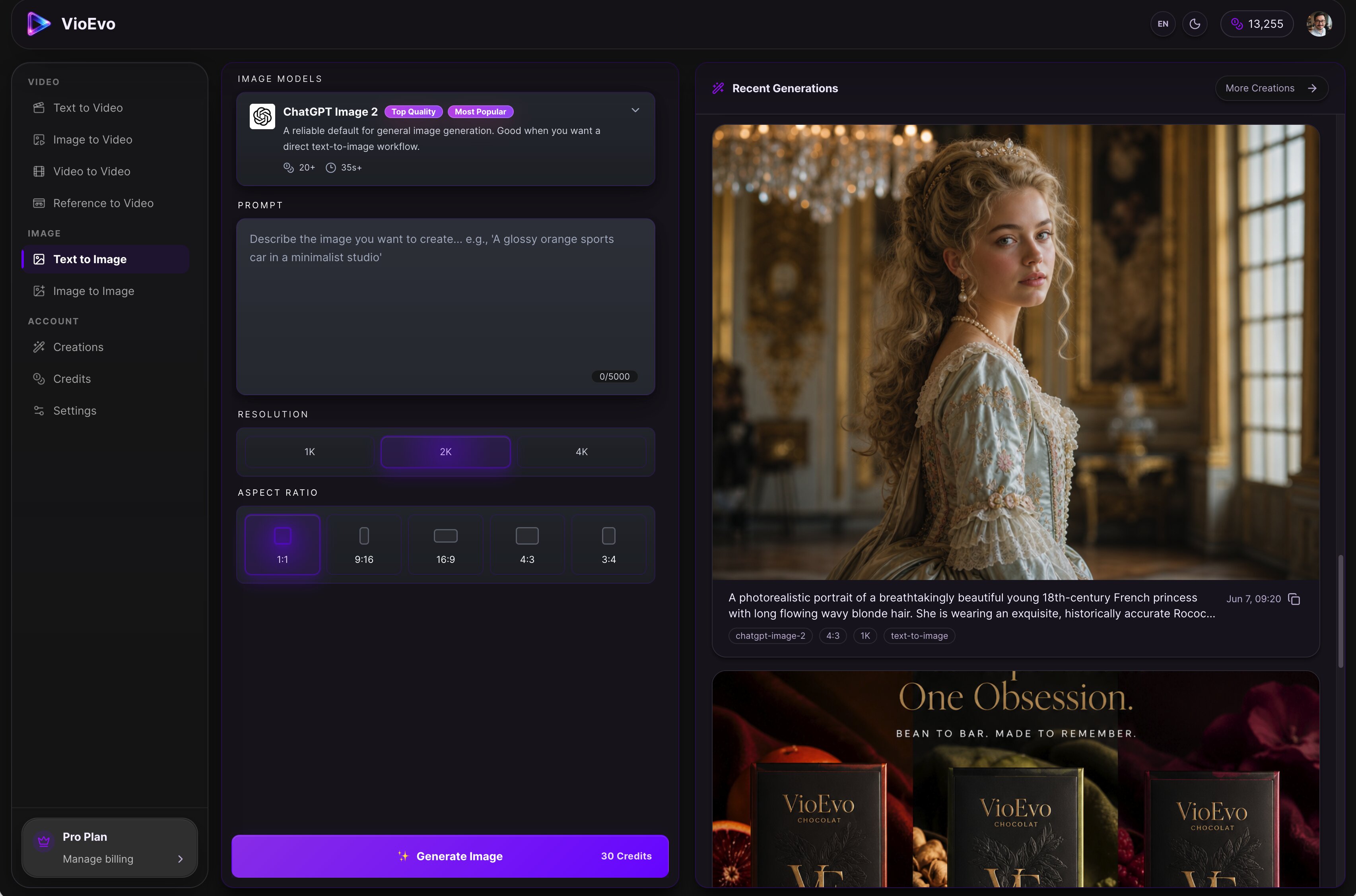
VioEvo is a cinematic AI video and image studio built for creators, marketers, and teams. Powered by leading AI models, it provides a comprehensive platform for producing consistent character assets, polished product visuals, and studio-quality footage. Key Features & Workflows: • Multi-Modal Generation: Text to Video, Image to Video, Video to Video, Reference to Video, Text to Image, and Image to Image. • AI Pose Changer: Easily adjust and regenerate subject poses while preserving the character and style of your original image. • Granular Control: Fine-tune outputs with customizable controls for style, composition, and aspect ratio. Transform your raw ideas, prompts, or reference assets into launch-ready visuals in just three simple steps.
What is an AI video generator?
An AI video generator creates video clips from a text prompt, image, script, or avatar, instead of filming. It can produce short social clips, product and marketing videos, or animate a still image. Tools range from full text-to-video models to editors with avatars, templates, and captions.
Core features to look for
- Text-to-video from a prompt or script
- Image-to-video animation of stills
- Avatars, voiceover, and auto captions
- Templates, brand kits, and resizing
- Scene editing and regeneration
- Free plans, watermark rules, and exports
Who uses AI video generators, and how
Text-to-video creation
Start from a prompt, script, or product idea and generate a short video draft without filming.
Image-to-video animation
Turn product shots, characters, or design assets into moving clips for social and ads.
Free plan testing
Compare free generators by watermark rules, export limits, credits, and quality.
Marketing video workflows
Use templates, captions, brand controls, and resizing for repeat campaigns.
How does an AI video generator work?
AI video generators use models trained on video and image data. From a prompt or a starting image, they generate frames that stay consistent over time, then assemble them into a clip; avatar tools instead drive a presenter with your script and a synthetic voice. Editing features let you regenerate scenes and add captions.