AI Video Generator · 85 tools

Best AI Video Generator Tools (2026)

Compare AI video generators for text-to-video, image-to-video, avatars, short clips, free plans, and marketing workflows.

All AI Video Generator tools
Luma logo
lumalabs.ai
Visit

Luma provides AI agents for creative work—generating video (Dream Machine), images (Photon), and 3D assets (Genie) at production quality, used by creators and studios to accelerate visual content pipelines.

Krea logo
krea.ai
Visit

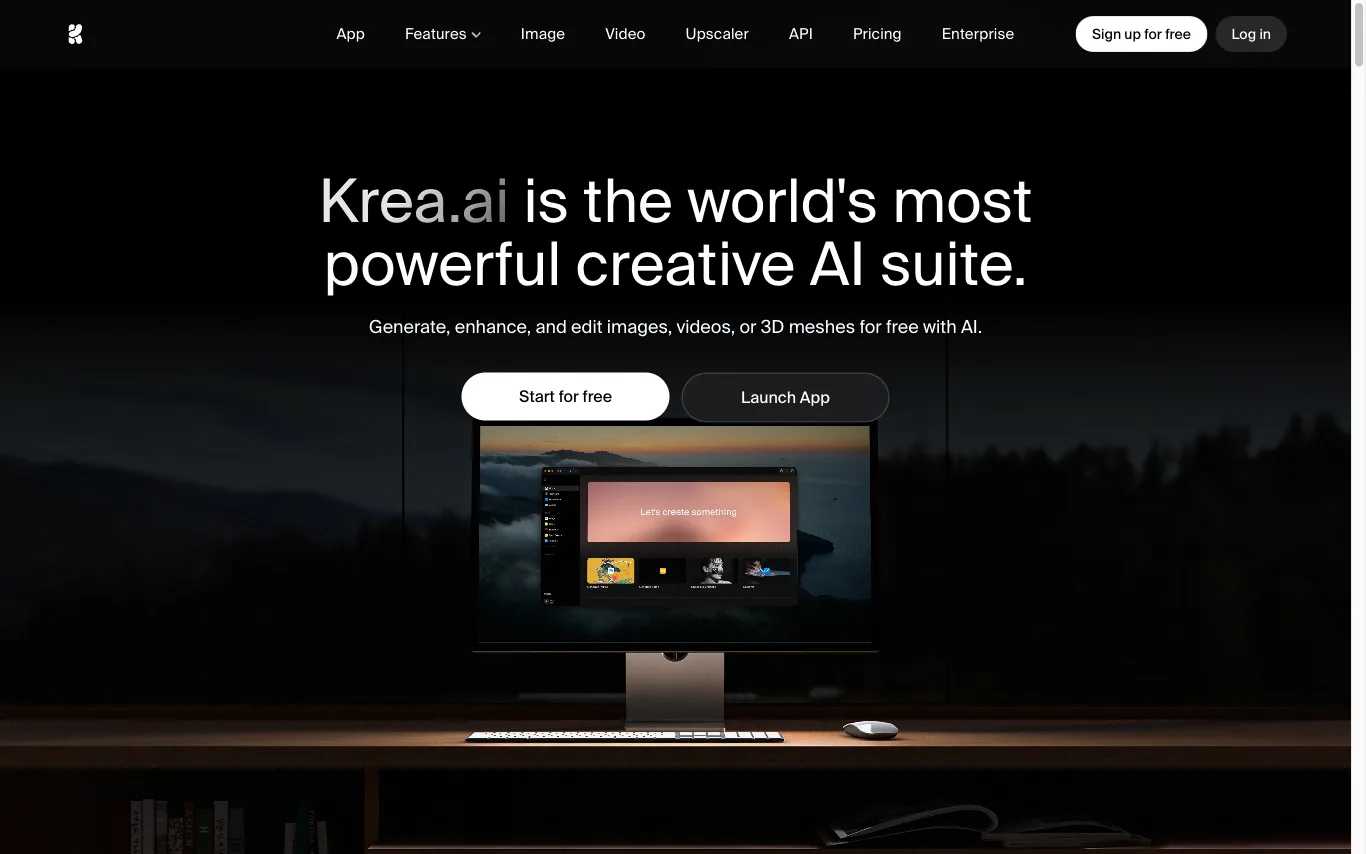
Krea is an AI creative suite for generating, editing, and enhancing images, videos, and 3D assets. It offers real-time image generation, video style transfer, AI upscaling, and custom LoRA finetuning.

Hailuo AI logo
hailuoai.video
Visit

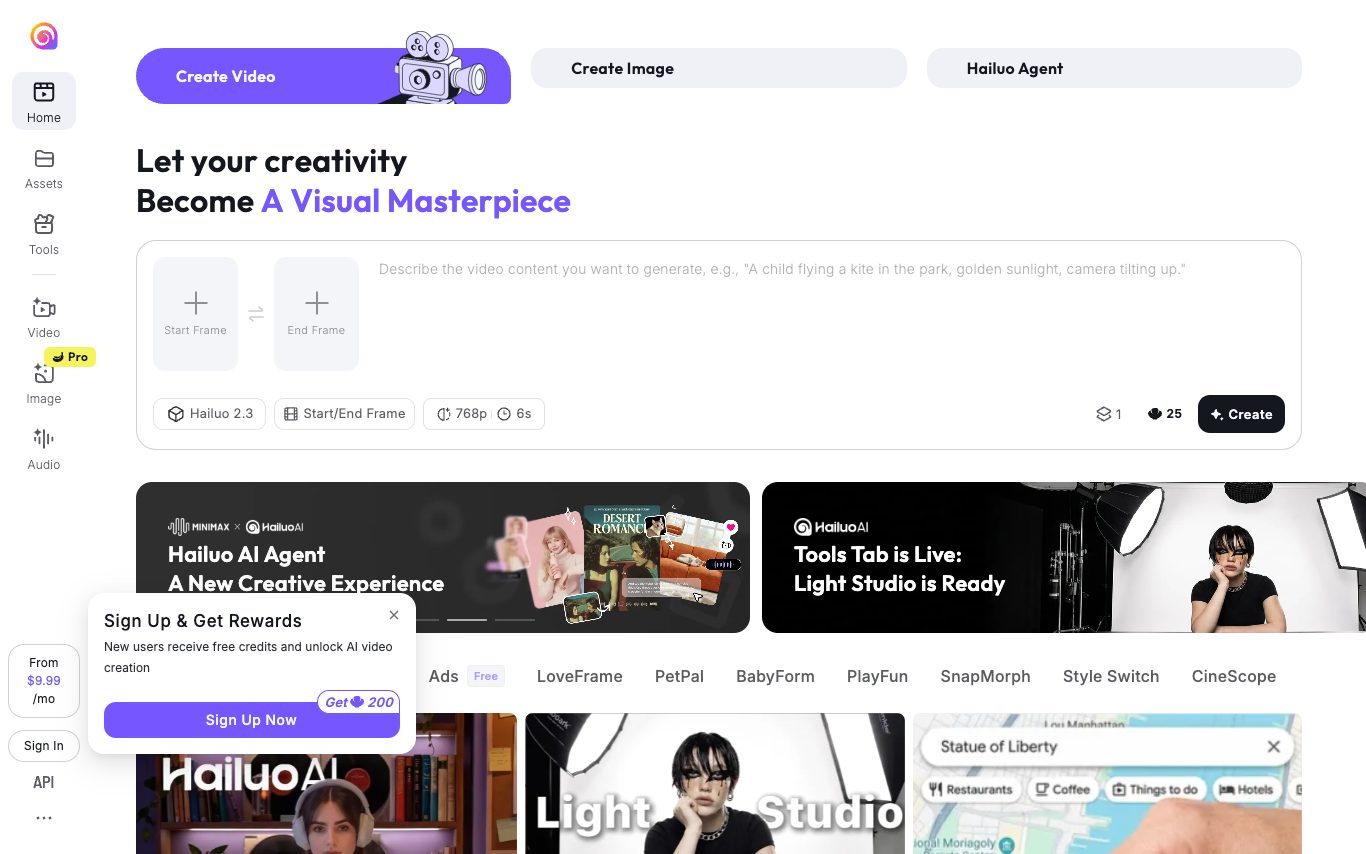
Hailuo AI is MiniMax's text-to-video and image-to-video product. It produces realistic motion, consistent characters, camera controls, and cinematic clips, with a generous free tier and credit-based paid plans.

Vidnoz logo
vidnoz.com
Visit

Vidnoz is an AI video generator offering avatars, talking photos, face swap, and voice cloning. Used for marketing, training, and social videos with a generous free tier.

Pika logo
pika.art
Visit

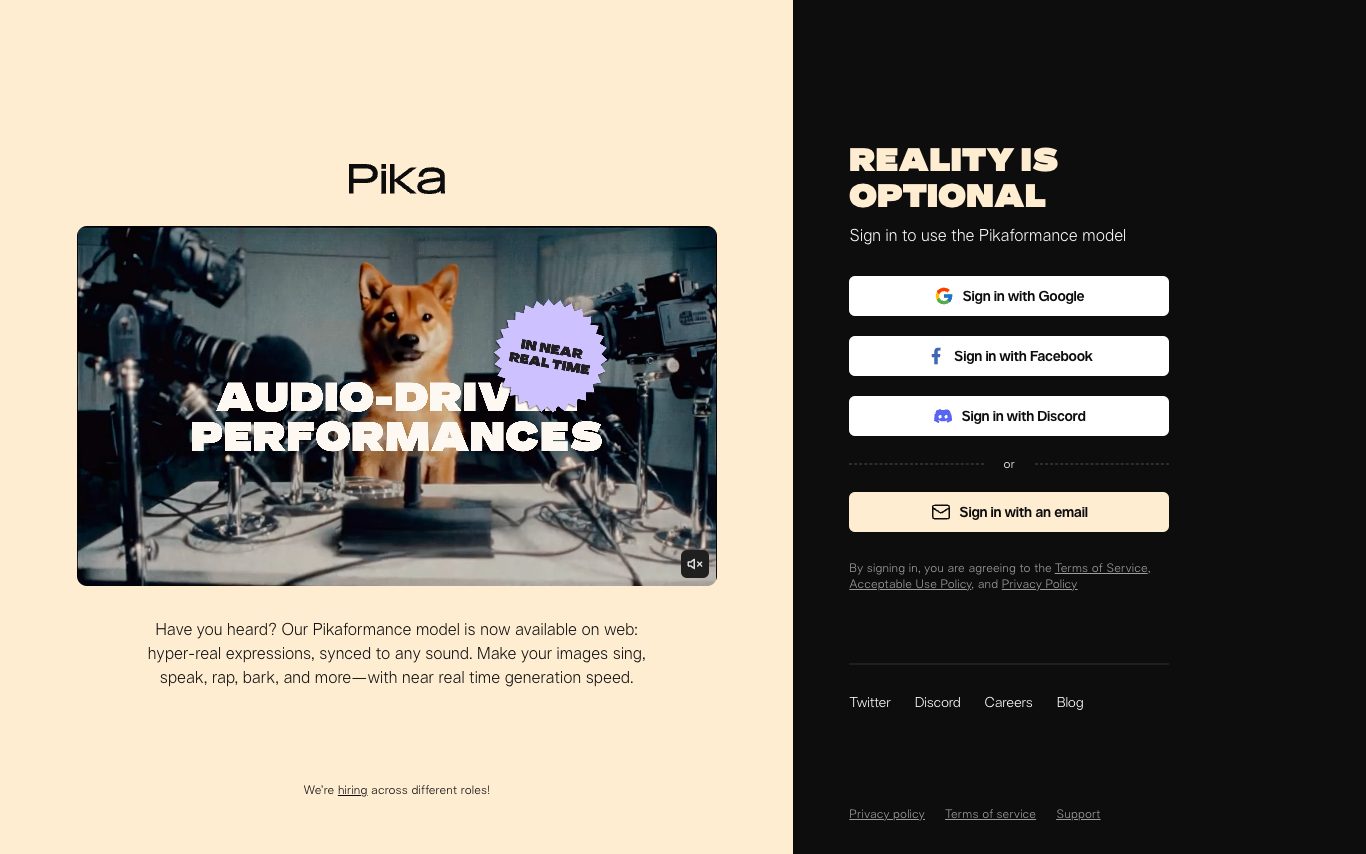
Pika is an AI video platform focused on creators, combining text-to-video, image-to-video, Pikaffects viral effects, lip-sync, inpainting, and high-motion clip generation in a single web and mobile app.

Synthesia logo
synthesia.io
Visit

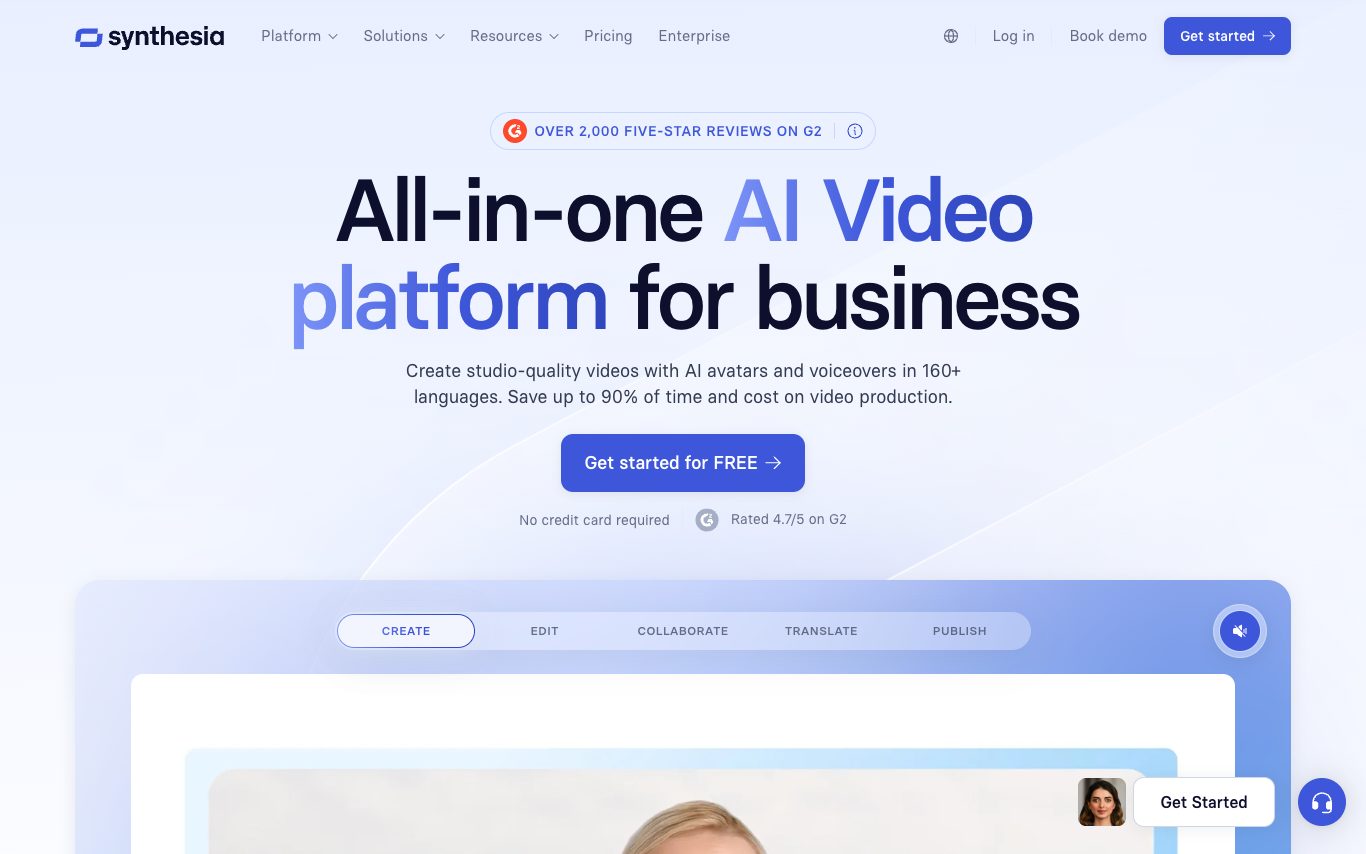
Synthesia is an AI video platform that turns scripts into studio-quality videos using realistic AI avatars in 140+ languages. It is widely used for corporate training, product marketing, and customer communications.

DomoAI logo
domoai.app
Visit

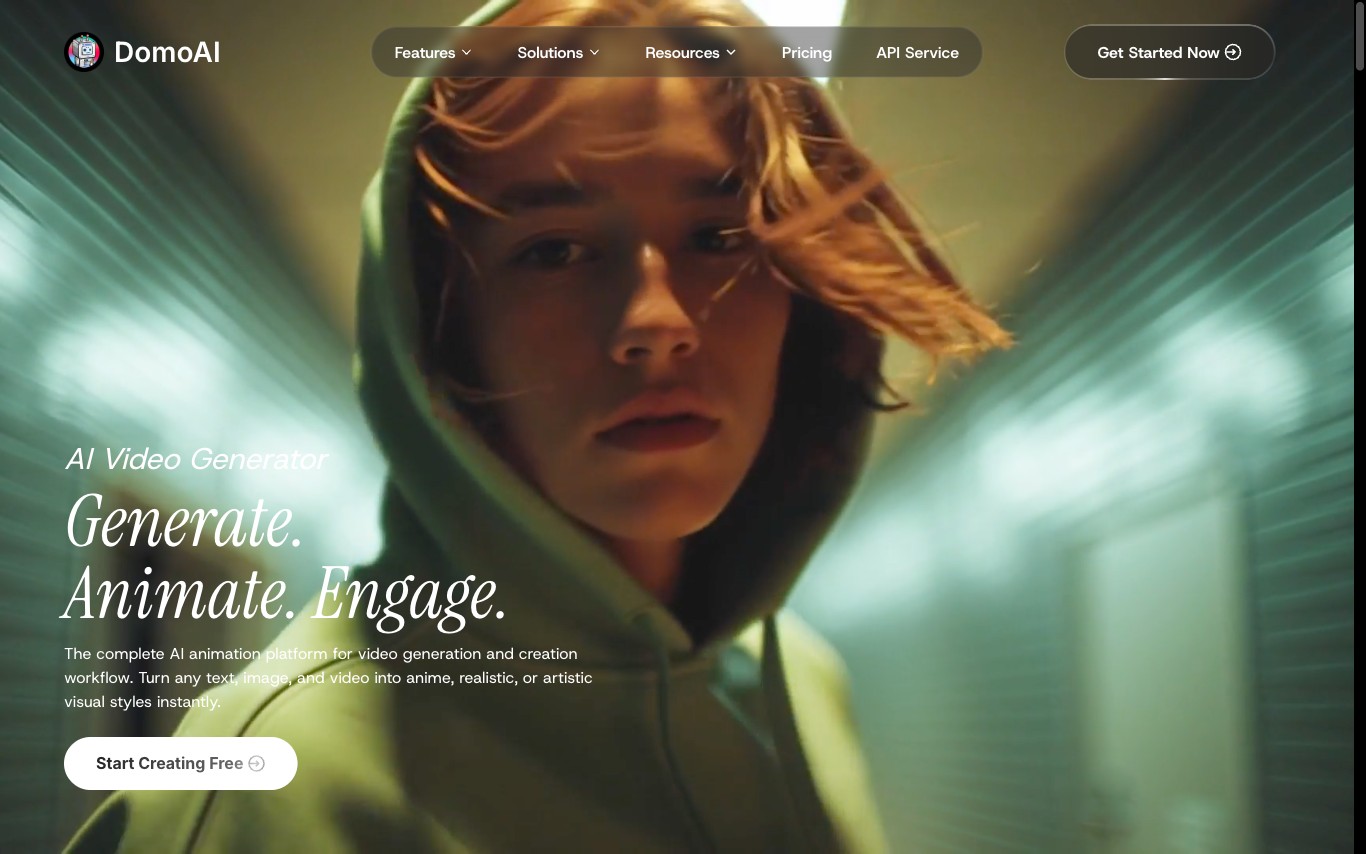
DomoAI is an AI video and animation platform that converts photos, text prompts, and video clips into anime-style animations and AI avatars. It supports video-to-video style transfer, lip-sync character generation, and text-to-video creation.

Seedance logo
seed.bytedance.com
Visit

Seedance is ByteDance's Seed research team's AI video generation model, producing cinematic text-to-video and image-to-video clips with strong motion fidelity and consistent characters.

Sora logo
sora.com
Visit

Sora is OpenAI's video generation model and consumer app. It turns text prompts, images, or existing videos into cinematic clips with storyboarding, remixing, and shared feeds. Access is bundled with ChatGPT Plus and Pro.

Magic Hour logo
magichour.ai
Visit

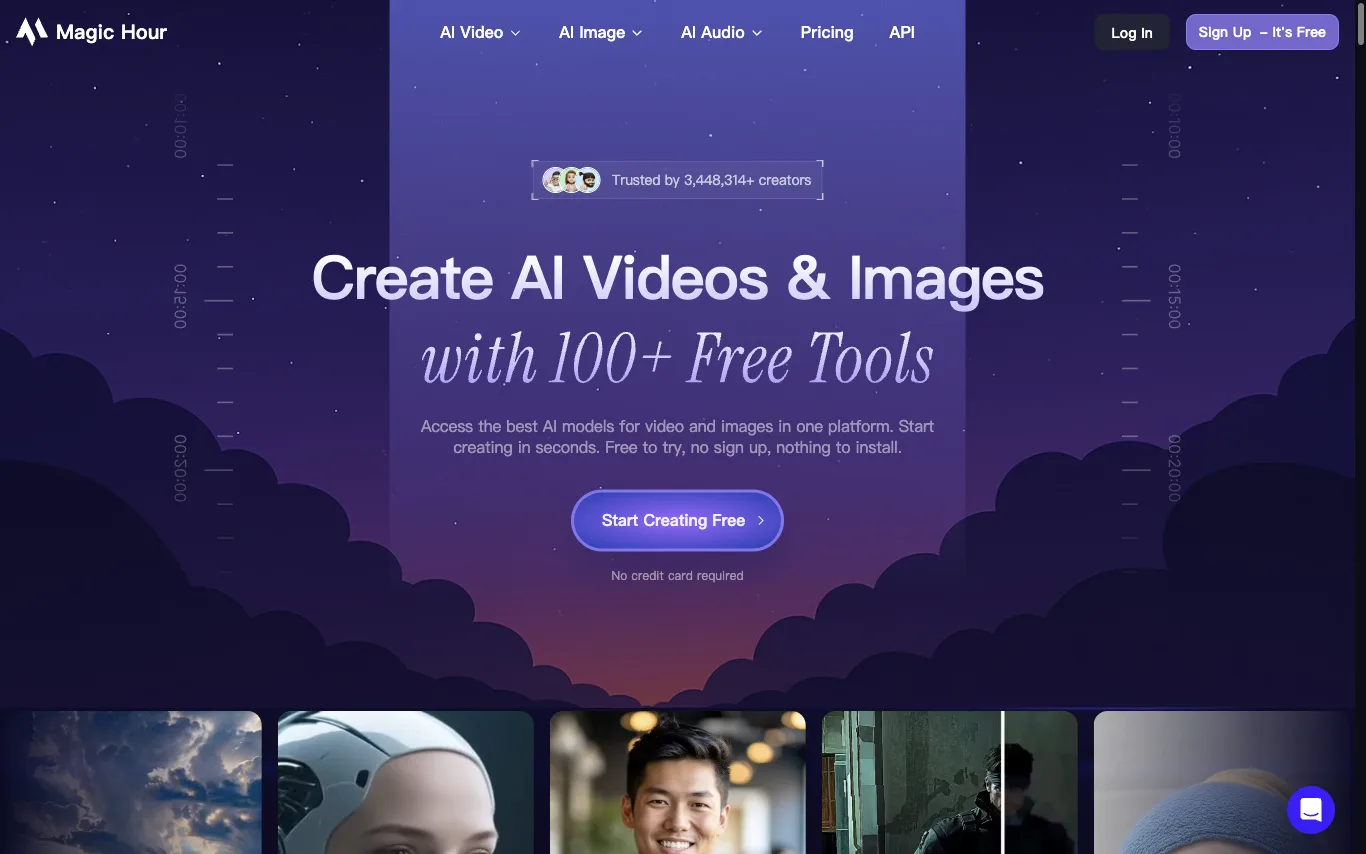
Magic Hour offers 100+ AI tools for video and image creation in one platform: face swap, lip sync, talking photos, AI headshot generator, video upscaler, and more. Credits roll over, and errors are refunded. Trusted by 3M+ creators.
Pictory logo
pictory.ai
Visit

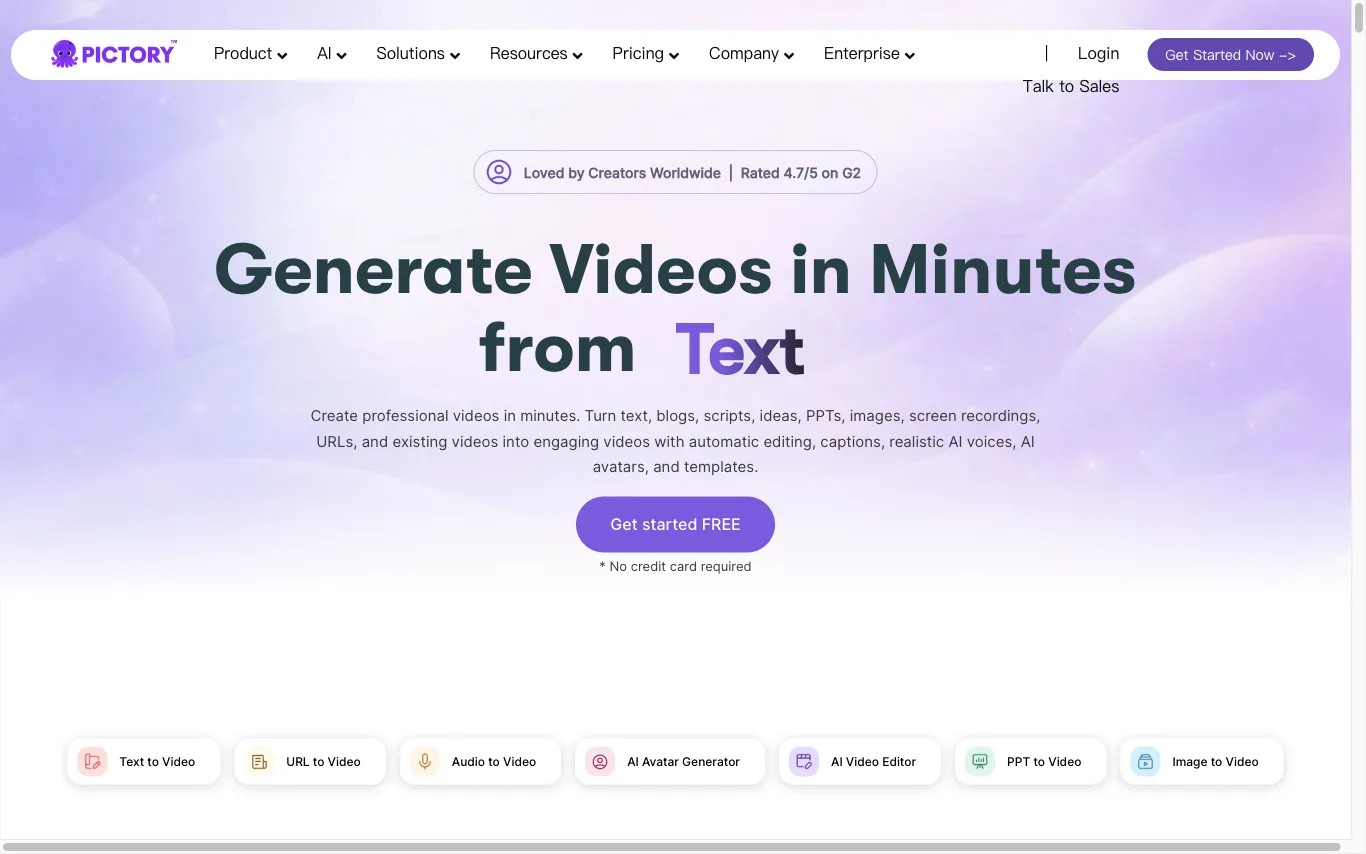
Pictory is an AI video generator that turns text, prompts, URLs, PPTs, images, and recordings into branded videos with captions, AI voices, and avatars. Trusted by 20,000+ companies for marketing and training content.

What is an AI video generator?

An AI video generator creates video clips from a text prompt, image, script, or avatar, instead of filming. It can produce short social clips, product and marketing videos, or animate a still image. Tools range from full text-to-video models to editors with avatars, templates, and captions.

Core features to look for

  • Text-to-video from a prompt or script
  • Image-to-video animation of stills
  • Avatars, voiceover, and auto captions
  • Templates, brand kits, and resizing
  • Scene editing and regeneration
  • Free plans, watermark rules, and exports

Who uses AI video generators, and how

01

Text-to-video creation

Start from a prompt, script, or product idea and generate a short video draft without filming.

02

Image-to-video animation

Turn product shots, characters, or design assets into moving clips for social and ads.

03

Free plan testing

Compare free generators by watermark rules, export limits, credits, and quality.

04

Marketing video workflows

Use templates, captions, brand controls, and resizing for repeat campaigns.

How does an AI video generator work?

AI video generators use models trained on video and image data. From a prompt or a starting image, they generate frames that stay consistent over time, then assemble them into a clip; avatar tools instead drive a presenter with your script and a synthetic voice. Editing features let you regenerate scenes and add captions.

Frequently asked questions