

AI Video Generator · 85 tools
Best AI Video Generator Tools (2026)
Compare AI video generators for text-to-video, image-to-video, avatars, short clips, free plans, and marketing workflows.
All AI Video Generator tools


Turn text into cinematic images and bring photos to life as animated videos with synchronized audio.


Wan 3.0 AI is a web tool for creating 2-30 second AI videos with synchronized audio from text, images, audio or reference clips, paid through one-time credit packs.
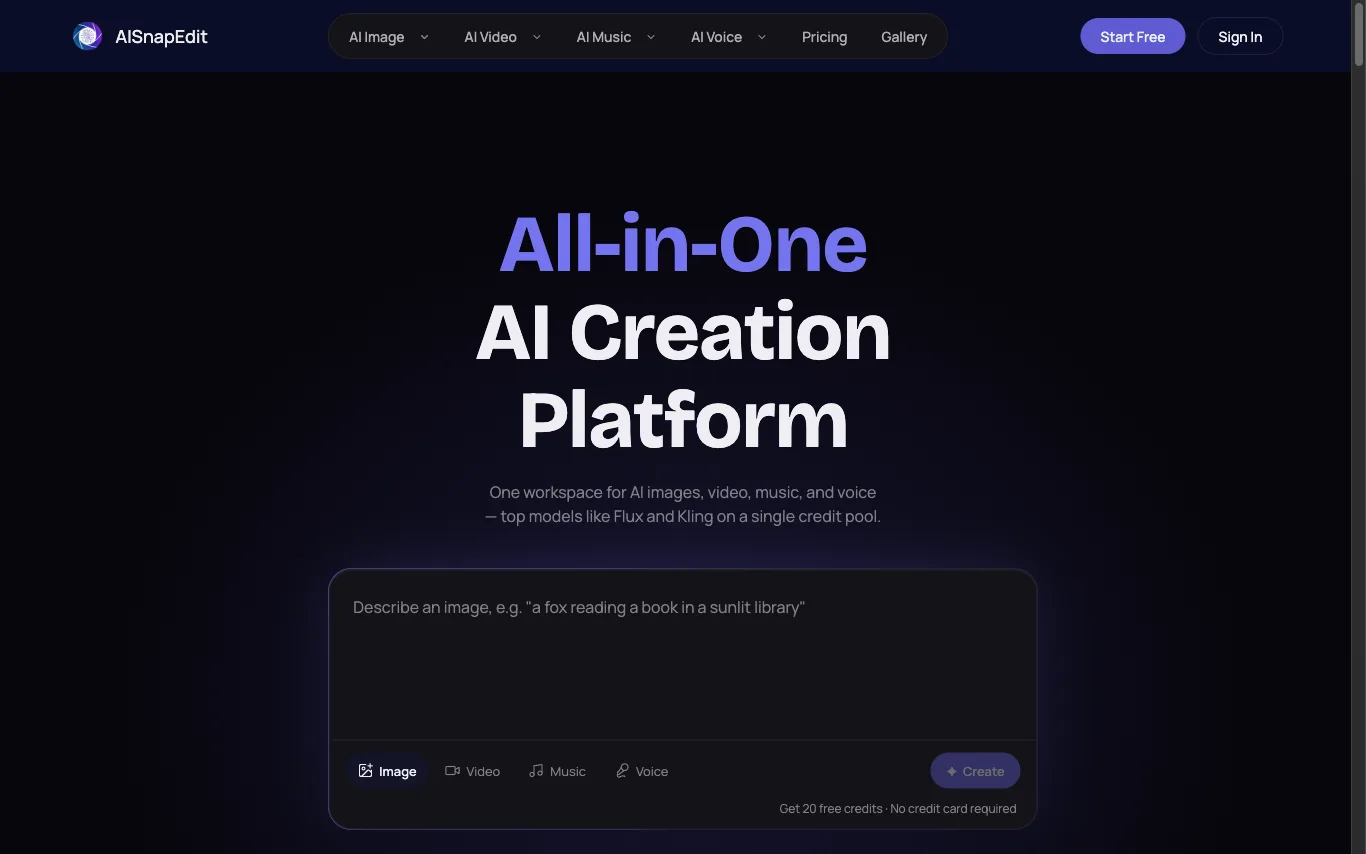

AISnapEdit puts 37+ third-party generation models for images, video, music and voice behind one account, one credit pool and one commercial licence.
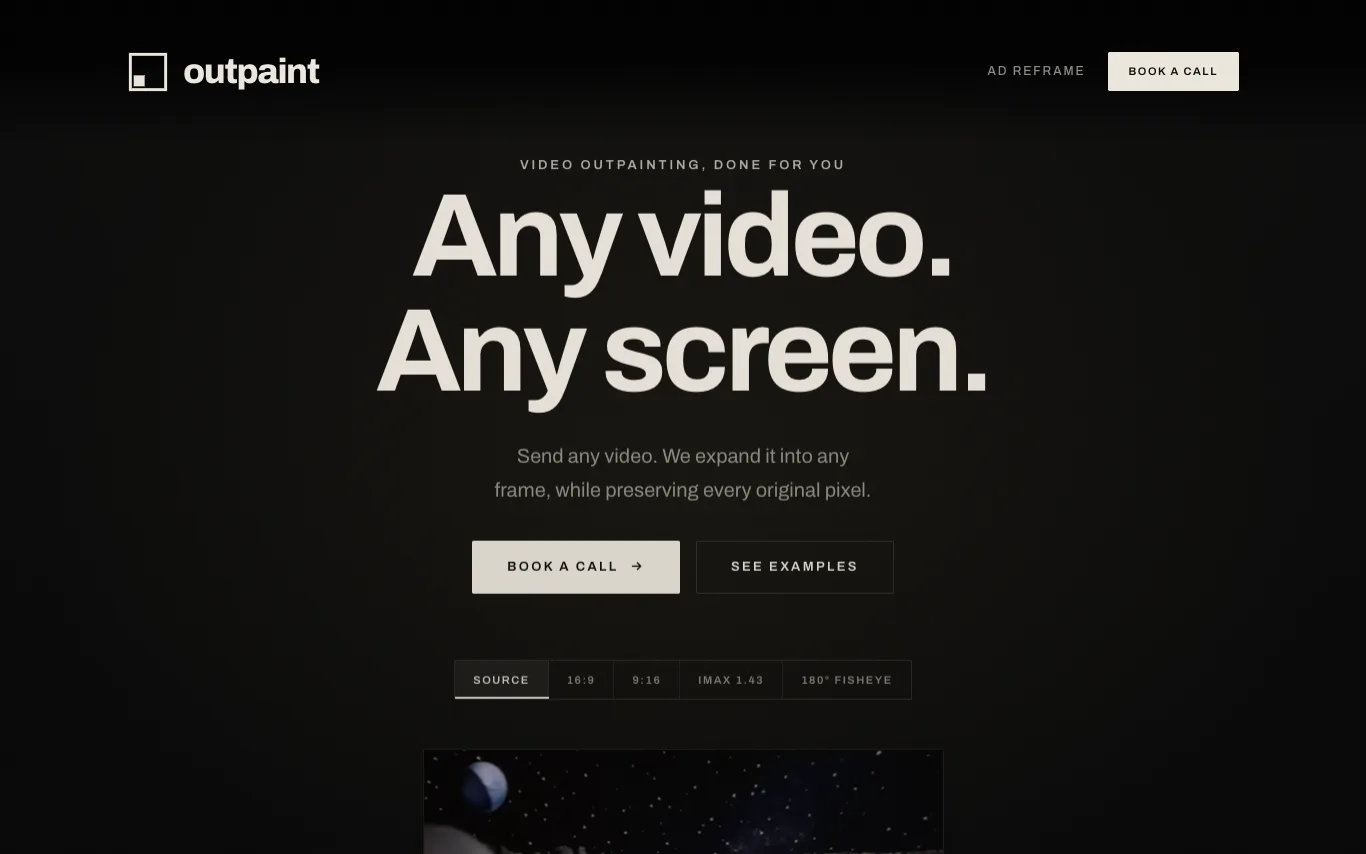

Outpaint is a service that expands videos into any aspect ratio or perspective, including 16:9, 9:16, square, IMAX, 180° fisheye, and 360° equirectangular. It preserves the original footage pixel-for-pixel and generates the surrounding content. The service handles any source format, resolution, or duration, and offers API access for automated reframing at scale.
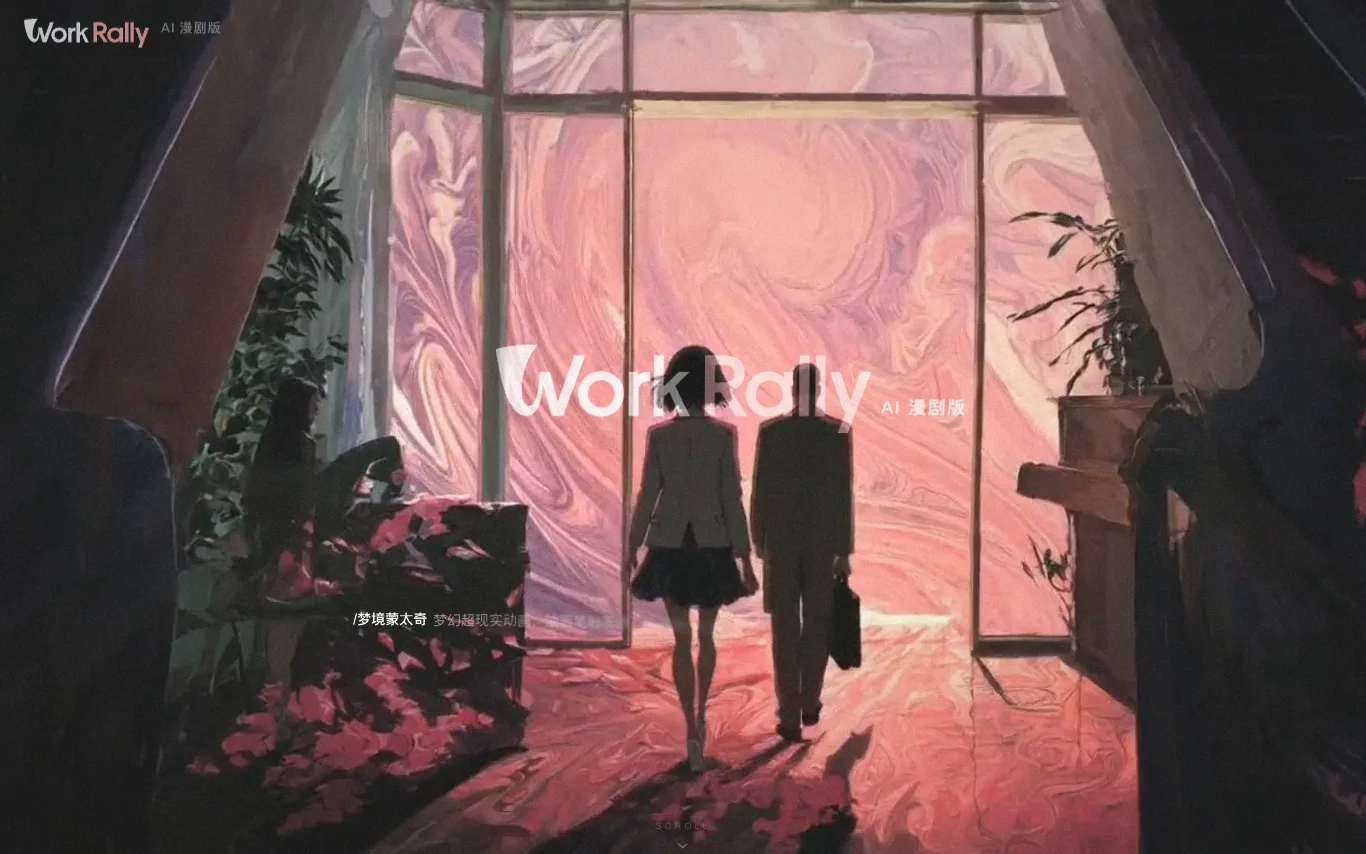

WorkRally is an AI-powered video creation platform by Tencent Video, designed for the full production workflow of comic dramas (漫剧) and short series. It provides an AI toolchain covering the entire creation process, from keyframe drawing to motion effects, ensuring high-quality generation with precise control. The platform enables creators to activate creativity and enhance production efficiency.
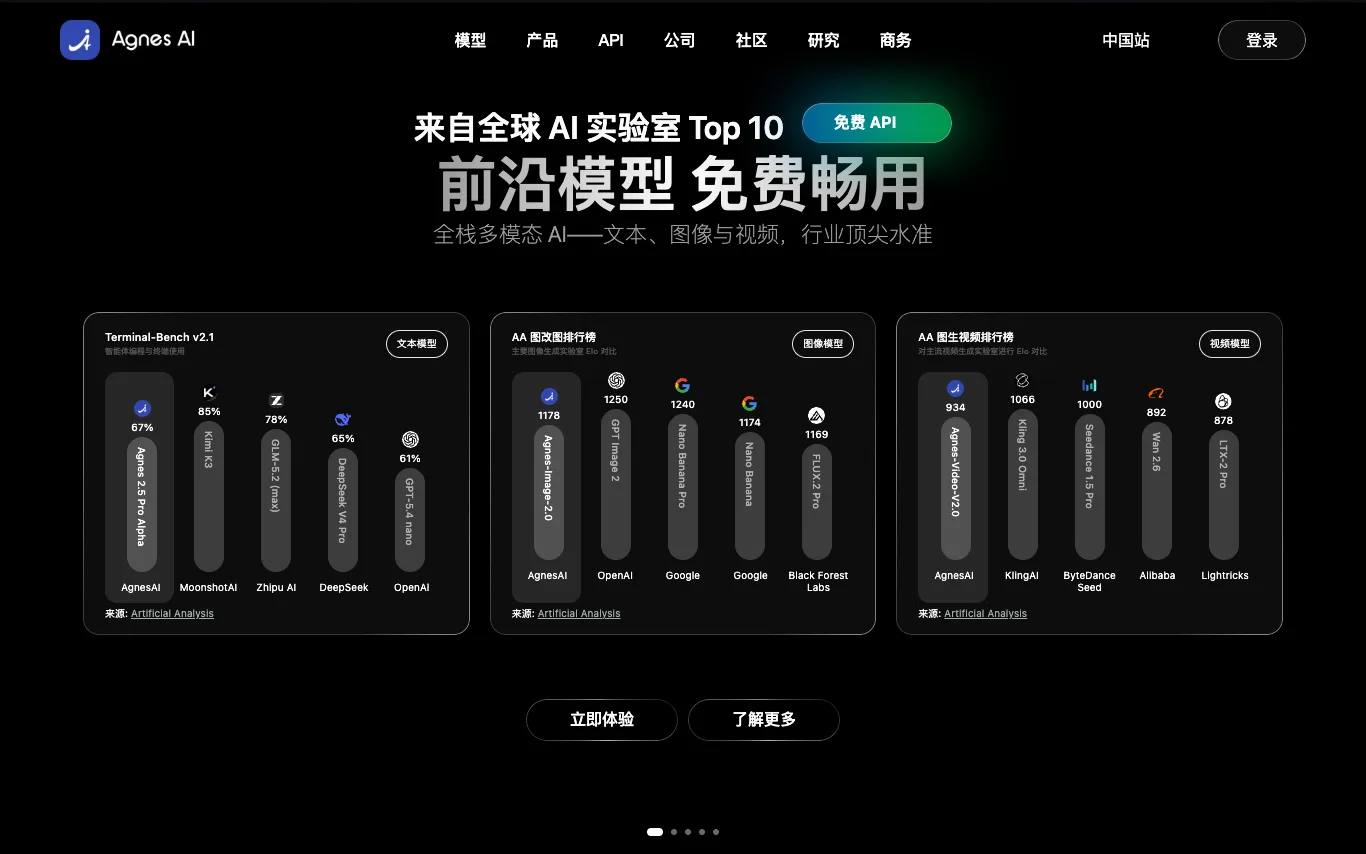

Agnes AI is an AI gateway, free AI API platform, and AI application ecosystem featuring Agnes, Echo, and Pavo. Get free AI API credits, create a free AI API key, use free AI API tokens, and access free AI API models for chatbots, AI agents, content tools, image generation, roleplay, productivity, and intelligent workflows. Build and use scalable generative AI across apps through one unified platform.
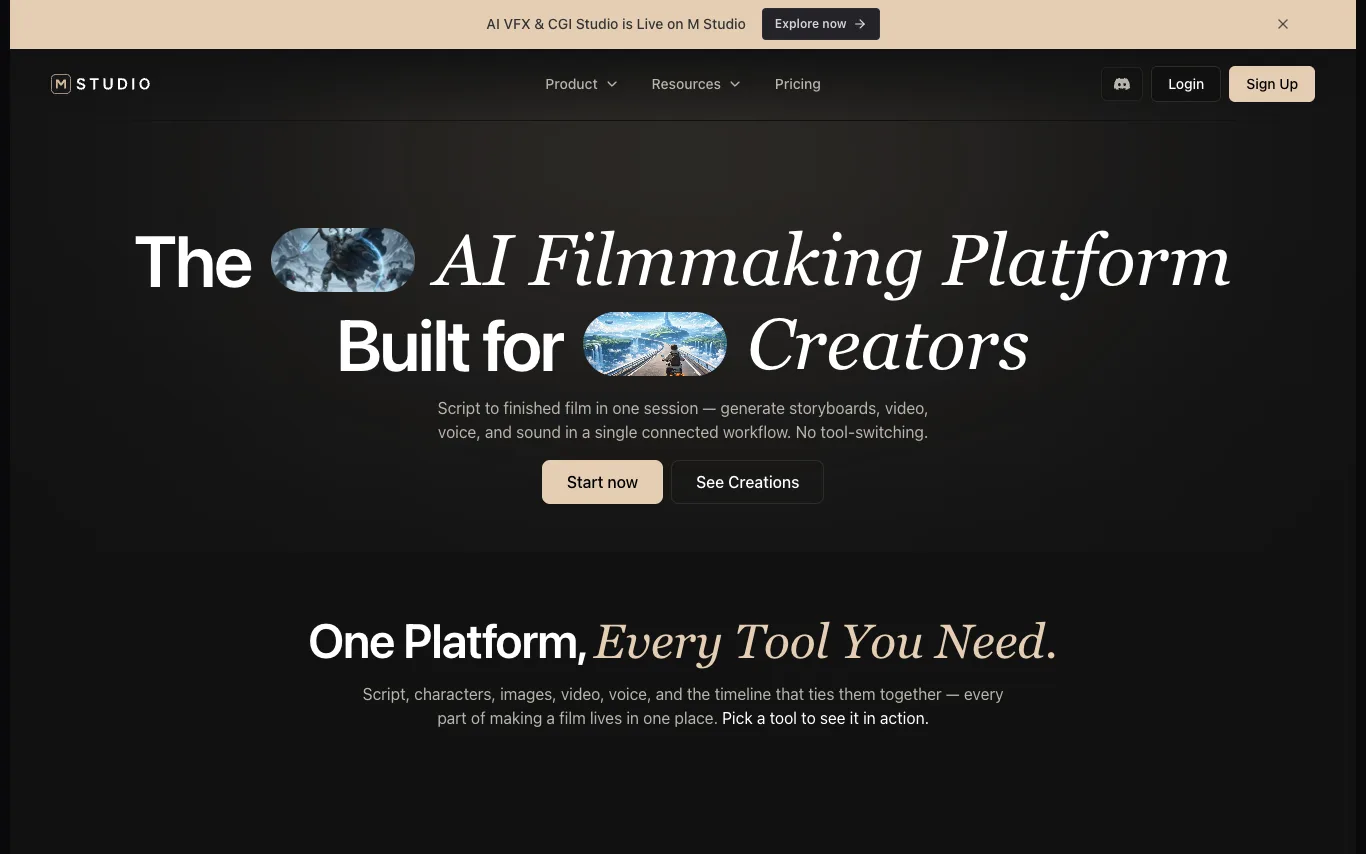

M Studio is an AI filmmaking platform that enables creators to generate storyboards, videos, voiceovers, and sound in a single connected workflow. It supports script-to-film production with tools for AI scriptwriting, character creation, image and video generation, voice narration, and timeline editing. The platform offers templates for various content types, including short films, product ads, social reels, and explainers, and integrates with AI models like Google Veo, Gemini, Kling AI, and ElevenLabs.
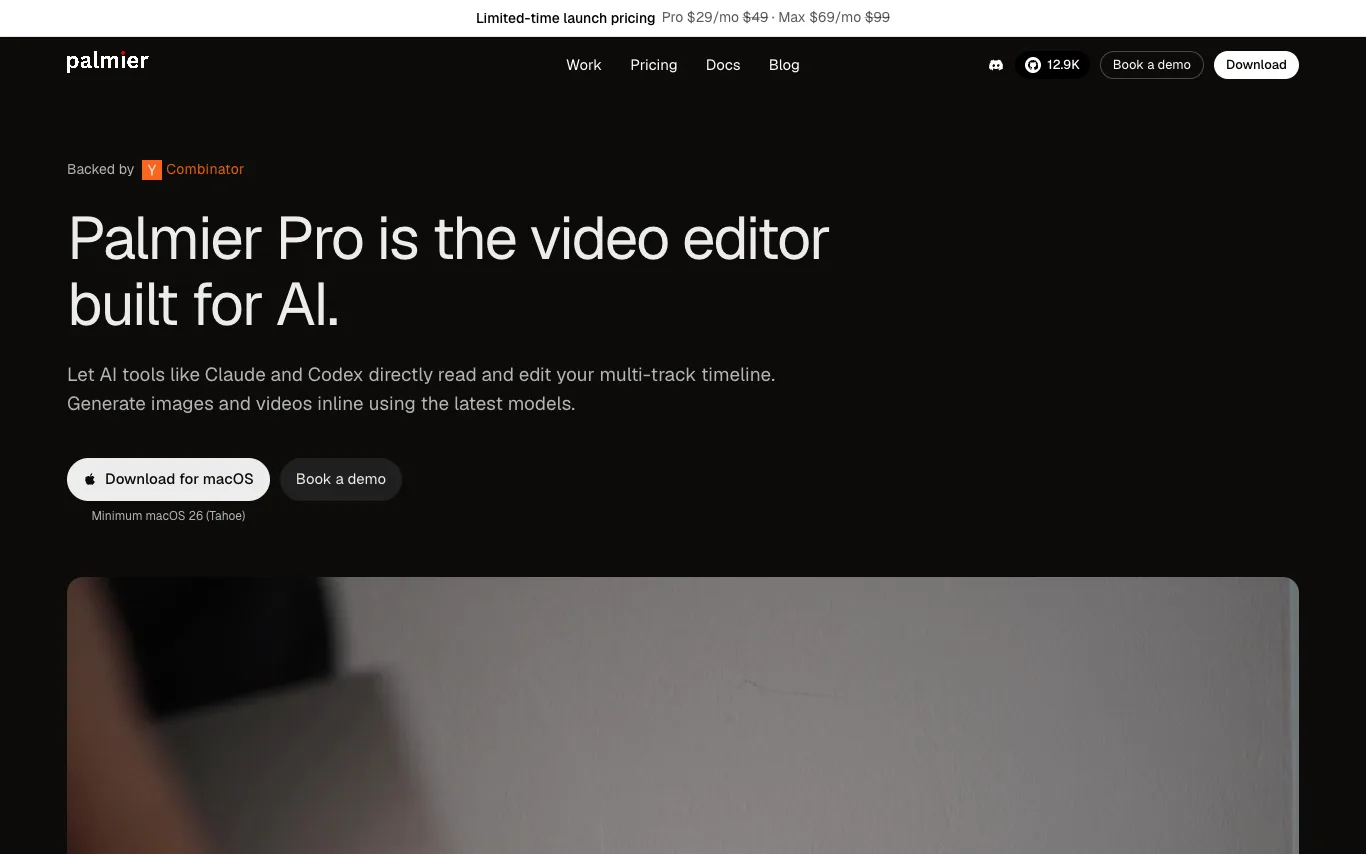

Palmier Pro is a professional video editor that integrates AI generation directly into the timeline. Users can generate AI images, videos, and audio inline, and mix them with imported footage. It supports multi-track editing, export to Premiere and DaVinci, and connects with AI agents via MCP. The editor is free without AI, with paid plans for credits.

Reclip is an AI-powered creator toolkit that automatically clips the best moments from long-form videos, adds voiceovers, removes captions, and downloads videos. It also offers AI video generation, AI ad generation, AI image generation, video compression, background removal, and more. Trusted by creators publishing to Instagram, YouTube Shorts, TikTok, YouTube, and Twitch.
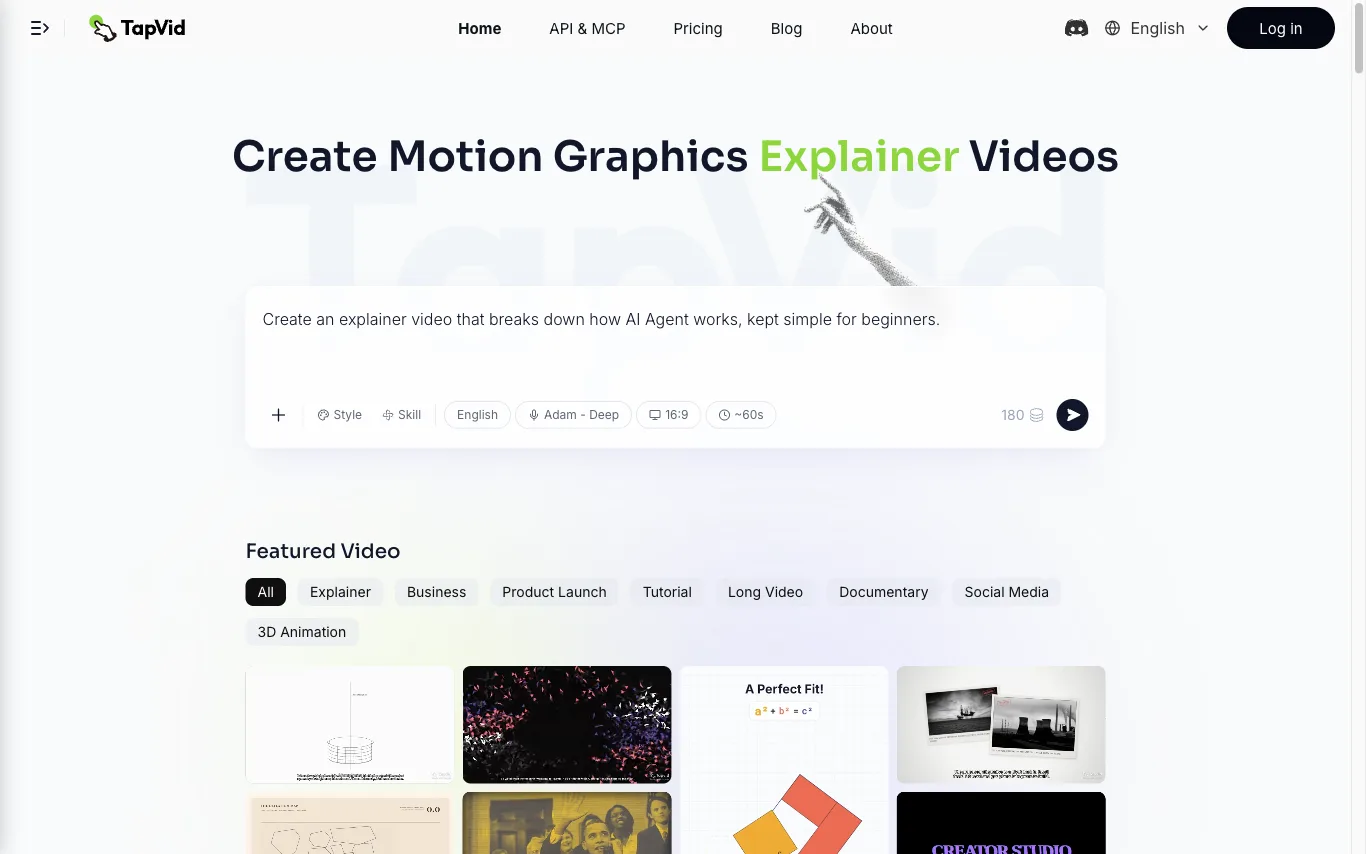

TapVid is an AI explainer video generator that turns a prompt, PDF, document, or link into a motion-graphics video. It assembles the outline, script, visuals, voiceover, and subtitles in a single pass, so source material becomes a publish-ready clip without opening a timeline editor. Three modes cover the workflow. Explainer Video turns a prompt, PDF, or link into a finished clip with motion graphics. One Shot produces a complete video from outline to script to final output in one run. Intelligent Edit revises the result through plain-language instructions instead of frame-level editing, so refinements are typed rather than cut. Rendering is billed in credits at roughly 3 credits per second of finished video, and renders that fail or time out have their credits returned. Free exports are 720p with a TapVid watermark, while Pro, Max, and Ultra export watermark-free 1080p, with clips up to 3 minutes on Pro and Max and up to 5 minutes on Ultra. TapVid also publishes an API and MCP entry point, and its interface is available in seven language versions.
What is an AI video generator?
An AI video generator creates video clips from a text prompt, image, script, or avatar, instead of filming. It can produce short social clips, product and marketing videos, or animate a still image. Tools range from full text-to-video models to editors with avatars, templates, and captions.
Core features to look for
- Text-to-video from a prompt or script
- Image-to-video animation of stills
- Avatars, voiceover, and auto captions
- Templates, brand kits, and resizing
- Scene editing and regeneration
- Free plans, watermark rules, and exports
Who uses AI video generators, and how
Text-to-video creation
Start from a prompt, script, or product idea and generate a short video draft without filming.
Image-to-video animation
Turn product shots, characters, or design assets into moving clips for social and ads.
Free plan testing
Compare free generators by watermark rules, export limits, credits, and quality.
Marketing video workflows
Use templates, captions, brand controls, and resizing for repeat campaigns.
How does an AI video generator work?
AI video generators use models trained on video and image data. From a prompt or a starting image, they generate frames that stay consistent over time, then assemble them into a clip; avatar tools instead drive a presenter with your script and a synthetic voice. Editing features let you regenerate scenes and add captions.