

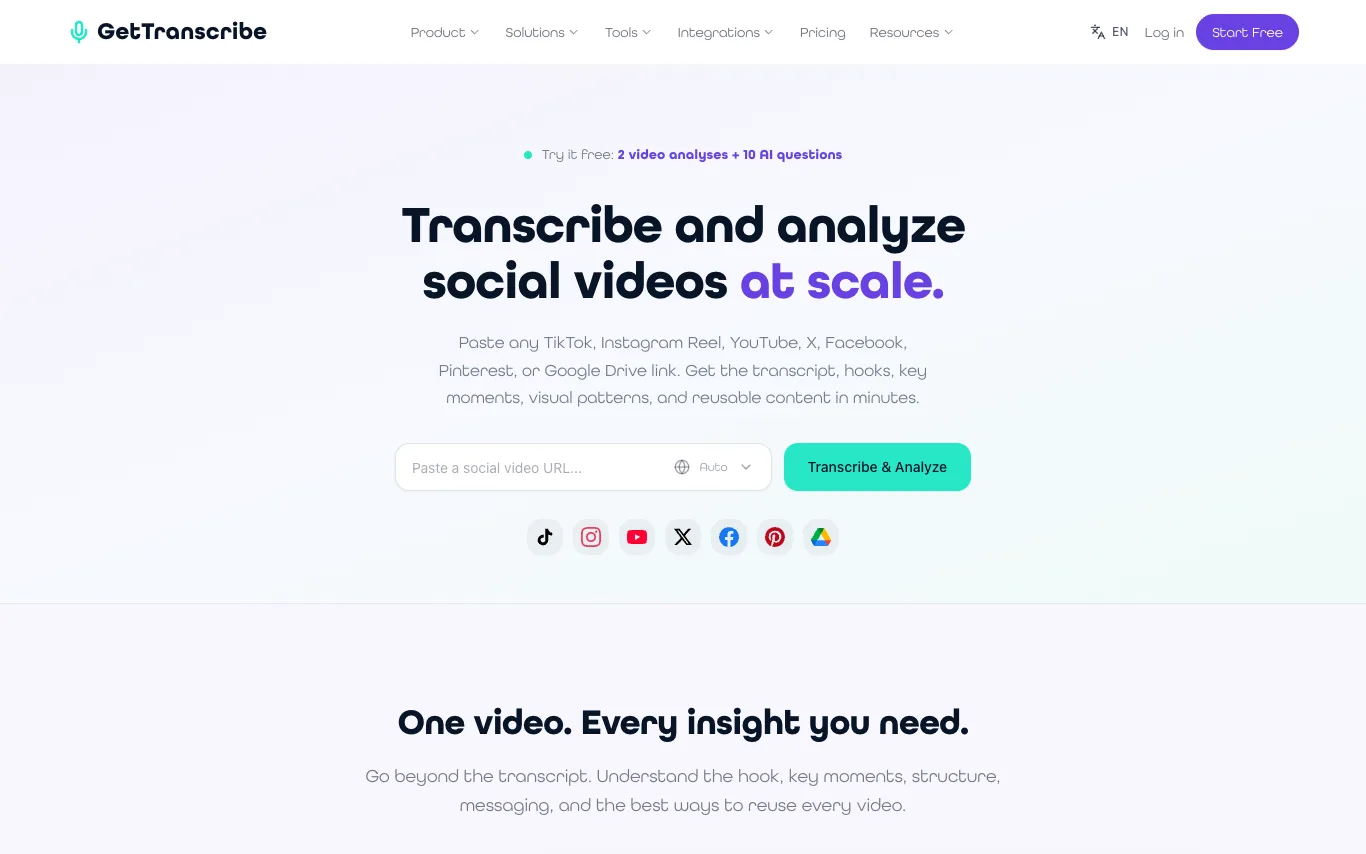

GetTranscribe is a tool that transcribes and analyzes social videos from platforms like TikTok, Instagram Reels, YouTube, X, Facebook, Pinterest, and Google Drive. It provides transcripts, hooks, key moments, visual patterns, and reusable content. Users can compare competitor accounts, uncover recurring patterns, identify content gaps, and generate creative briefs. The platform includes a video library for organizing and searching videos, and offers integrations with tools like Zapier, Make, n8n, and an API.
AI Video Generator · 85 tools
Best AI Video Generator Tools (2026)
Compare AI video generators for text-to-video, image-to-video, avatars, short clips, free plans, and marketing workflows.
All AI Video Generator tools
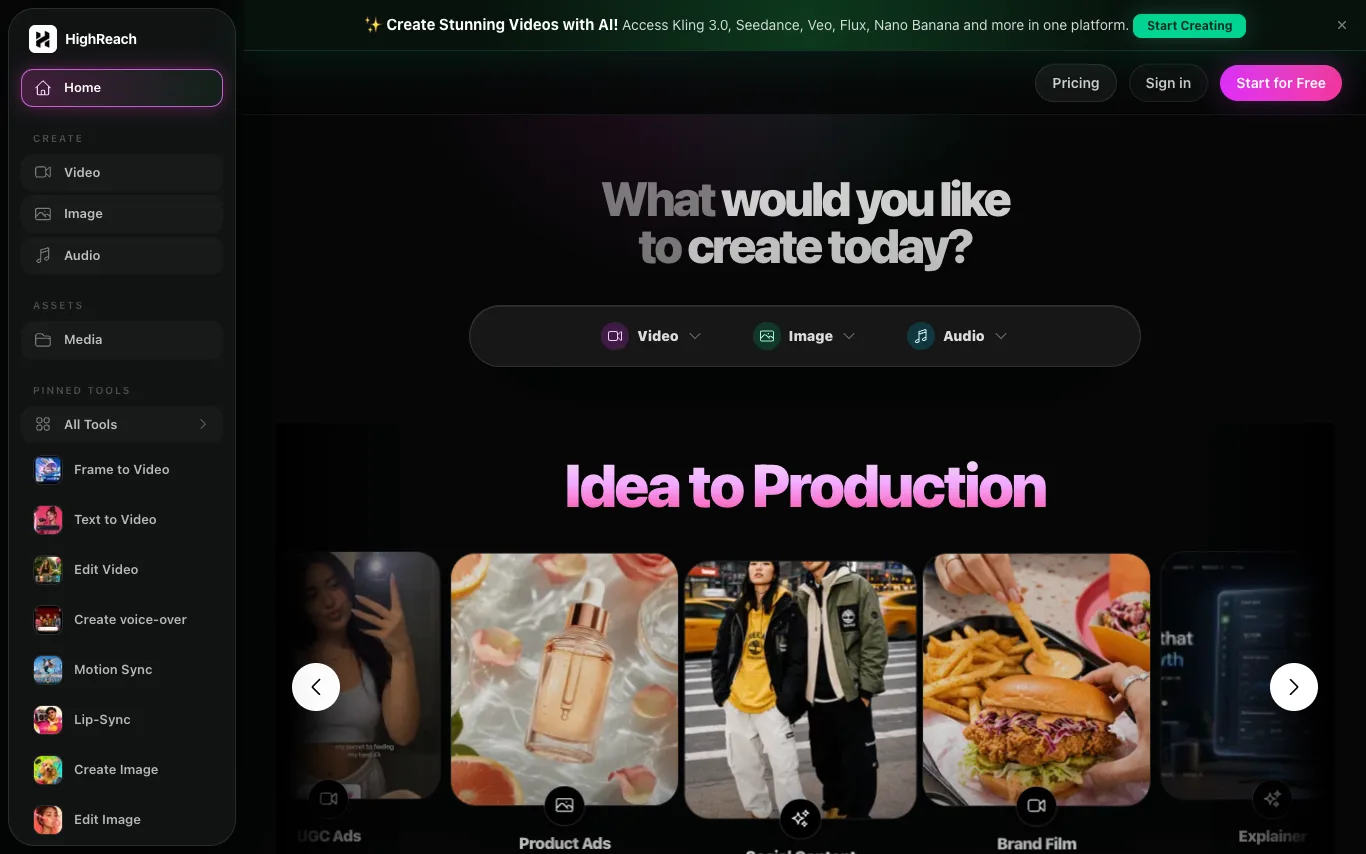

HighReach is an AI generation suite for videos, images, avatars, scripts, and product creative. Build campaign-ready assets from one workspace. It offers tools for video creation, image editing, audio generation, and more, with access to models like Kling 3.0, Seedance, Veo, Flux, and Nano Banana.
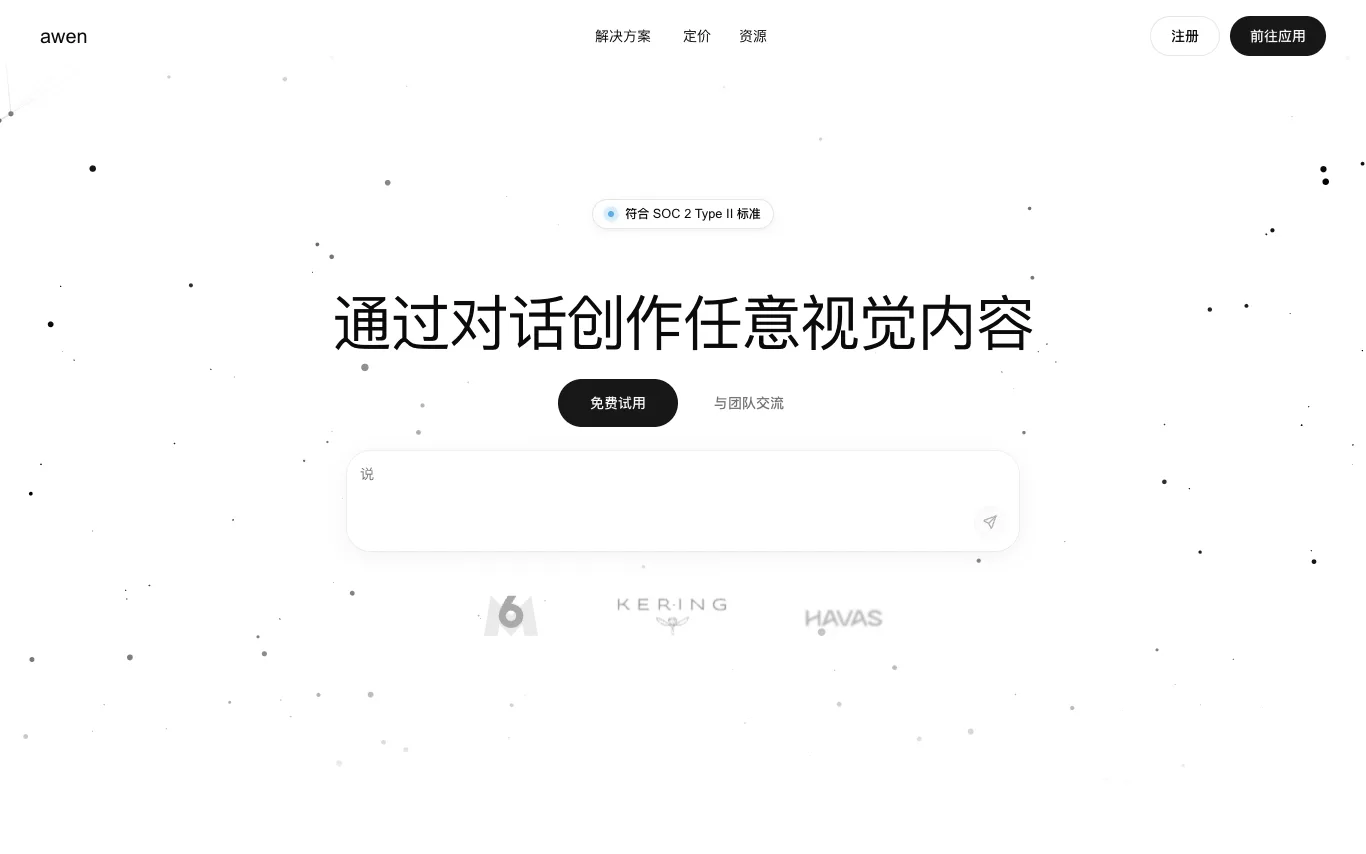

Awen is a platform that lets creatives and teams generate images, videos, and visual assets from natural conversation. It understands creative intent, automatically selects and orchestrates the right AI models, and produces usable outputs without requiring technical prompting or AI expertise. Awen is designed for design, creative direction, advertising, e-commerce, and video production workflows.
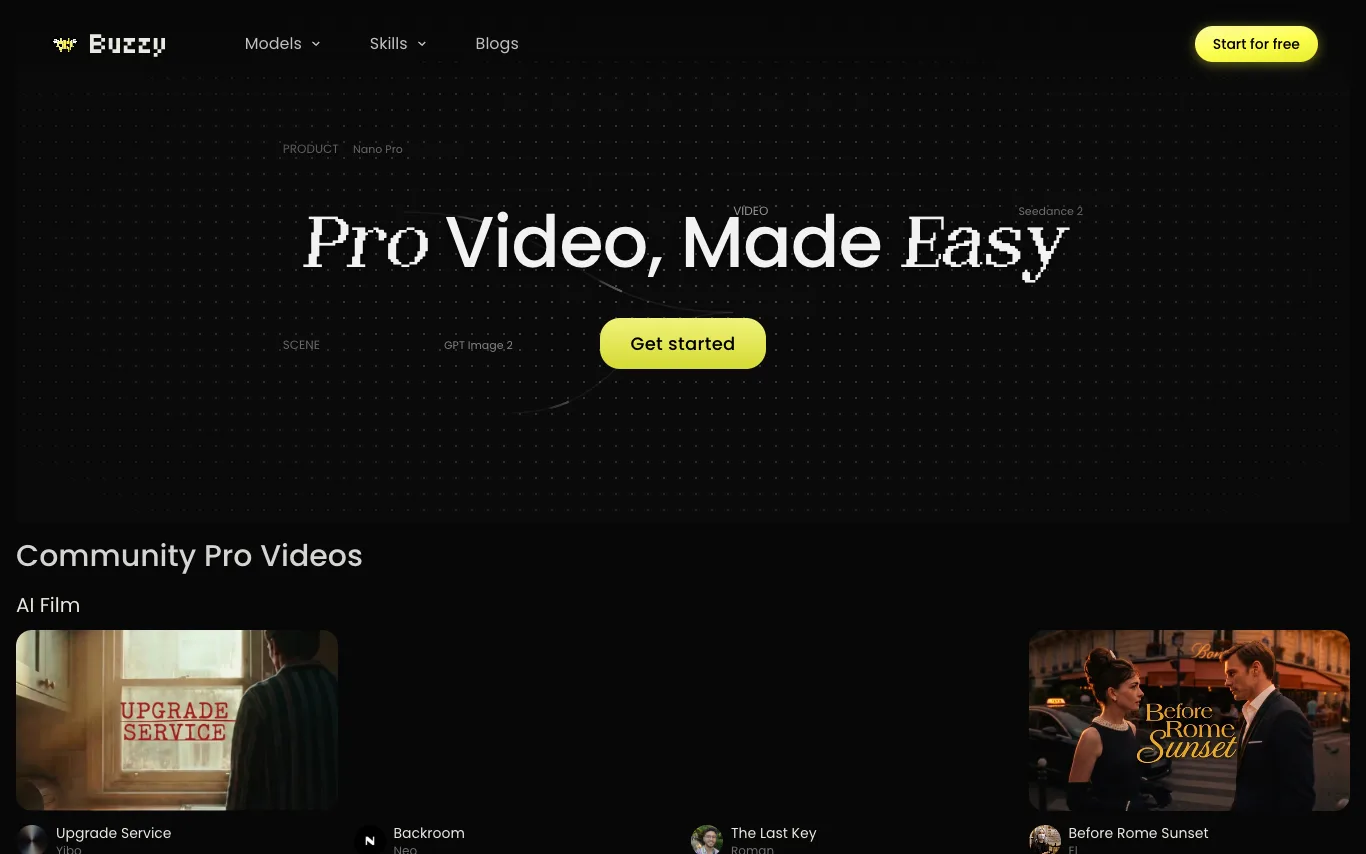

Buzzy AI is a pro video engine that enables users to create long-form, high-quality videos such as AI films and AI commercials. The platform showcases community-created projects including AI films, branding ads, and animations, with workflows available for viewing. Buzzy AI integrates with tools like Nano Pro, GPT Image 2, and Seedance 2 to support video production.
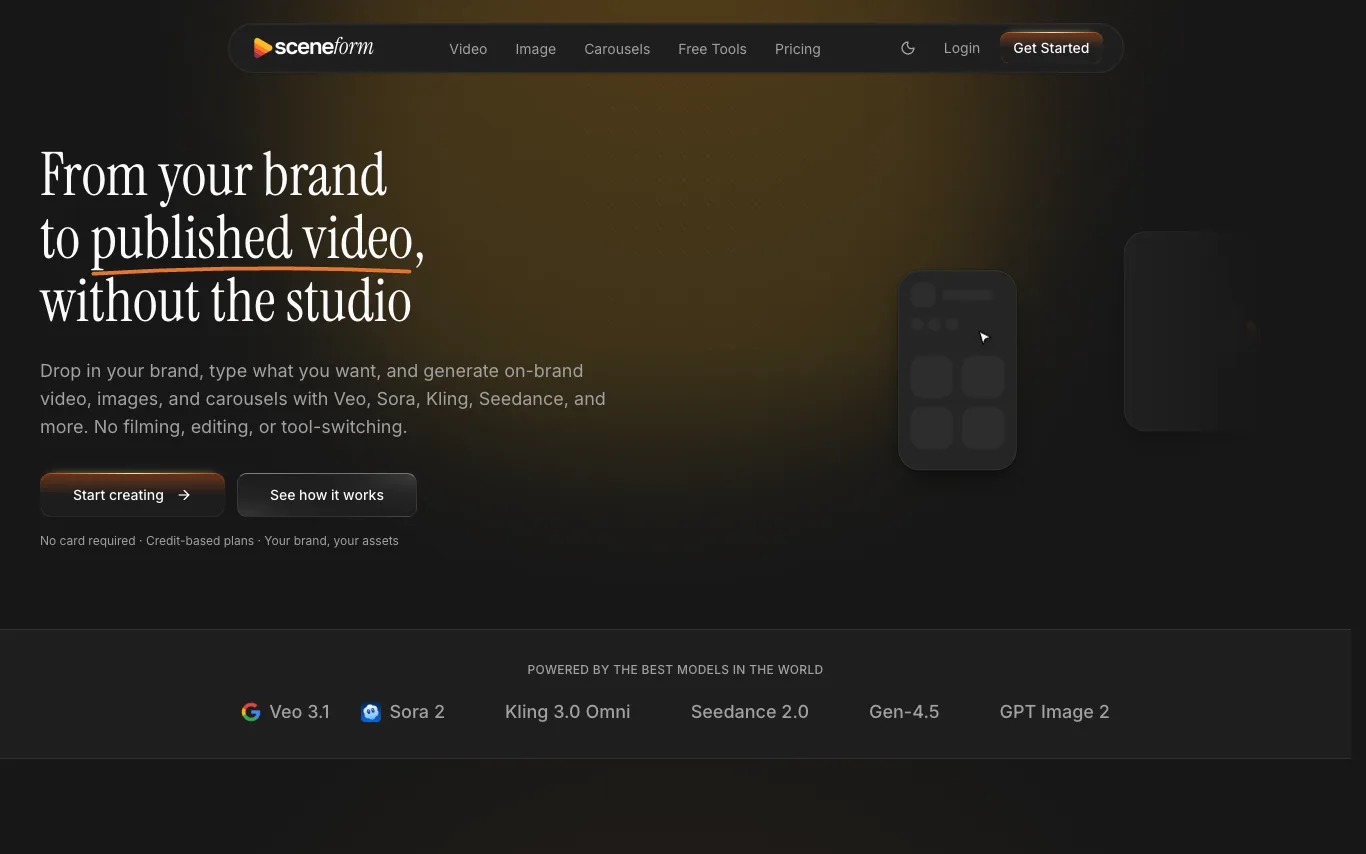

Sceneform is a platform that helps brands and creators generate on-brand images, videos, voiceovers, lip sync, carousels, and short-form social posts from one workspace. It integrates with models like Veo, Sora, Kling, Seedance, and more. Users can import their brand, create a persona, and generate content that maintains brand consistency. The platform also offers publishing features to schedule and track posts on platforms like TikTok.
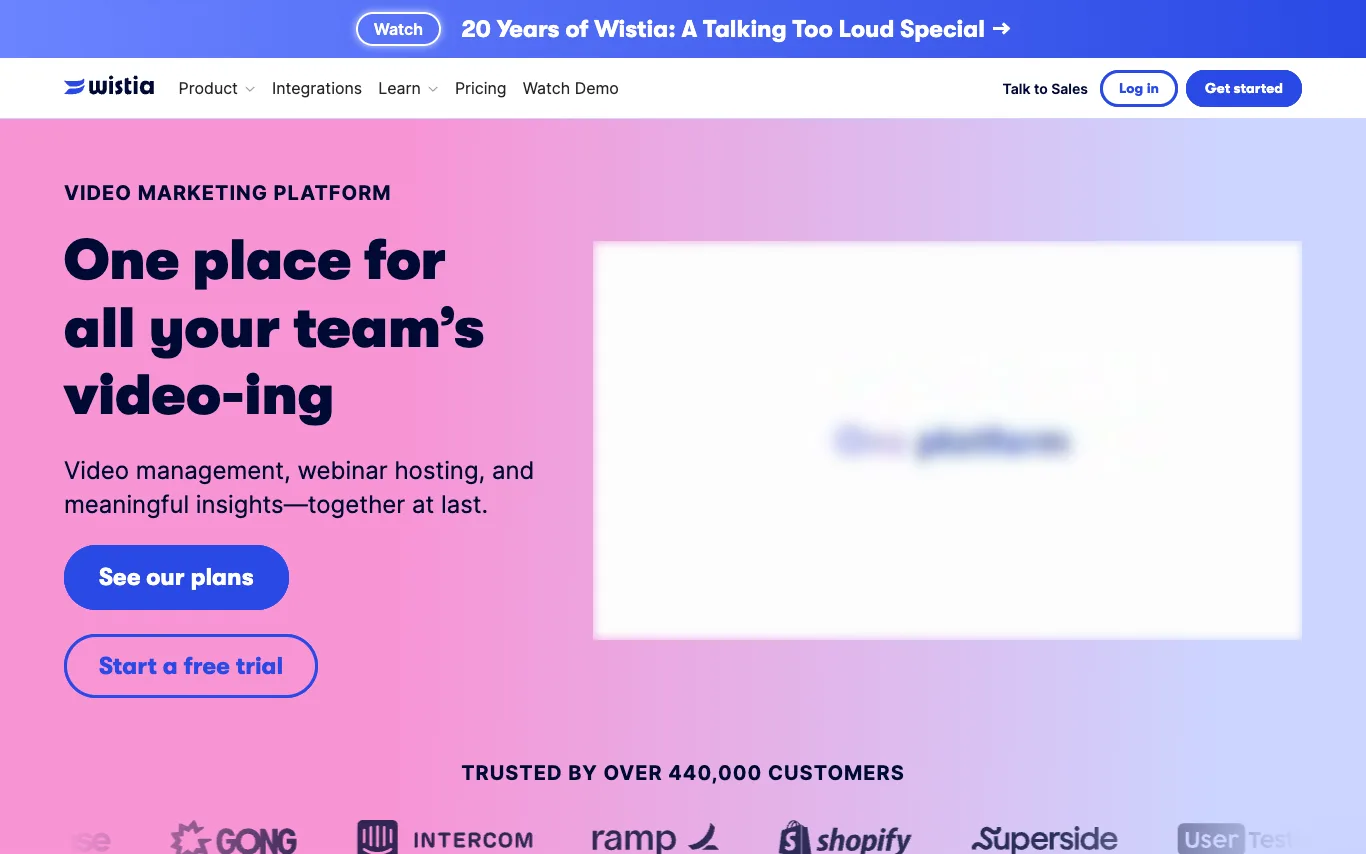

Wistia is a video marketing platform for businesses. It provides tools for video hosting and management, webinar hosting, recording and editing, and analytics. Users can embed videos with a customizable, ad-free player, organize their library, and gain insights into viewer engagement. Wistia integrates with various marketing tools and offers a free plan and trial.

ByThen is an AI video producer for faceless content. It lets you generate storytelling videos in a single workflow. The platform includes scriptwriting, key visuals, storyboarding, voiceover, video generation, music, and timeline editing. Every project exports directly as an MP4 file.

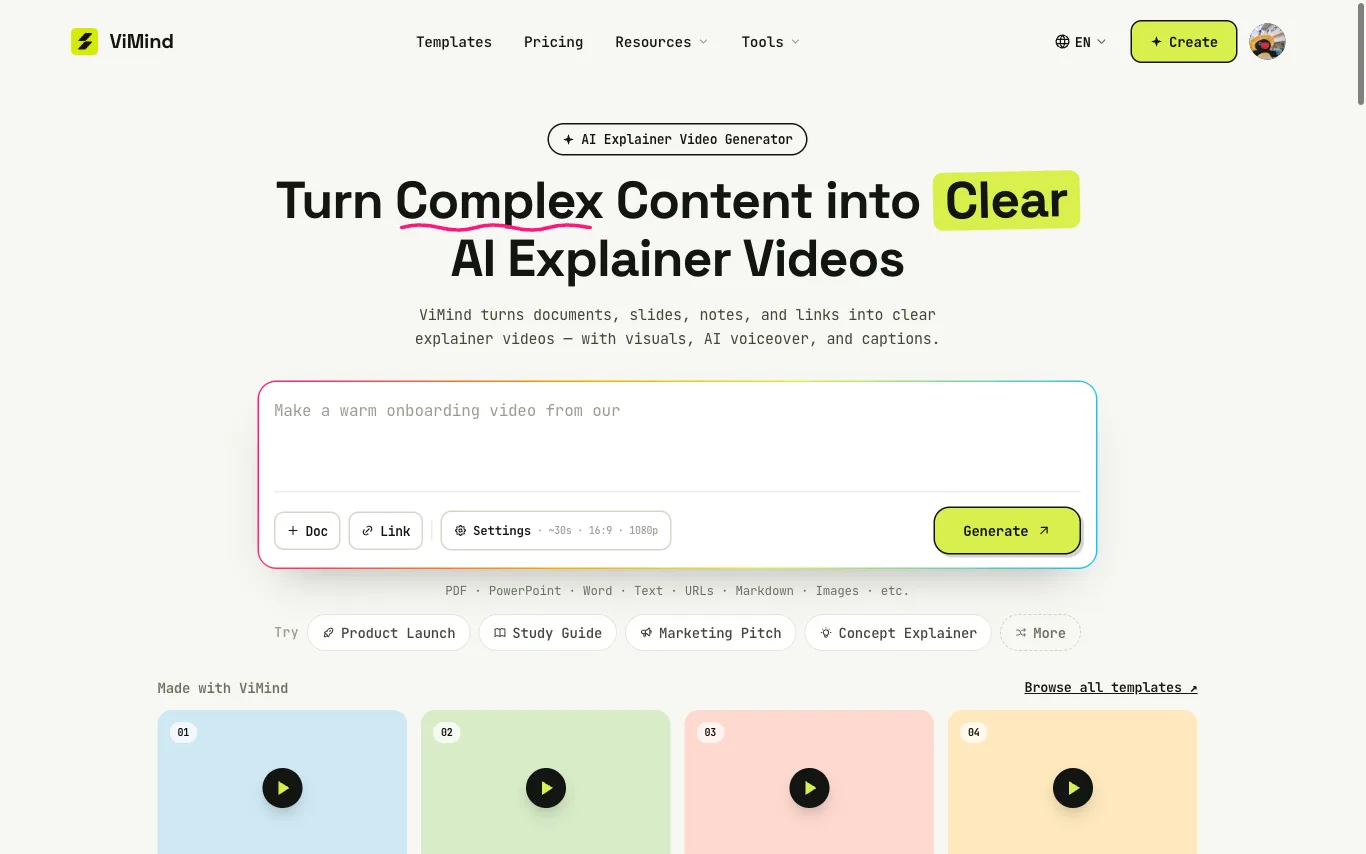


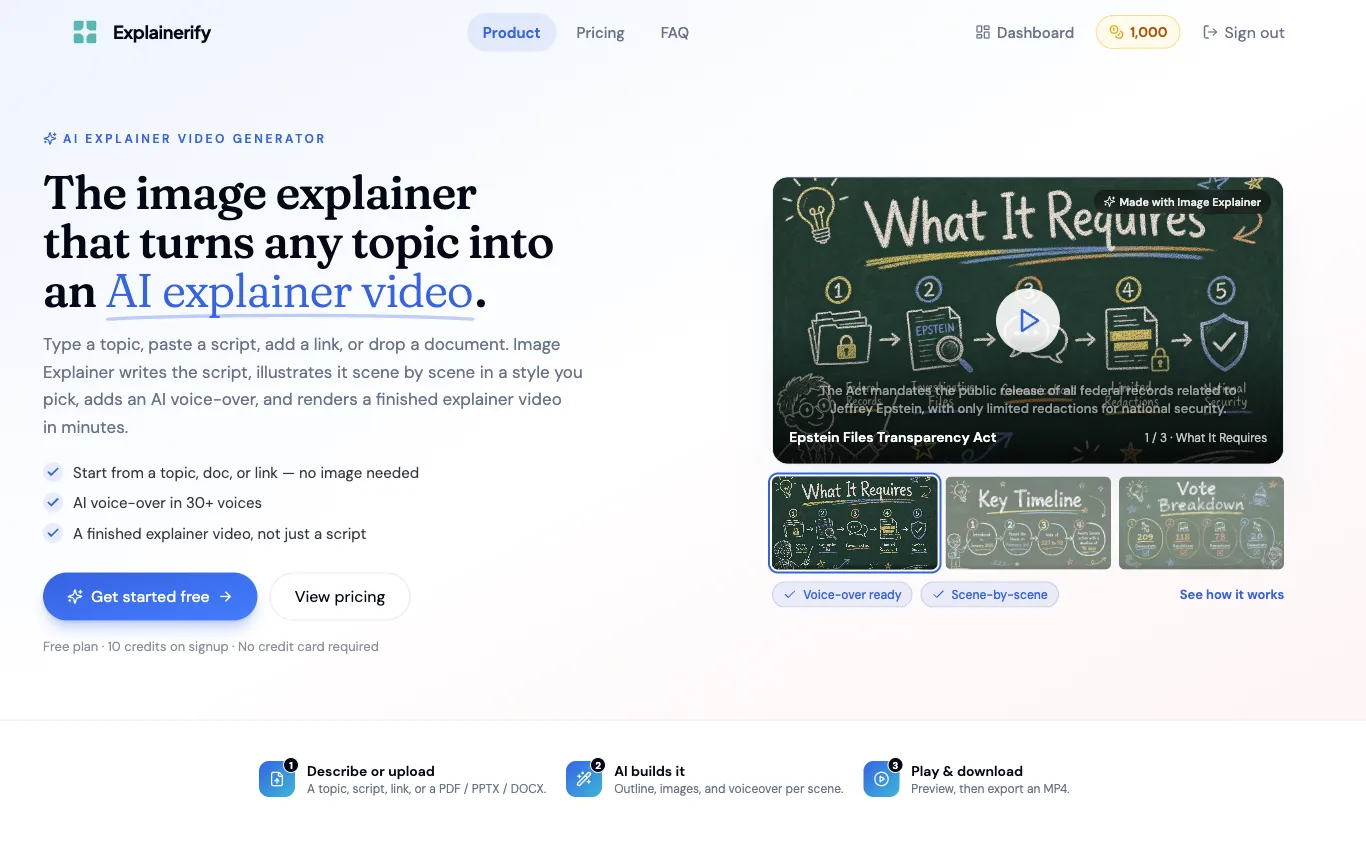

Explainerify generates finished explainer videos from a topic, script, link, or document. It writes the script, illustrates each scene in a chosen visual style, and adds an AI voice-over in 30+ voices.
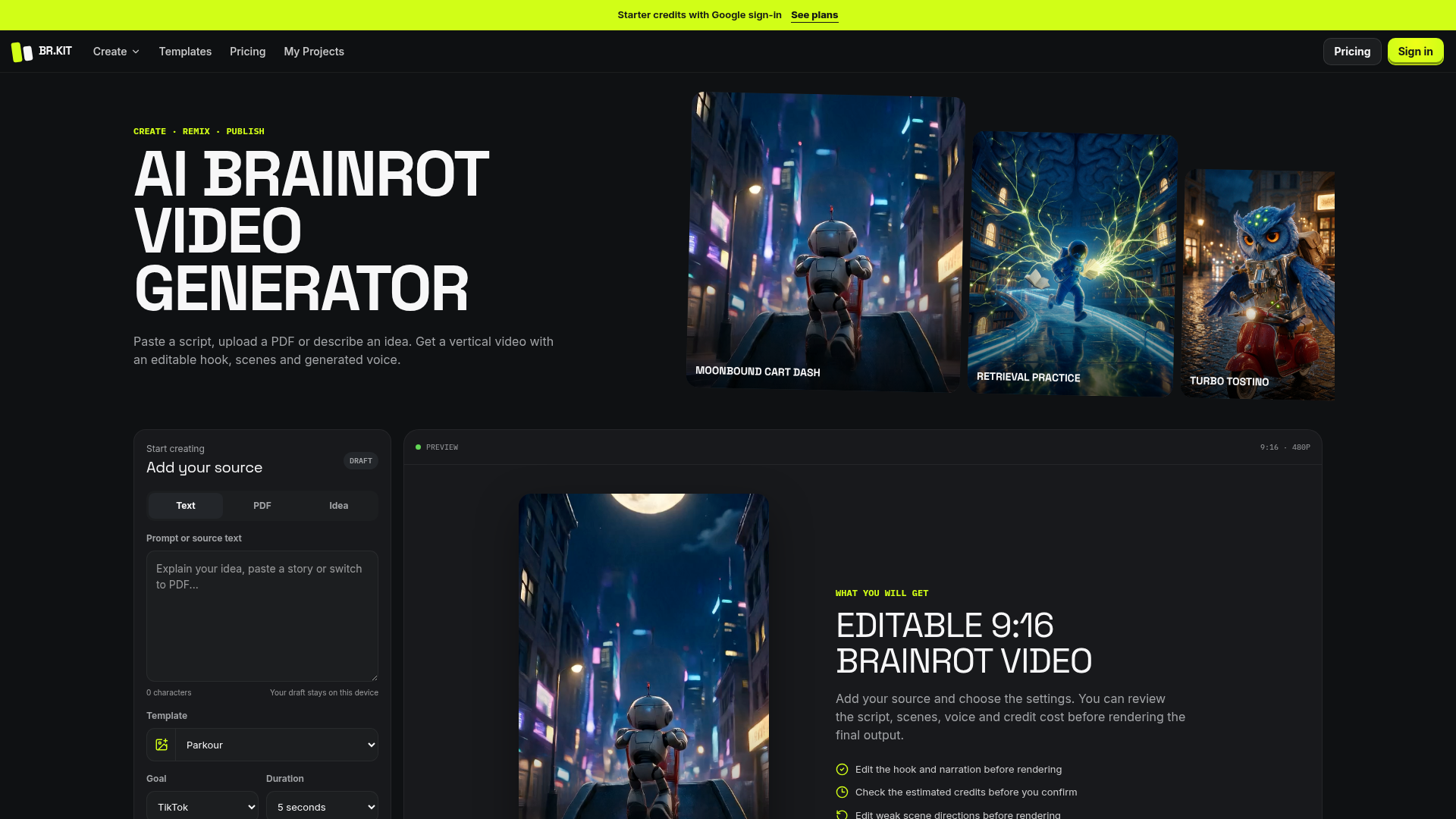

Paste a script, upload a PDF or describe an idea. Get a vertical video with an editable hook, scenes and generated voice
What is an AI video generator?
An AI video generator creates video clips from a text prompt, image, script, or avatar, instead of filming. It can produce short social clips, product and marketing videos, or animate a still image. Tools range from full text-to-video models to editors with avatars, templates, and captions.
Core features to look for
- Text-to-video from a prompt or script
- Image-to-video animation of stills
- Avatars, voiceover, and auto captions
- Templates, brand kits, and resizing
- Scene editing and regeneration
- Free plans, watermark rules, and exports
Who uses AI video generators, and how
01
Text-to-video creation
Start from a prompt, script, or product idea and generate a short video draft without filming.
02
Image-to-video animation
Turn product shots, characters, or design assets into moving clips for social and ads.
03
Free plan testing
Compare free generators by watermark rules, export limits, credits, and quality.
04
Marketing video workflows
Use templates, captions, brand controls, and resizing for repeat campaigns.
How does an AI video generator work?
AI video generators use models trained on video and image data. From a prompt or a starting image, they generate frames that stay consistent over time, then assemble them into a clip; avatar tools instead drive a presenter with your script and a synthetic voice. Editing features let you regenerate scenes and add captions.