

AI Video Generator · 85 tools
Best AI Video Generator Tools (2026)
Compare AI video generators for text-to-video, image-to-video, avatars, short clips, free plans, and marketing workflows.
All AI Video Generator tools

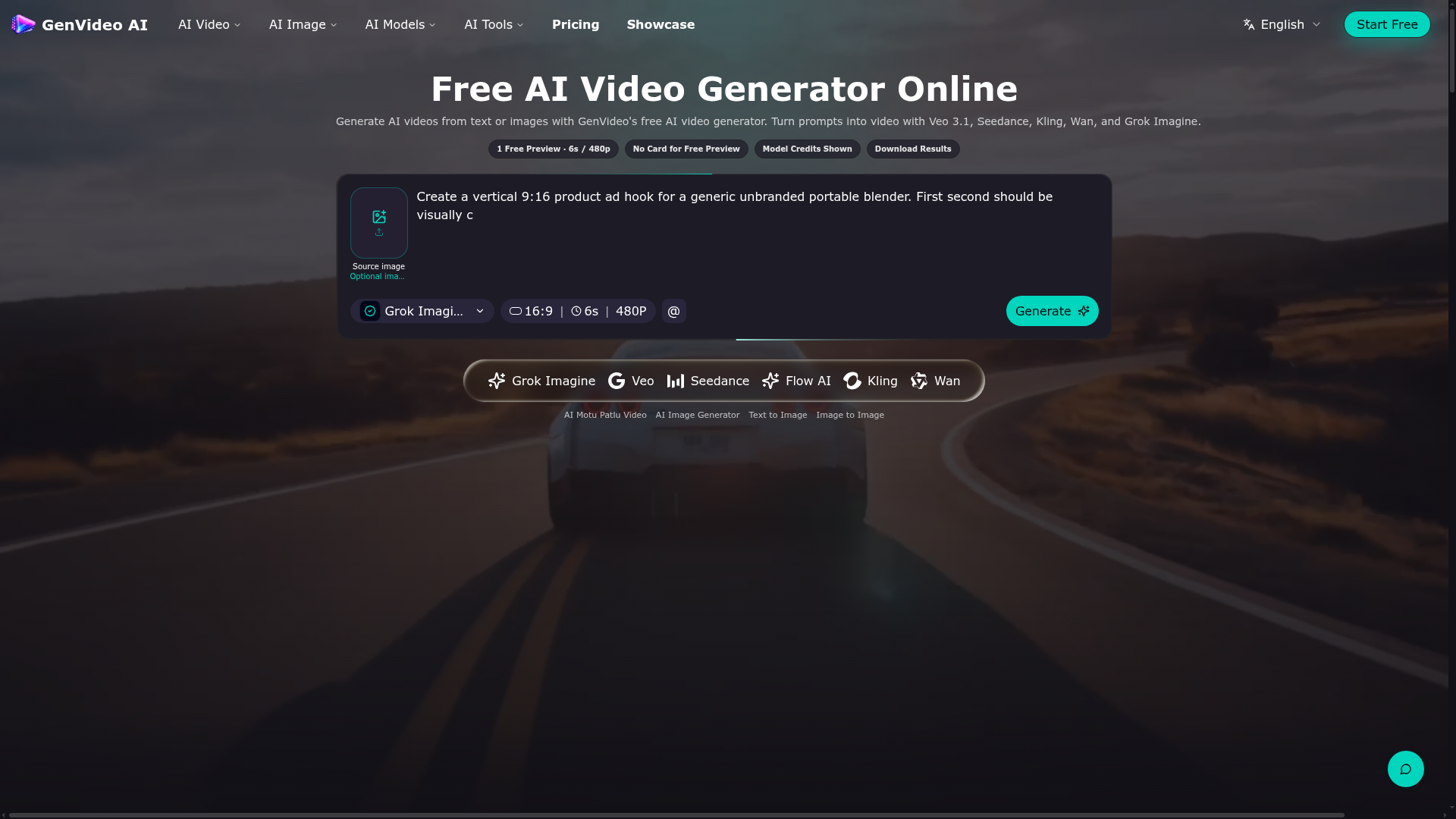

Generate AI videos from text or images with GenVideo's free AI video generator.
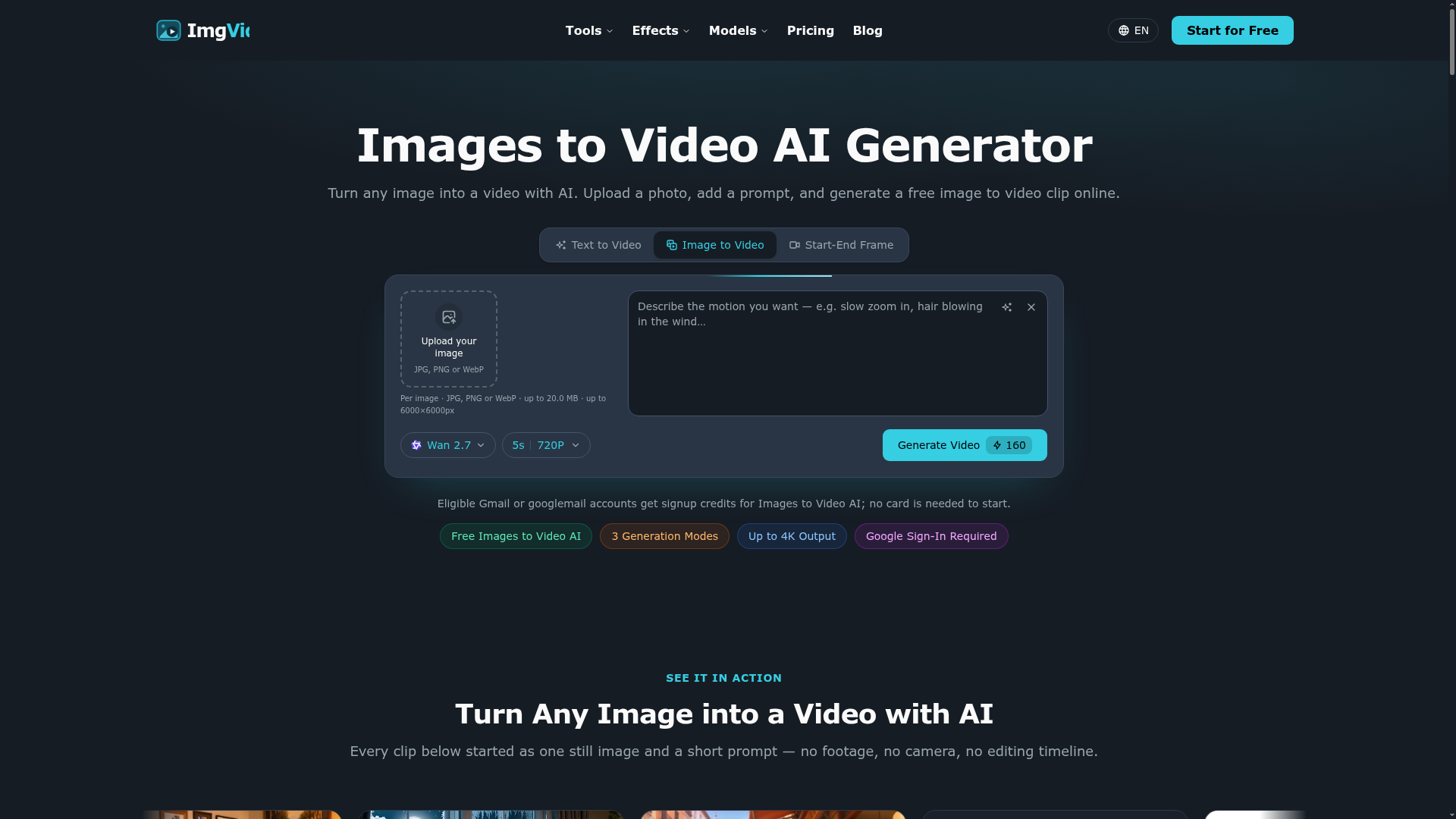

Turn any image into a video with AI. Upload a photo, add a prompt, and generate a free image to video clip online.

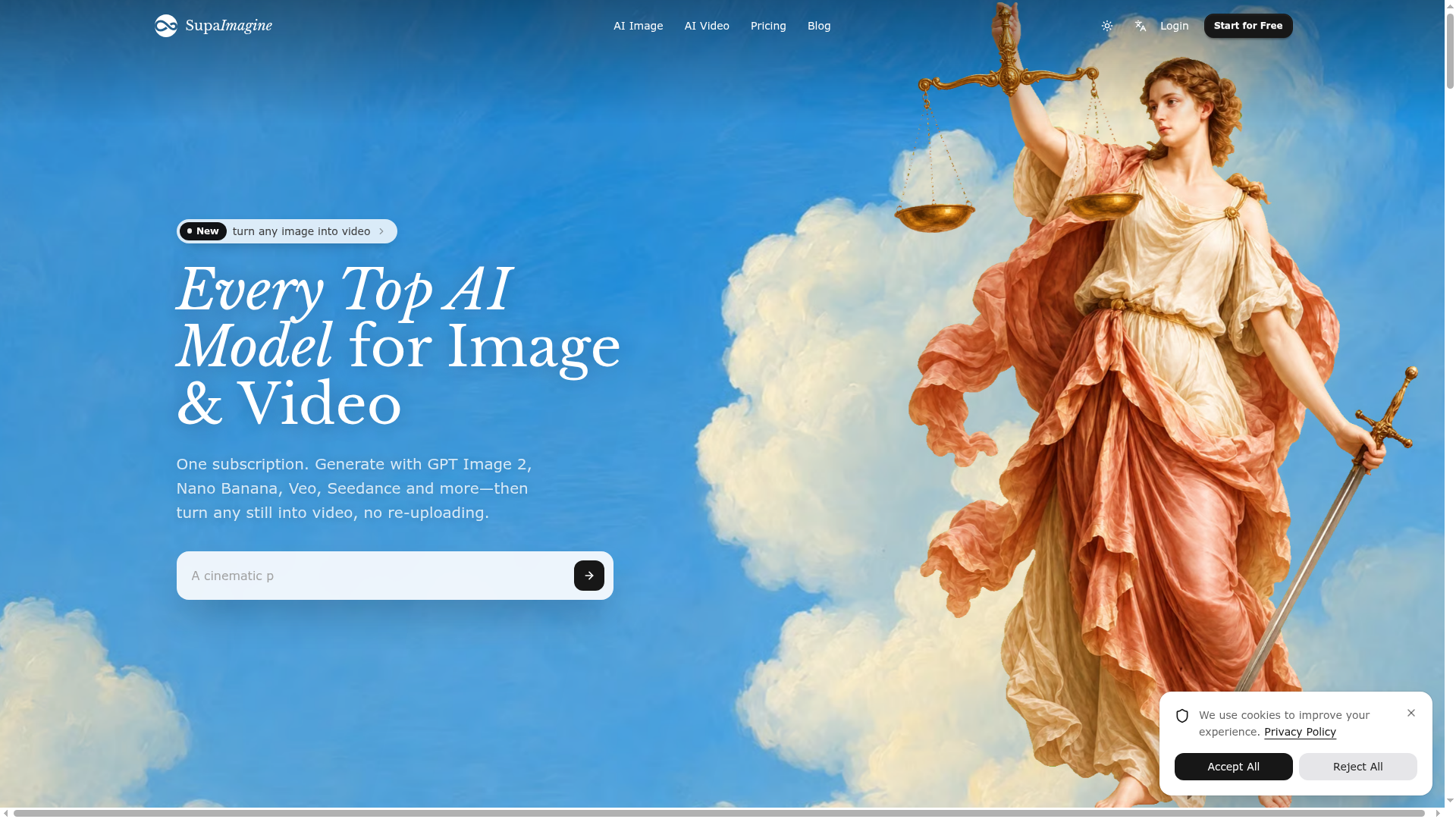

Every Top AI Model for Image & Video
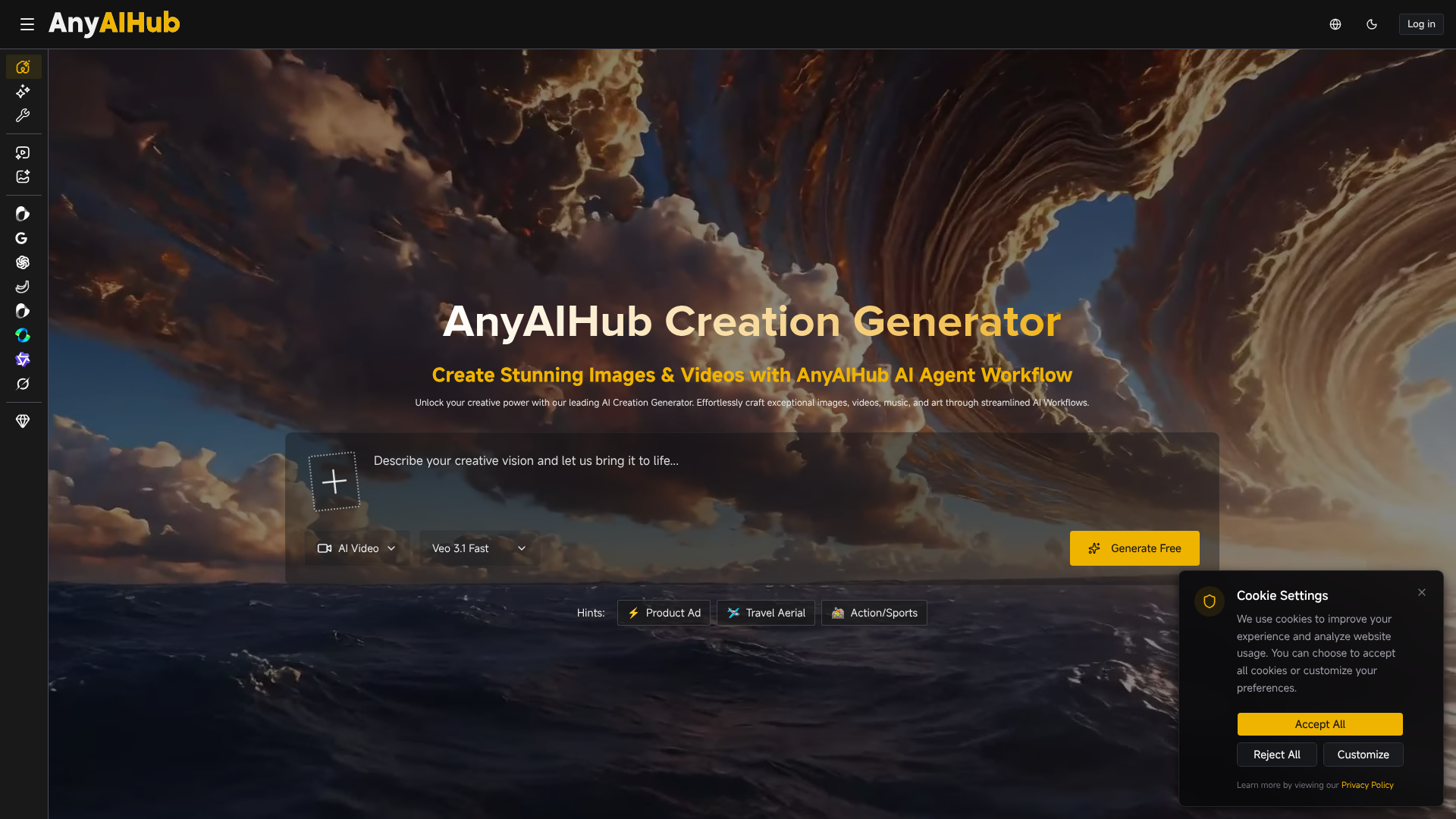

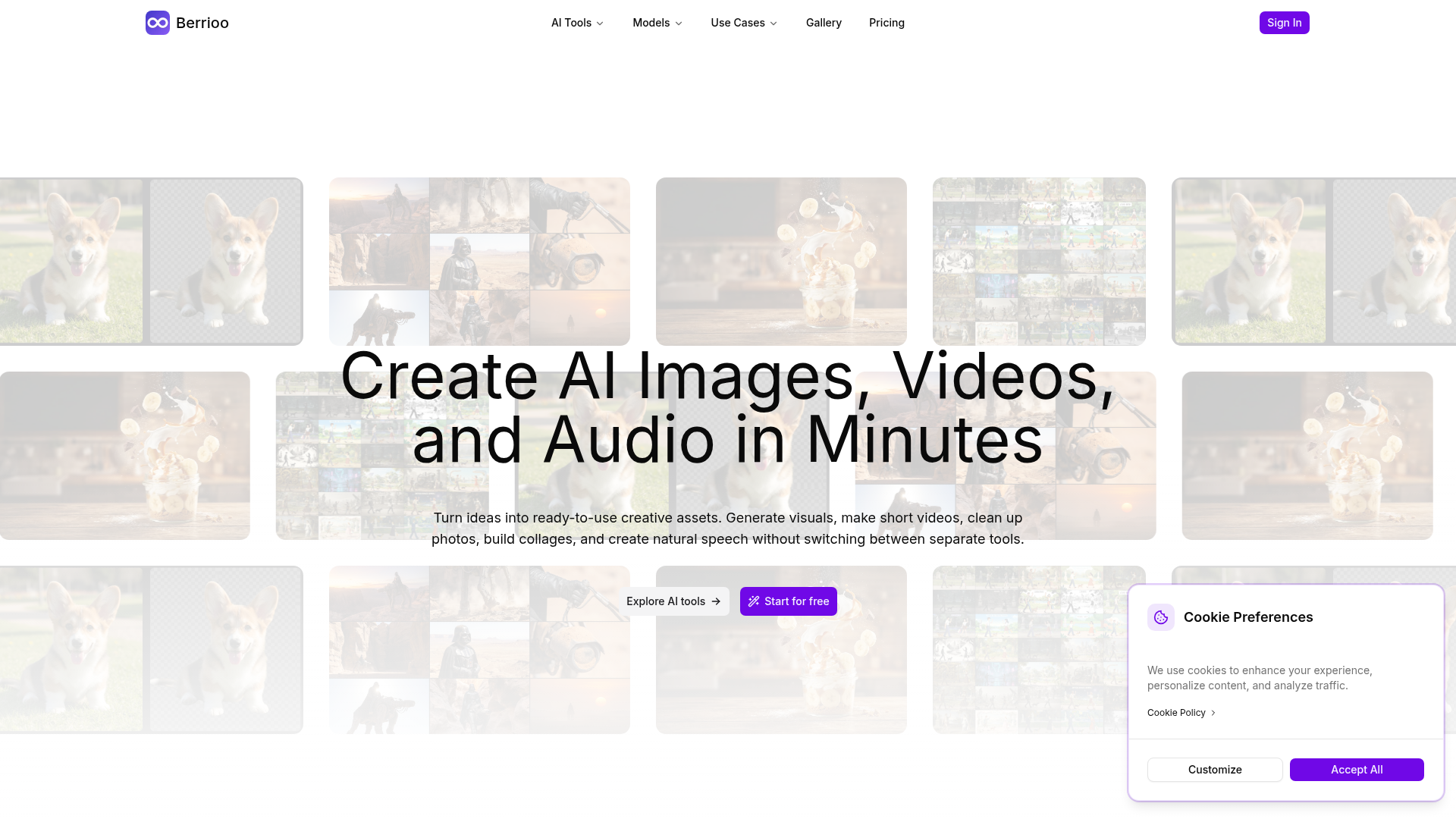

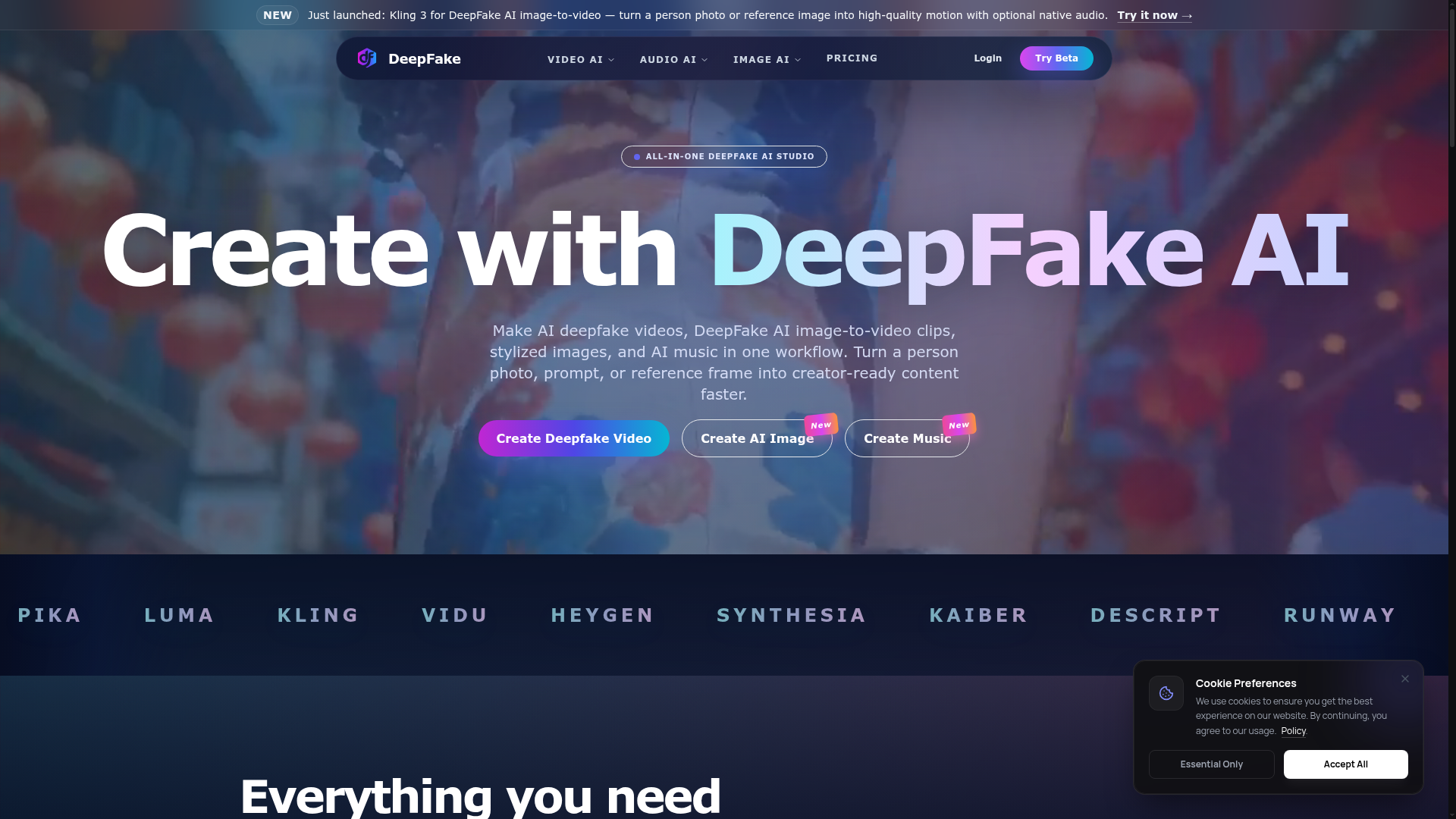

All-in-one AI studio for deepfake videos, image-to-video, images, and music.
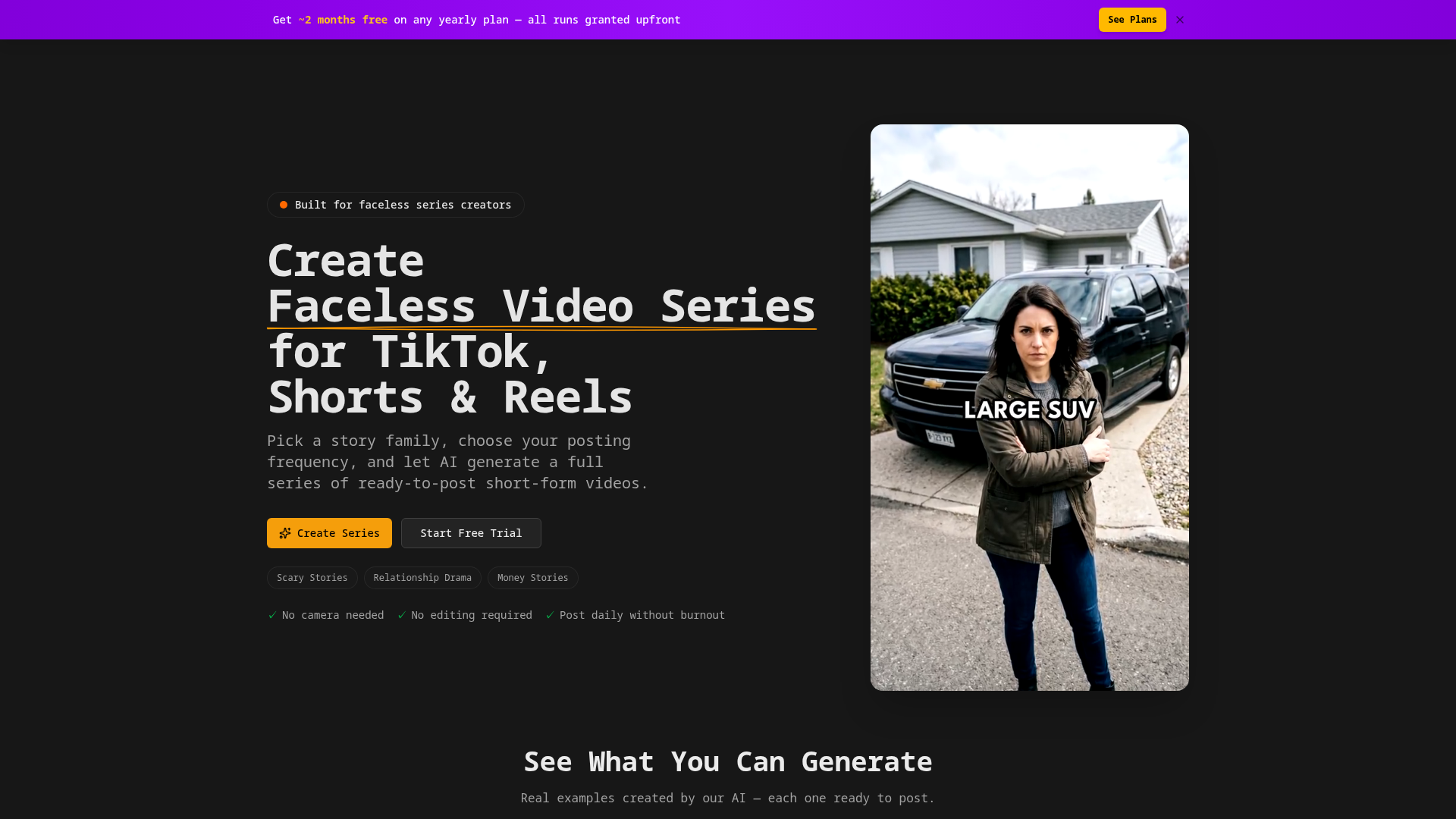

Create Faceless Video Series for TikTok, Shorts & Reels with AI-generated content.
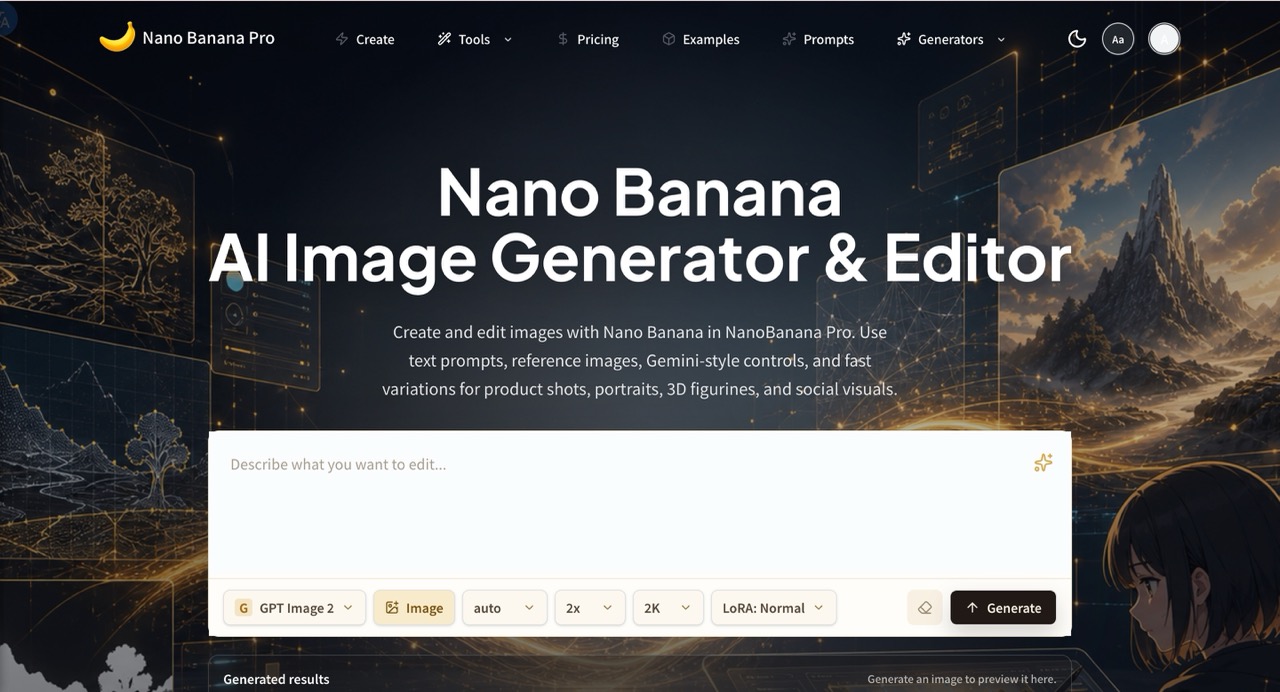

NanoBanana Pro is an AI image generator and editor for creating, editing, and refining images with text prompts, reference images, and fast visual variations.
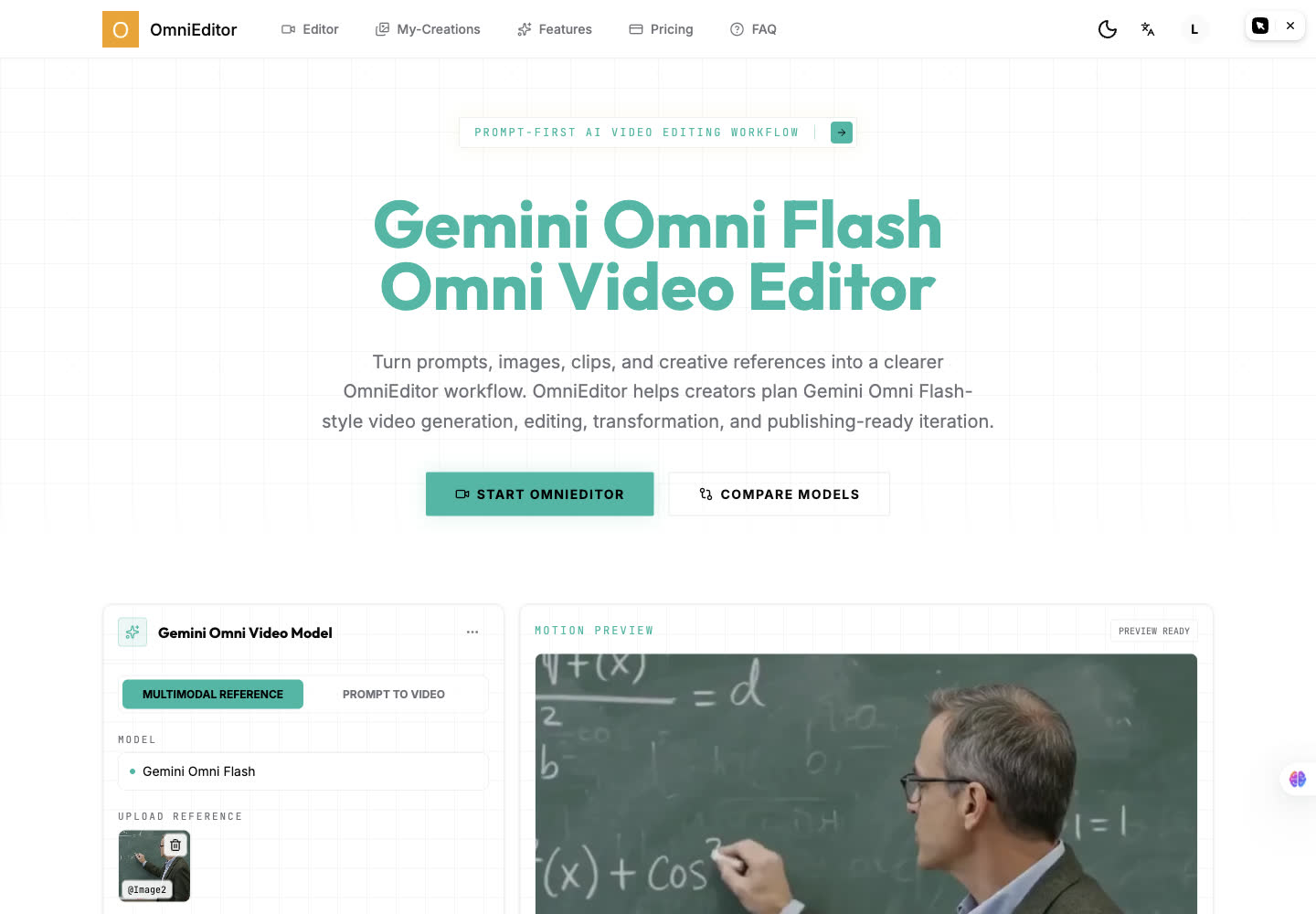

AI video editing and generation workflow for prompt-led creator videos.
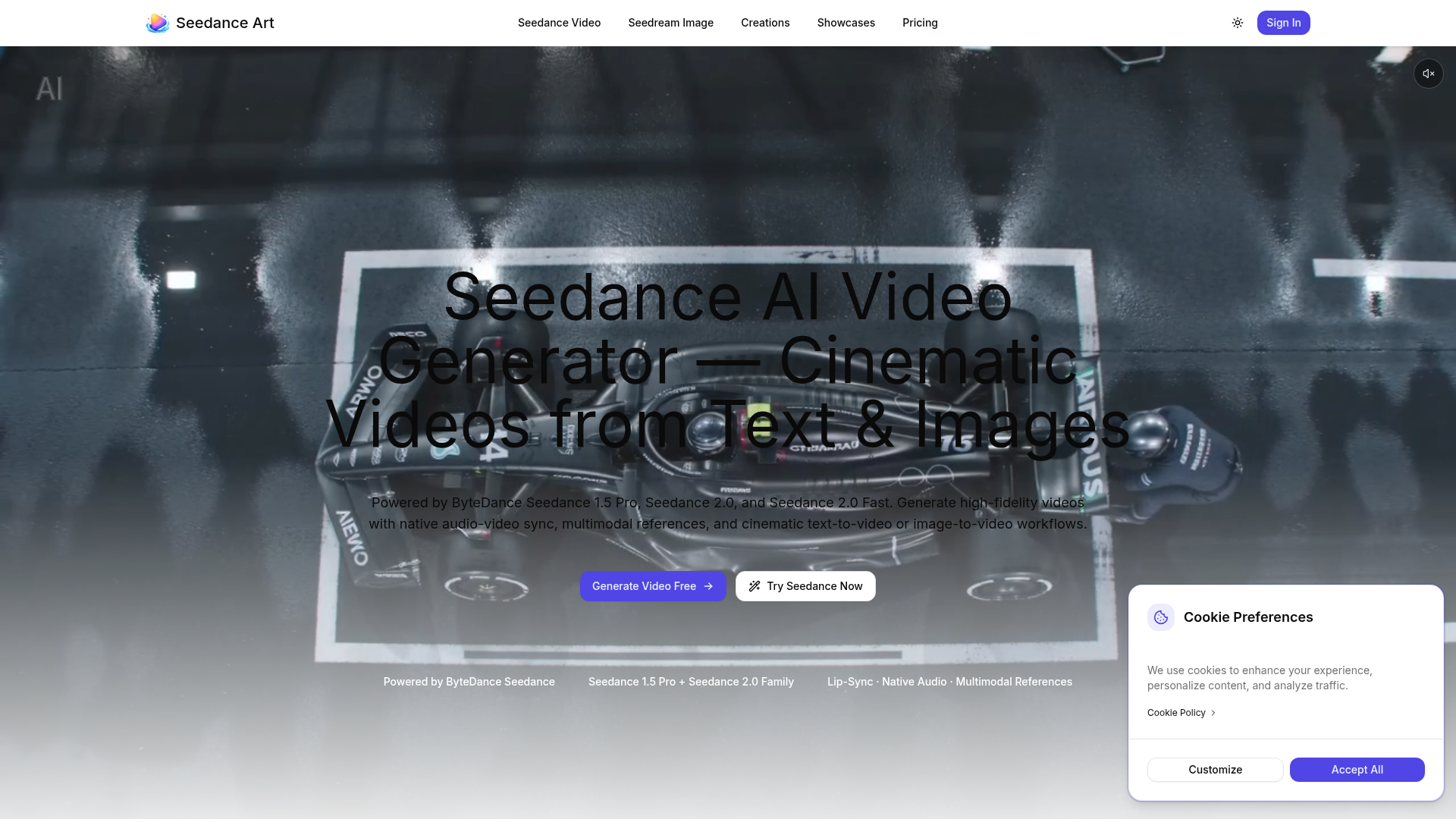

Generate high-fidelity videos with native audio-video sync, multimodal references, and cinematic text-to-video or image-
What is an AI video generator?
An AI video generator creates video clips from a text prompt, image, script, or avatar, instead of filming. It can produce short social clips, product and marketing videos, or animate a still image. Tools range from full text-to-video models to editors with avatars, templates, and captions.
Core features to look for
- Text-to-video from a prompt or script
- Image-to-video animation of stills
- Avatars, voiceover, and auto captions
- Templates, brand kits, and resizing
- Scene editing and regeneration
- Free plans, watermark rules, and exports
Who uses AI video generators, and how
Text-to-video creation
Start from a prompt, script, or product idea and generate a short video draft without filming.
Image-to-video animation
Turn product shots, characters, or design assets into moving clips for social and ads.
Free plan testing
Compare free generators by watermark rules, export limits, credits, and quality.
Marketing video workflows
Use templates, captions, brand controls, and resizing for repeat campaigns.
How does an AI video generator work?
AI video generators use models trained on video and image data. From a prompt or a starting image, they generate frames that stay consistent over time, then assemble them into a clip; avatar tools instead drive a presenter with your script and a synthetic voice. Editing features let you regenerate scenes and add captions.