



ByThen is an AI video producer for faceless content. It lets you generate storytelling videos in a single workflow. The platform includes scriptwriting, key visuals, storyboarding, voiceover, video generation, music, and timeline editing. Every project exports directly as an MP4 file.
Best AI Video Generator Tools (2026)
Compare AI video generators for text-to-video, image-to-video, avatars, short clips, free plans, and marketing workflows.

WeShop AI is an image and video creation platform for e-commerce teams. Upload a product photo and generate AI models, virtual try-ons, and marketing visuals.
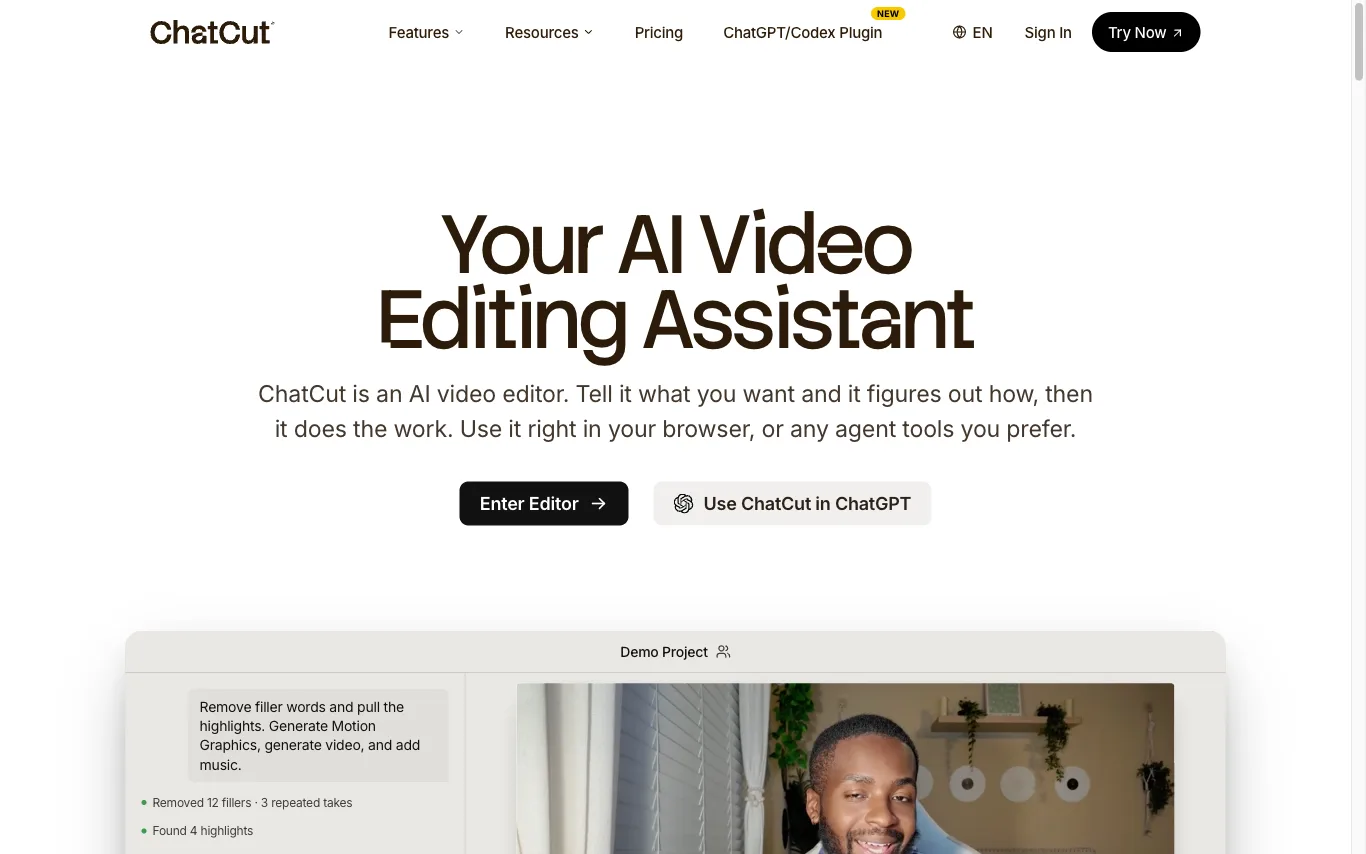

ChatCut is a web-based AI video editor. You describe an edit in plain language and its agent analyzes your footage, then builds a real timeline with captions, B-roll, motion graphics, and music.
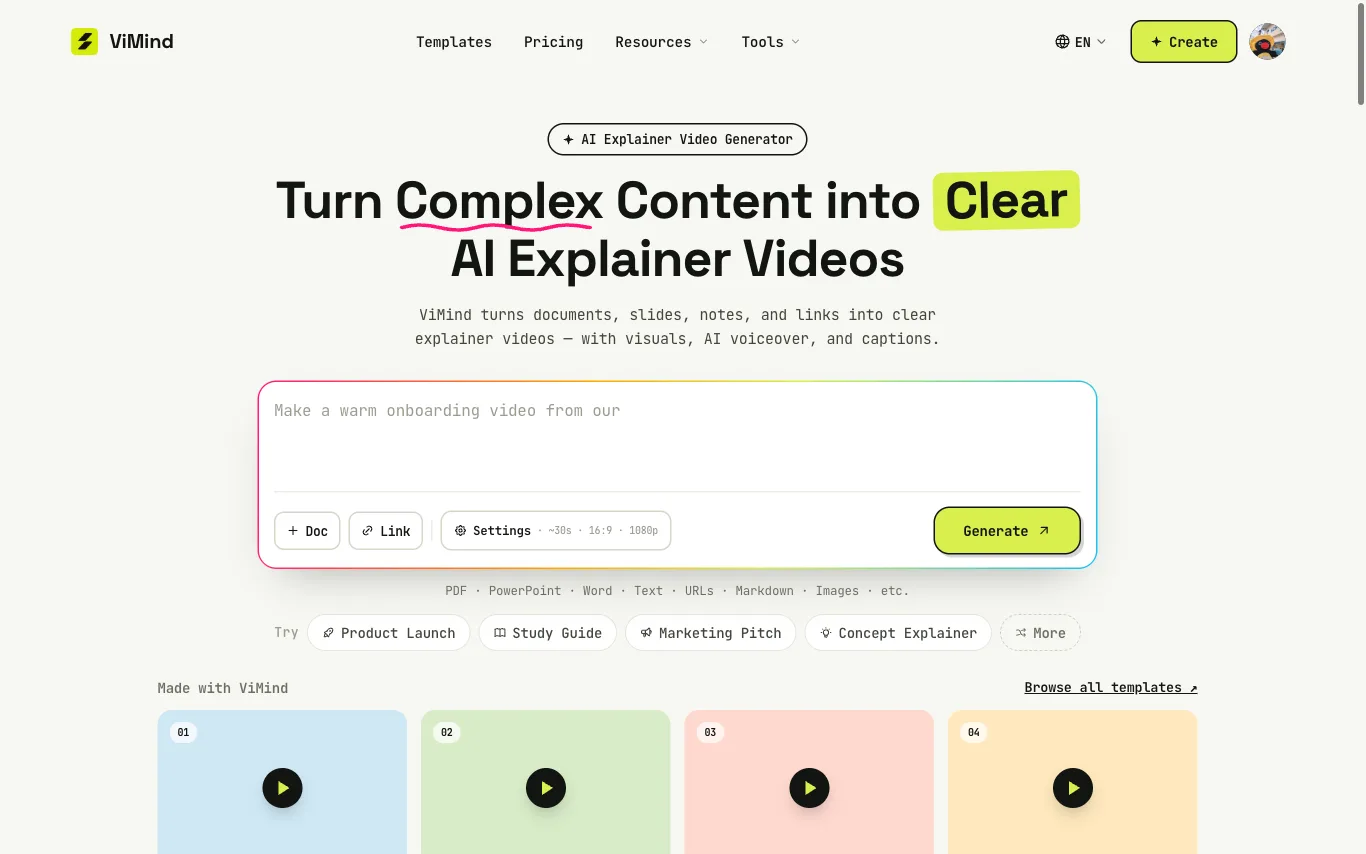

Create AI explainer videos from PDFs, PowerPoint, text, notes, and URLs. ViMind turns existing content into clear visuals with AI voiceover and captions.
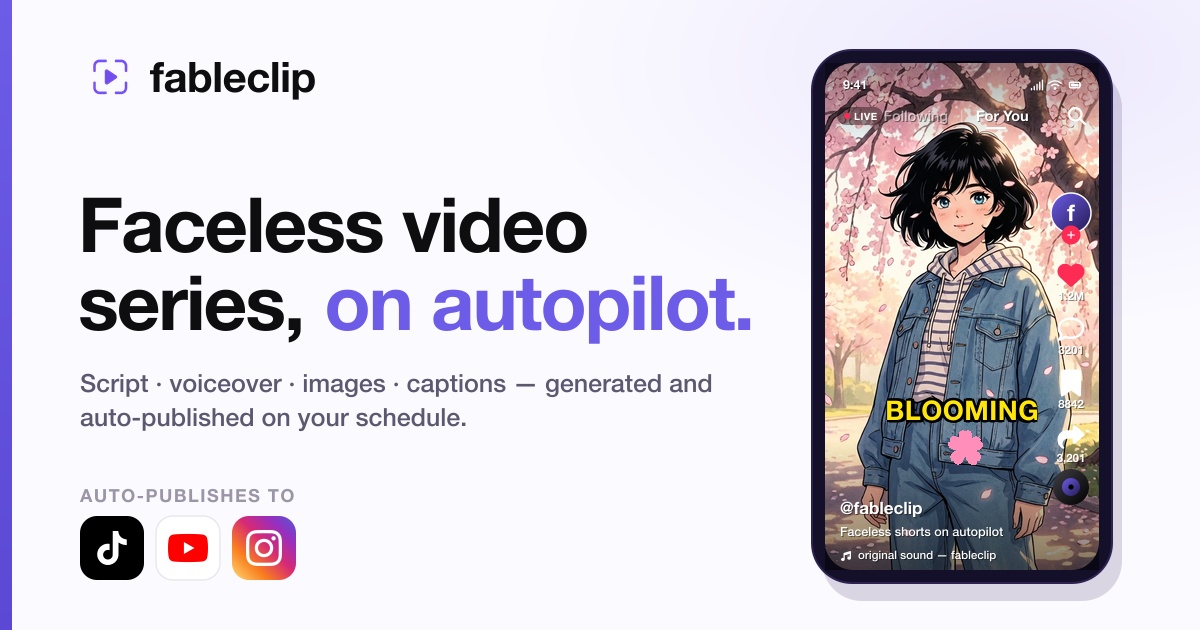

AI faceless video generator that writes, narrates, illustrates & auto-publishes video series
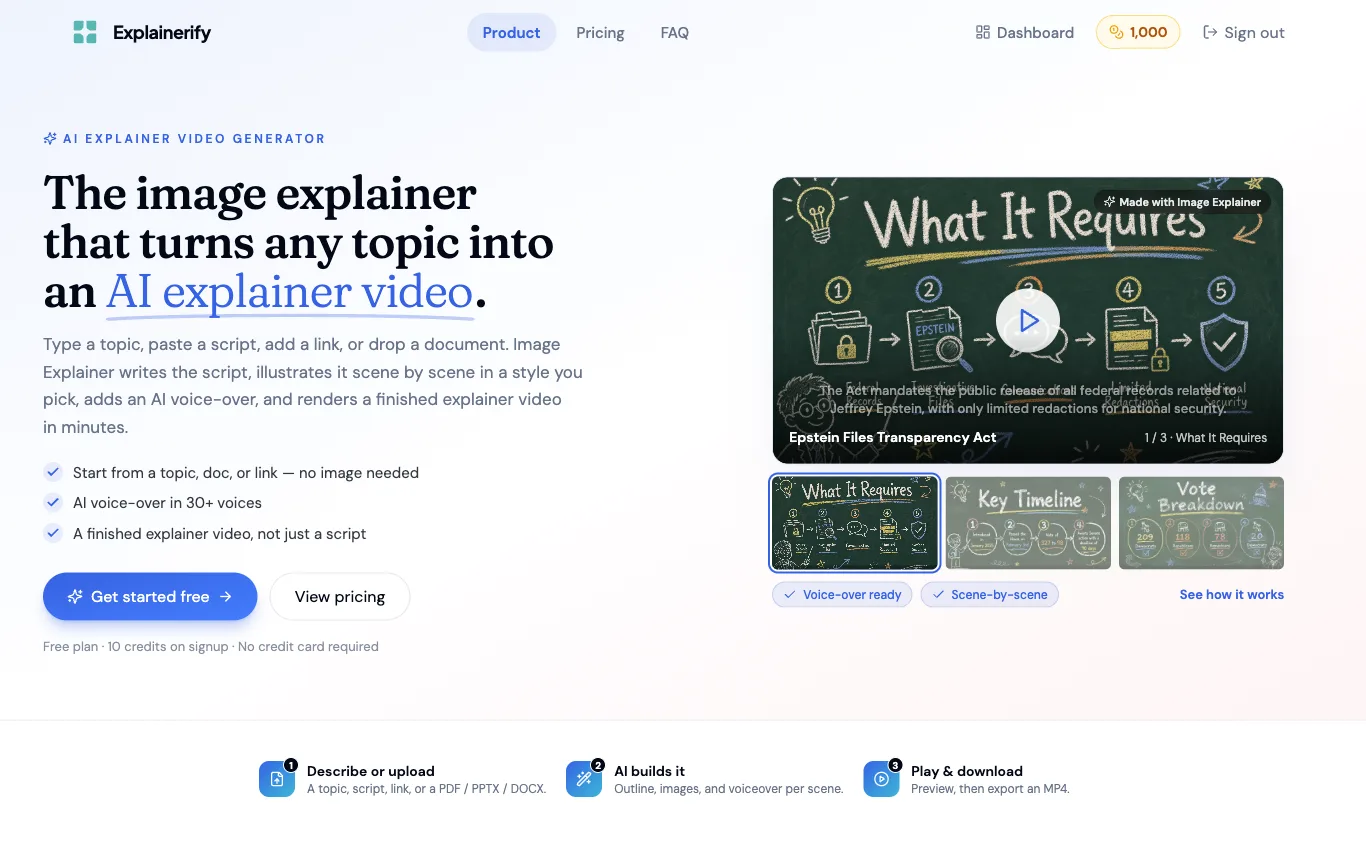

Explainerify generates finished explainer videos from a topic, script, link, or document. It writes the script, illustrates each scene in a chosen visual style, and adds an AI voice-over in 30+ voices.
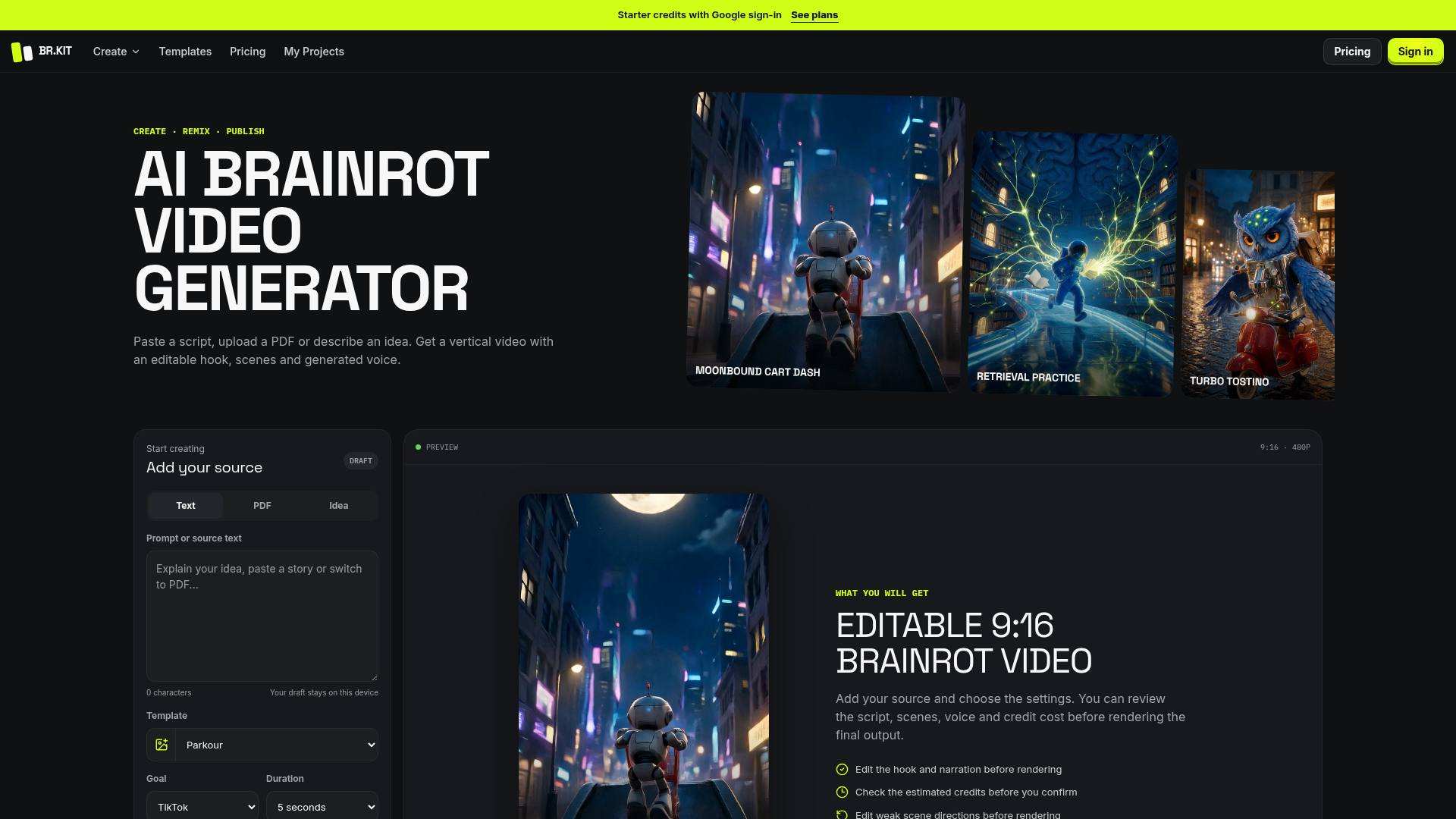

Paste a script, upload a PDF or describe an idea. Get a vertical video with an editable hook, scenes and generated voice

Make short AI video from a prompt or a photo. Text to video and image to video in one free FLUX 3 AI video generator — n
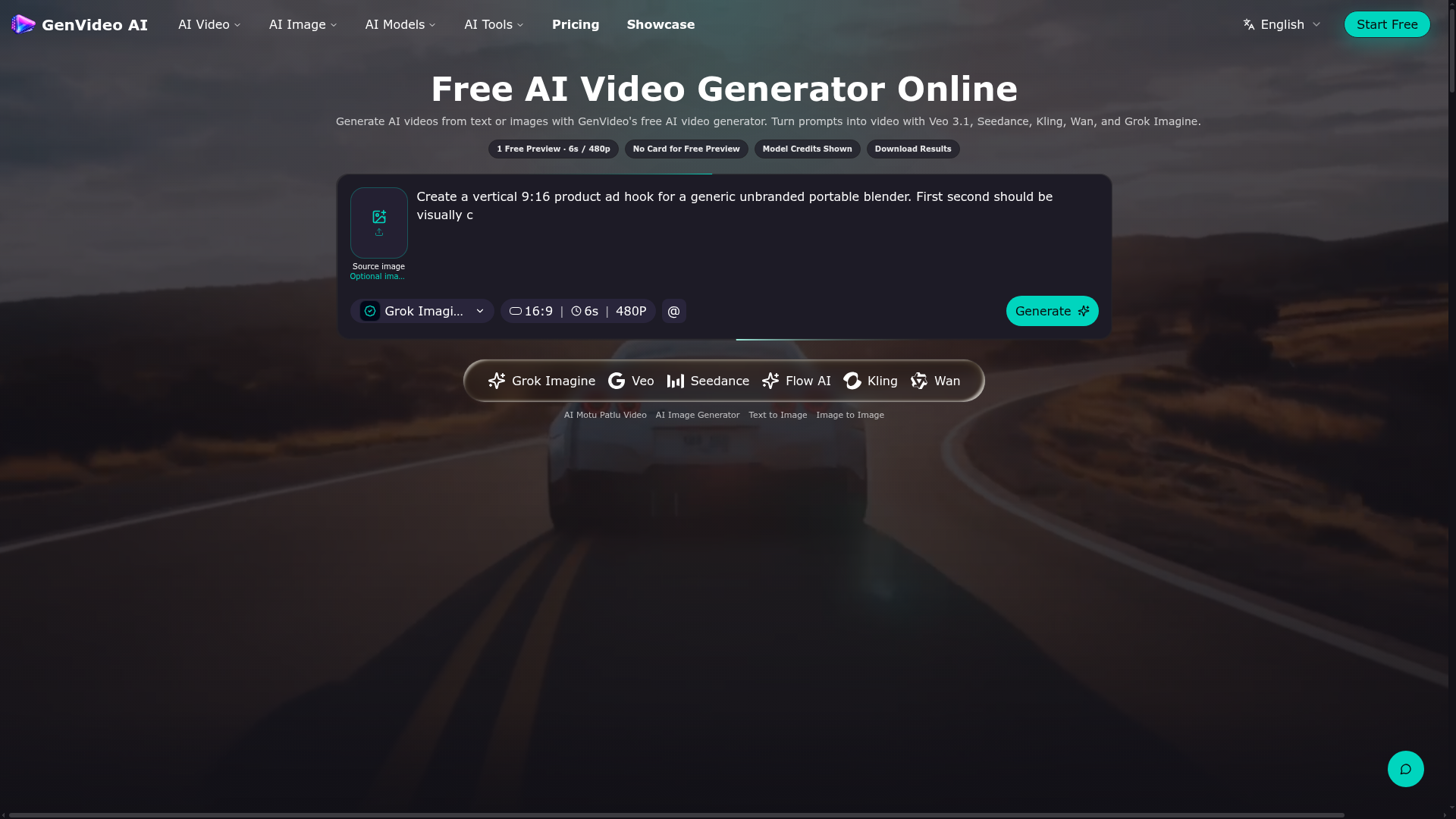

Generate AI videos from text or images with GenVideo's free AI video generator.
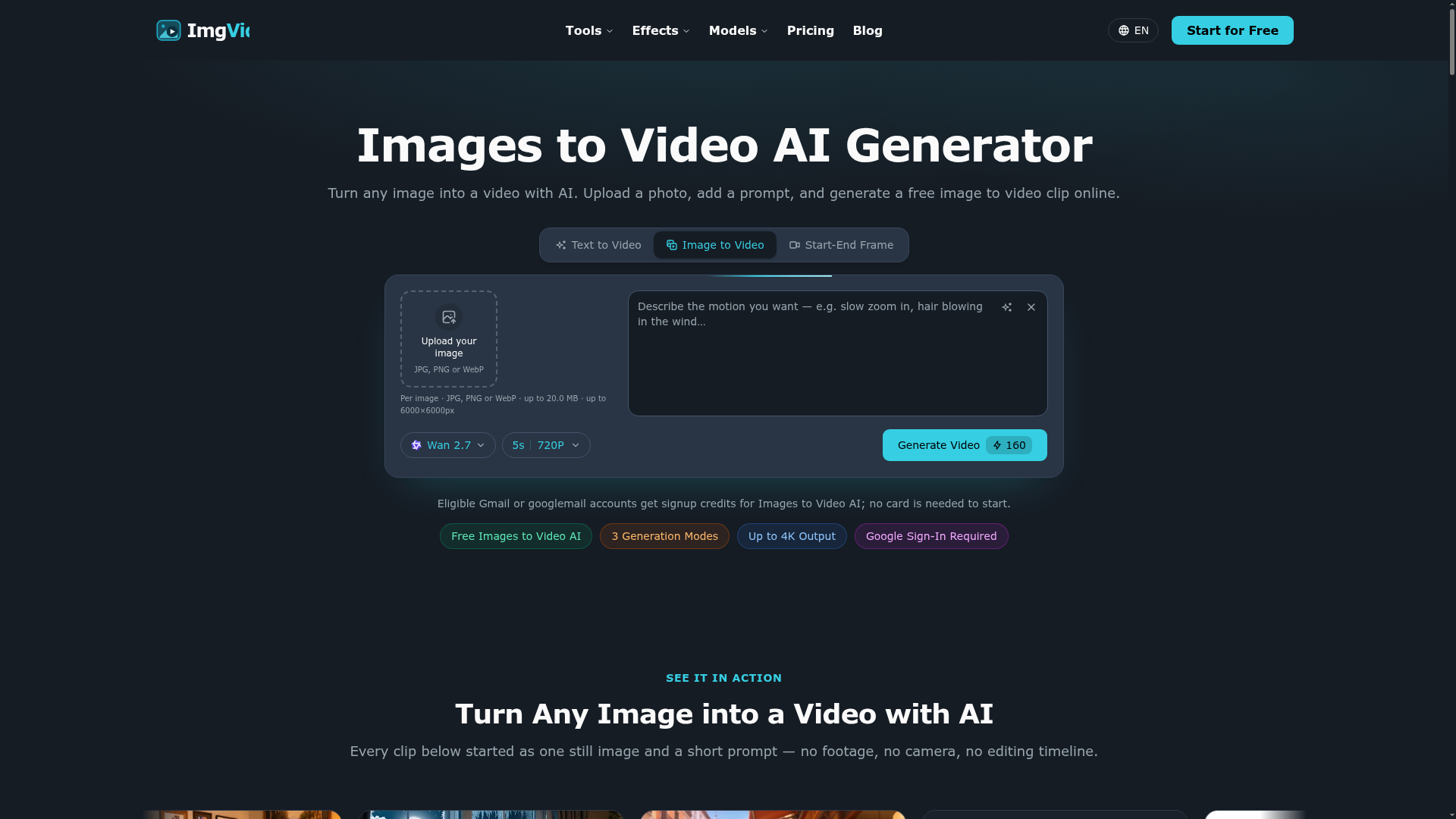

Turn any image into a video with AI. Upload a photo, add a prompt, and generate a free image to video clip online.
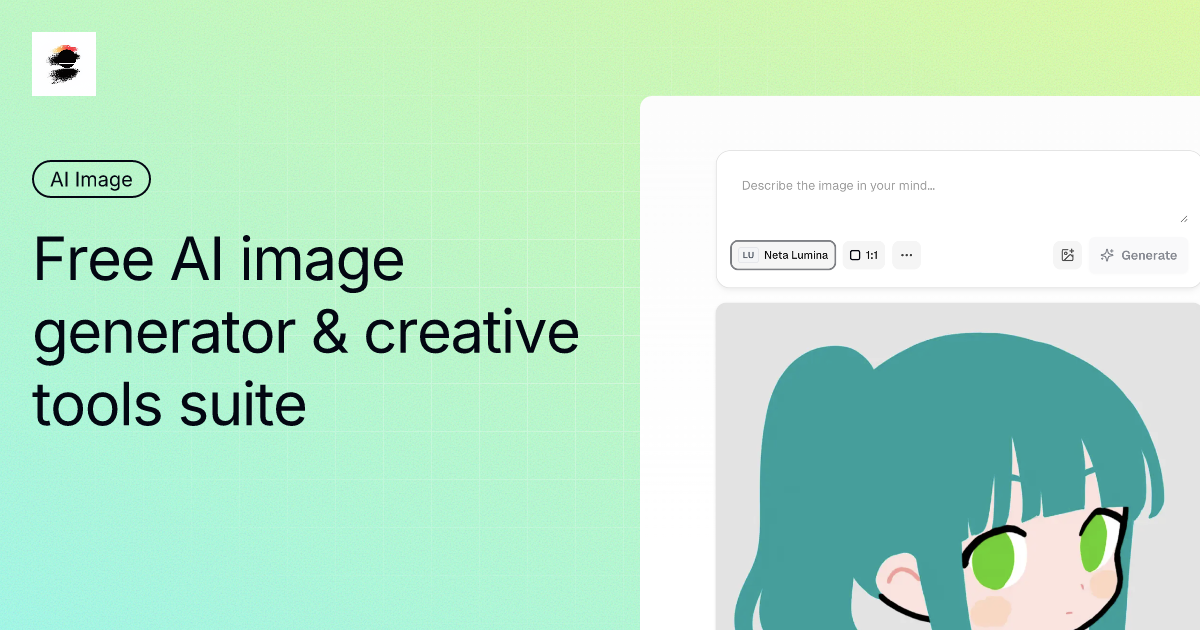

Free Unlimited AI Image Generator with multiple models, no-login creation, multilingual support, AI editing, and watermark-free downloads.
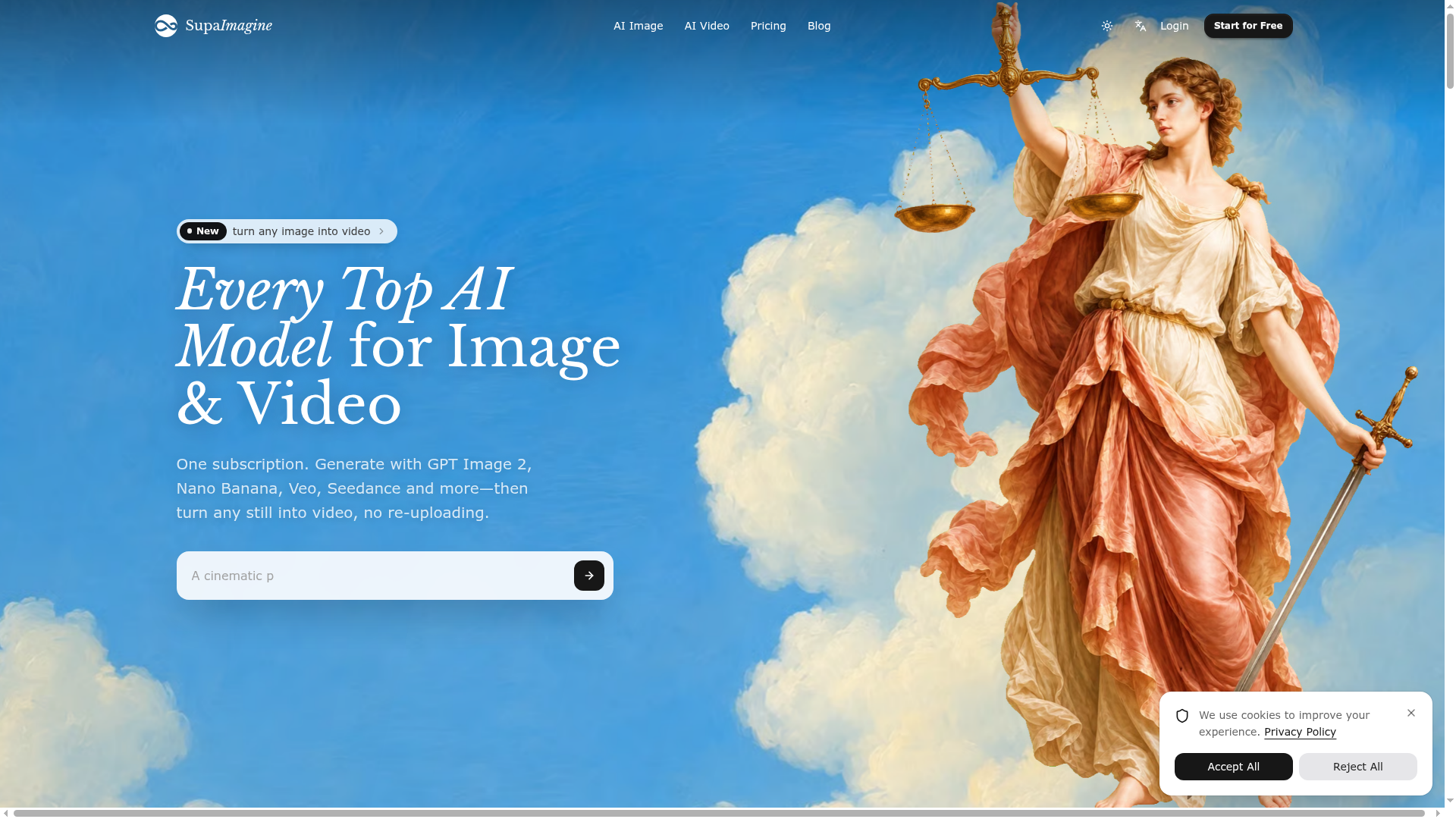

Related categories
What is an AI video generator?
An AI video generator creates video clips from a text prompt, image, script, or avatar, instead of filming. It can produce short social clips, product and marketing videos, or animate a still image. Tools range from full text-to-video models to editors with avatars, templates, and captions.
Core features to look for
- Text-to-video from a prompt or script
- Image-to-video animation of stills
- Avatars, voiceover, and auto captions
- Templates, brand kits, and resizing
- Scene editing and regeneration
- Free plans, watermark rules, and exports
Who uses AI video generators, and how
01
Text-to-video creation
Start from a prompt, script, or product idea and generate a short video draft without filming.
02
Image-to-video animation
Turn product shots, characters, or design assets into moving clips for social and ads.
03
Free plan testing
Compare free generators by watermark rules, export limits, credits, and quality.
04
Marketing video workflows
Use templates, captions, brand controls, and resizing for repeat campaigns.
How does an AI video generator work?
AI video generators use models trained on video and image data. From a prompt or a starting image, they generate frames that stay consistent over time, then assemble them into a clip; avatar tools instead drive a presenter with your script and a synthetic voice. Editing features let you regenerate scenes and add captions.